


Original Size: 5.6 GB
Repack Size: from 2.1 GB
Languages: ENG/MULTI5
Companies: Antstream, Commodore
- >
- ###.Arrival in T-minus 47 seconds. Report – Intex Elite Archive Retrieval Team – Attempt Thirty-Six._###
- 35 years ago, this station initiated blackout protocols, burying the first era of Intex’s xeno operations.
- Your objective – Infiltrate the station, get power and systems back online, uncover the last, complete archive of original redacted documents, first-person combat firefights and classified secrets.
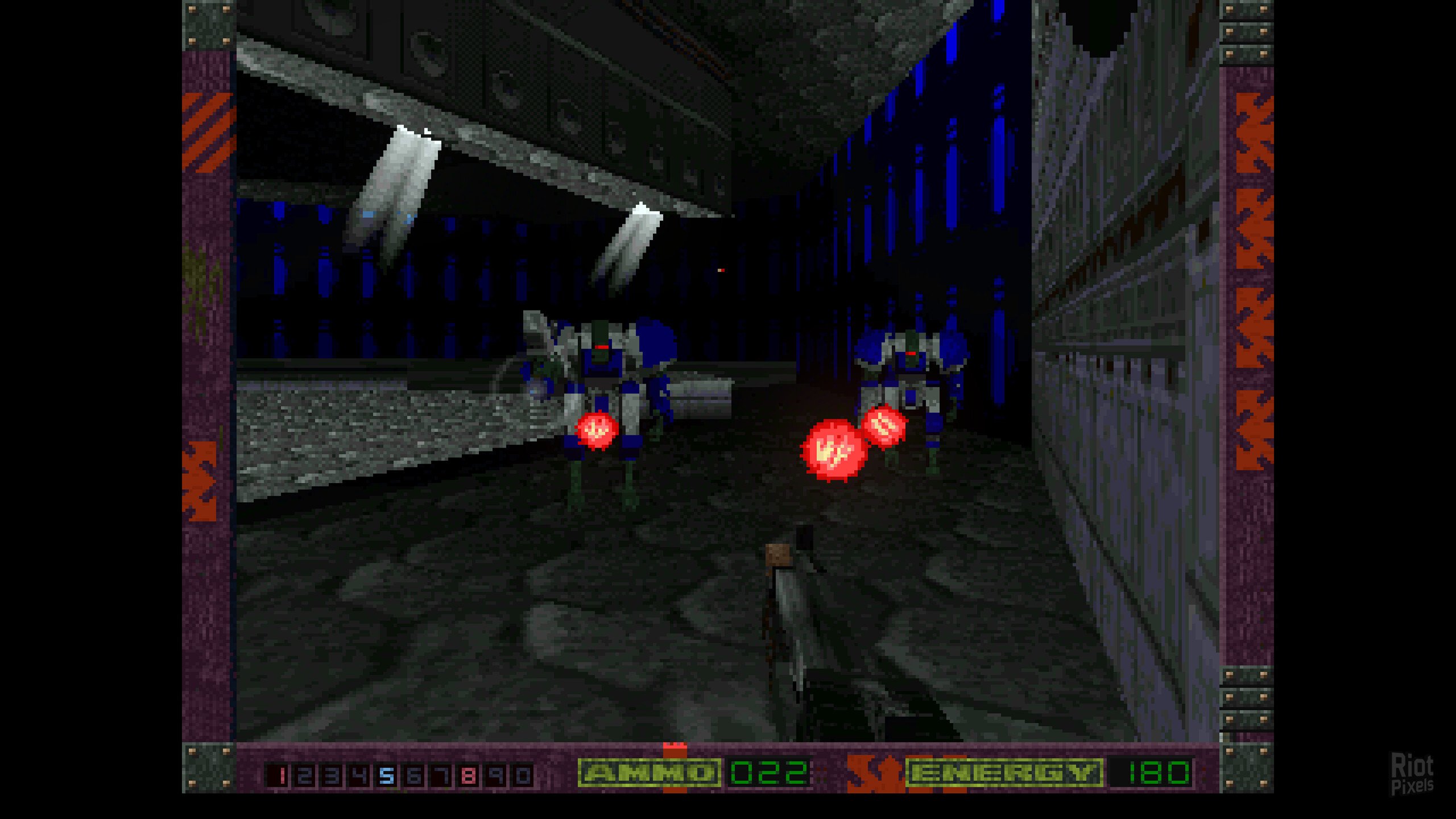
- Archive footage and the all-new Horde Mode training will equip you with the skills you will need to survive. When you’re ready, deploy across six core original campaigns as a lone-wolf, with locally assigned personnel, or alongside remote operators connected through a direct peer-to-peer uplink.
- Intex has unlocked an all-new tactical suite to increase chances of success. New software enhancements, modern combat control augments, and field-deployable revive packs are at your disposal. Overhauled optical tools will allow you to set up your HUD for complete environmental controls.
- Once complete, initiate return file transfer. You are not expected to survive. This operation will not be acknowledged. Your company thanks you for your service.
- _#Terminate File… Redact operational logs. /Deactivate>>
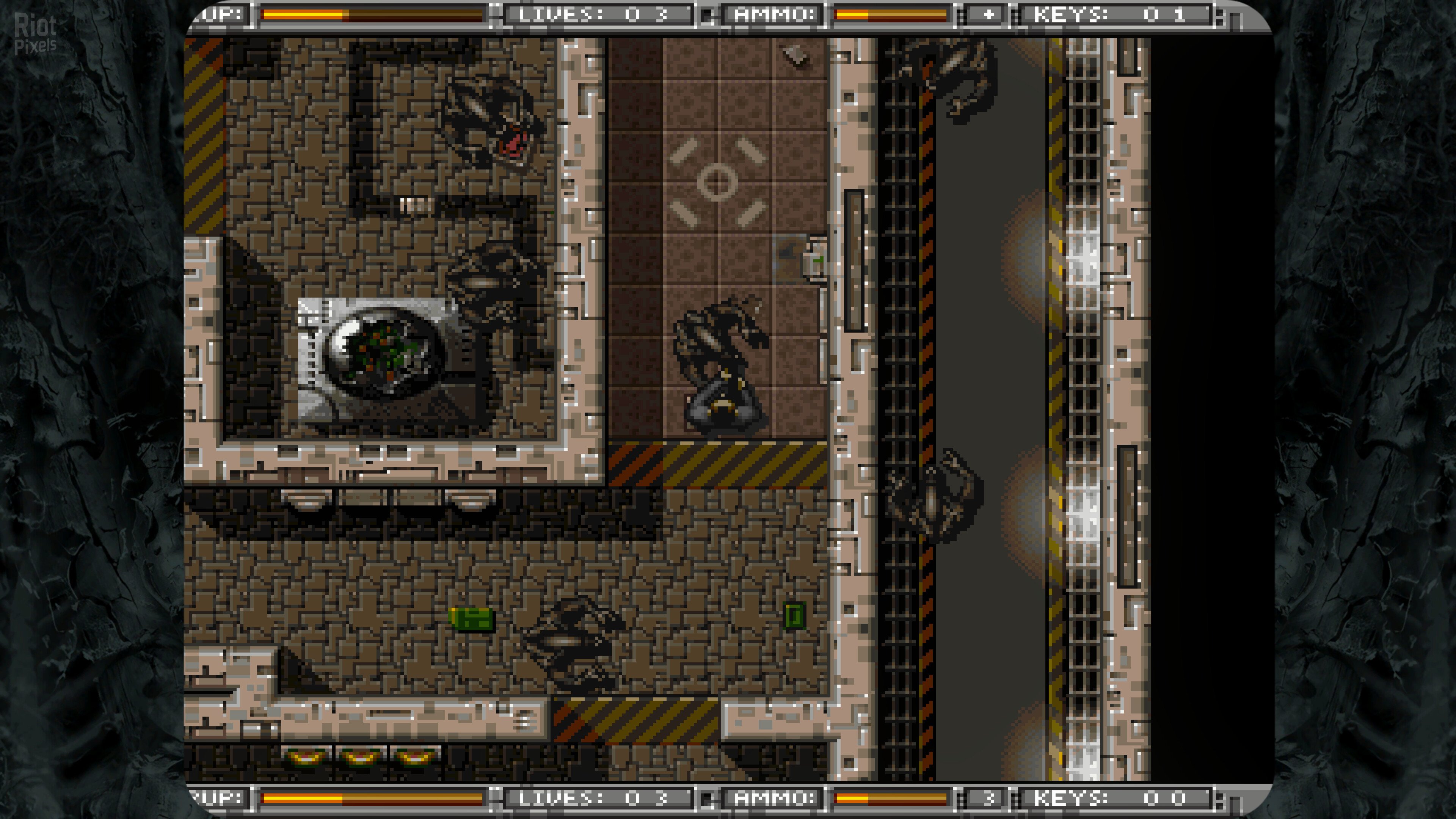
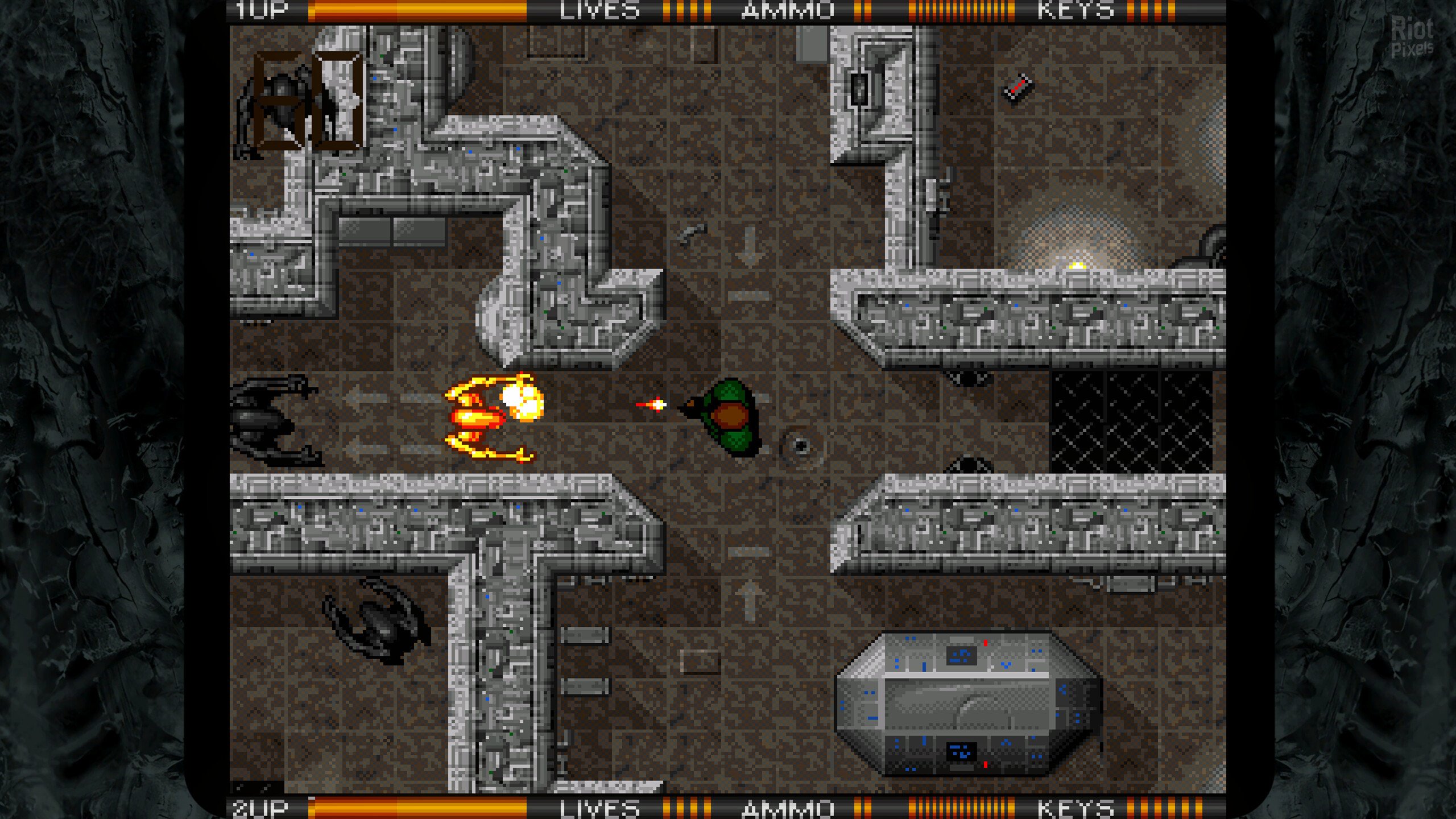
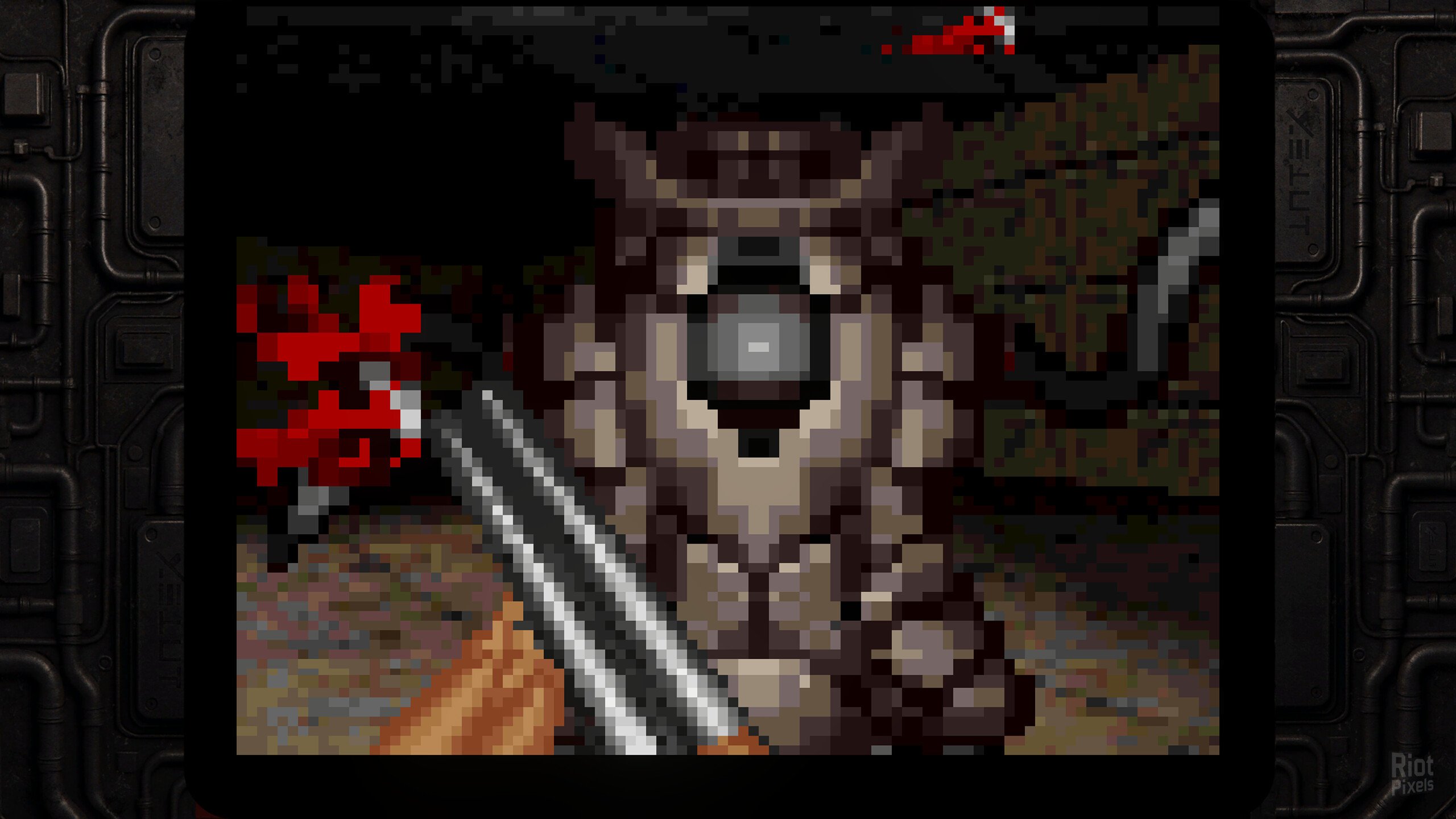
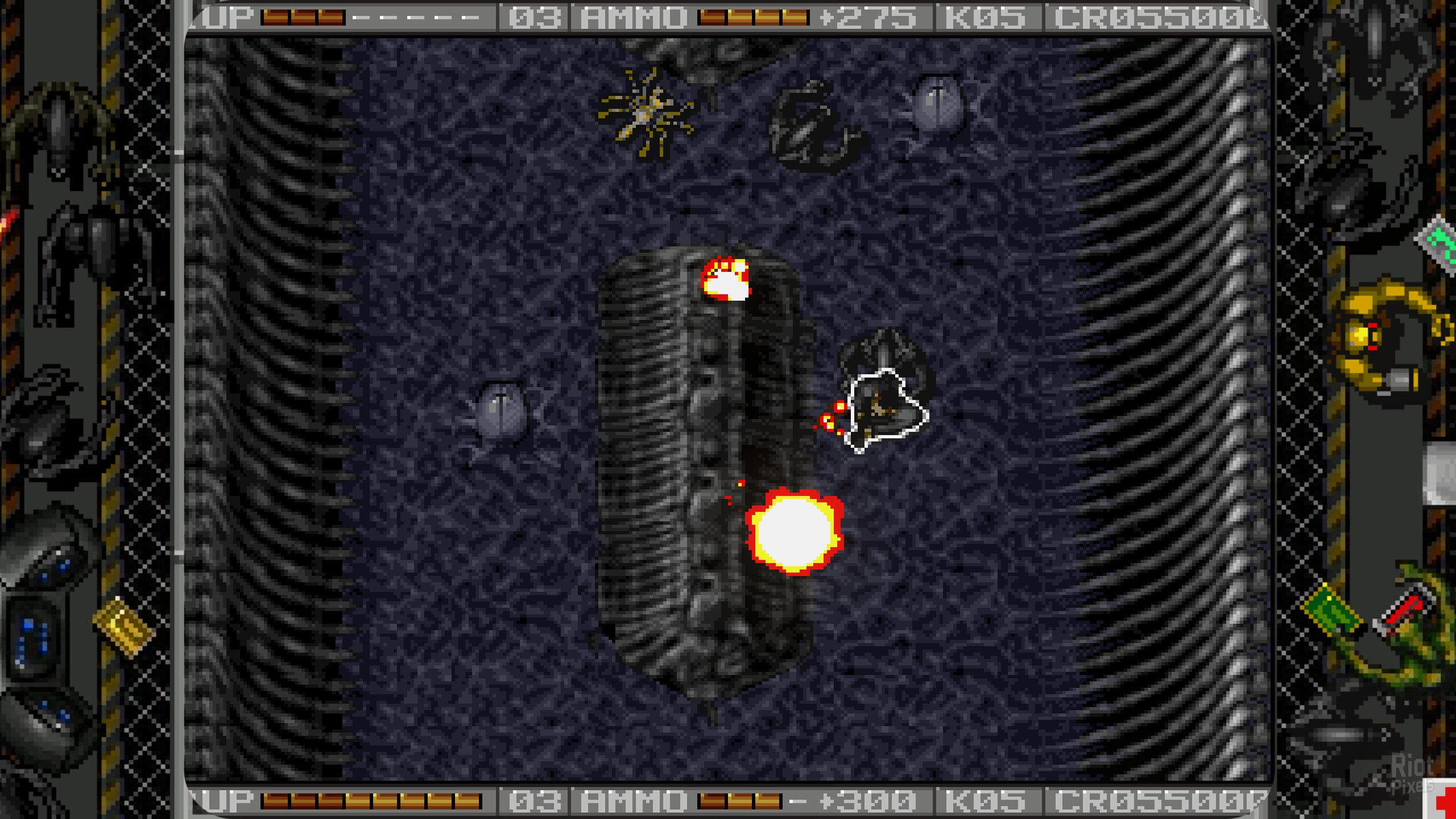
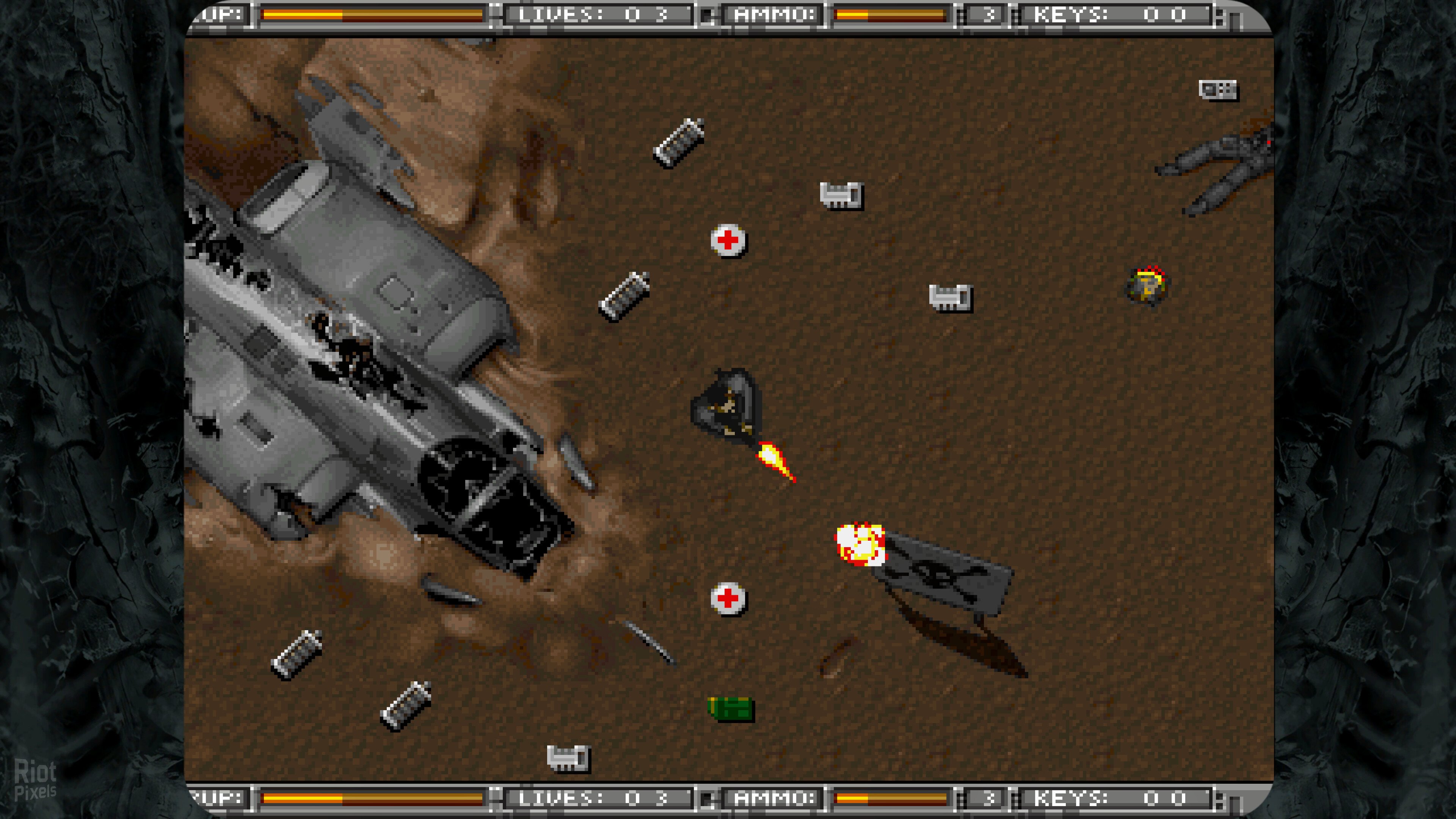
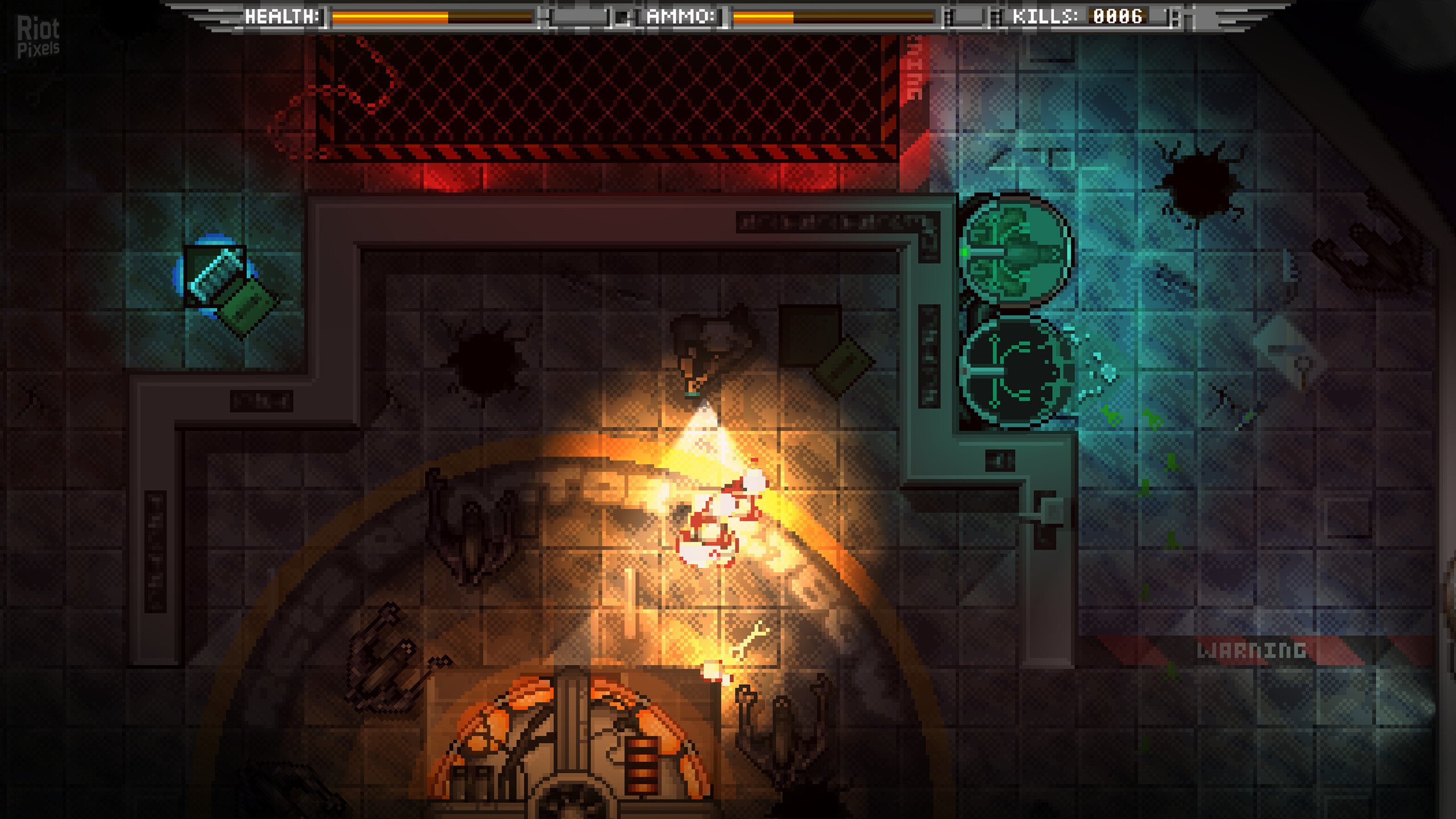
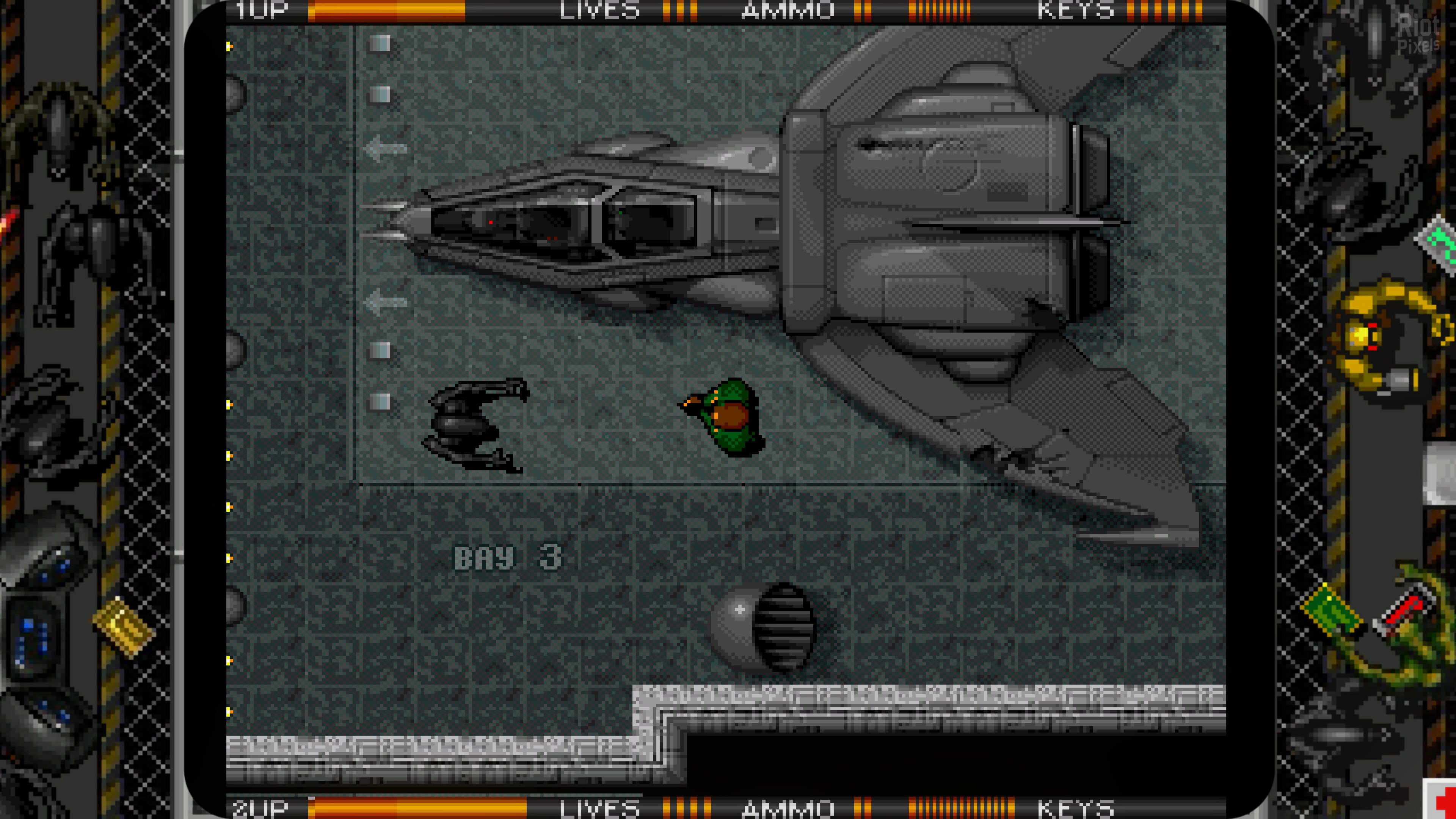
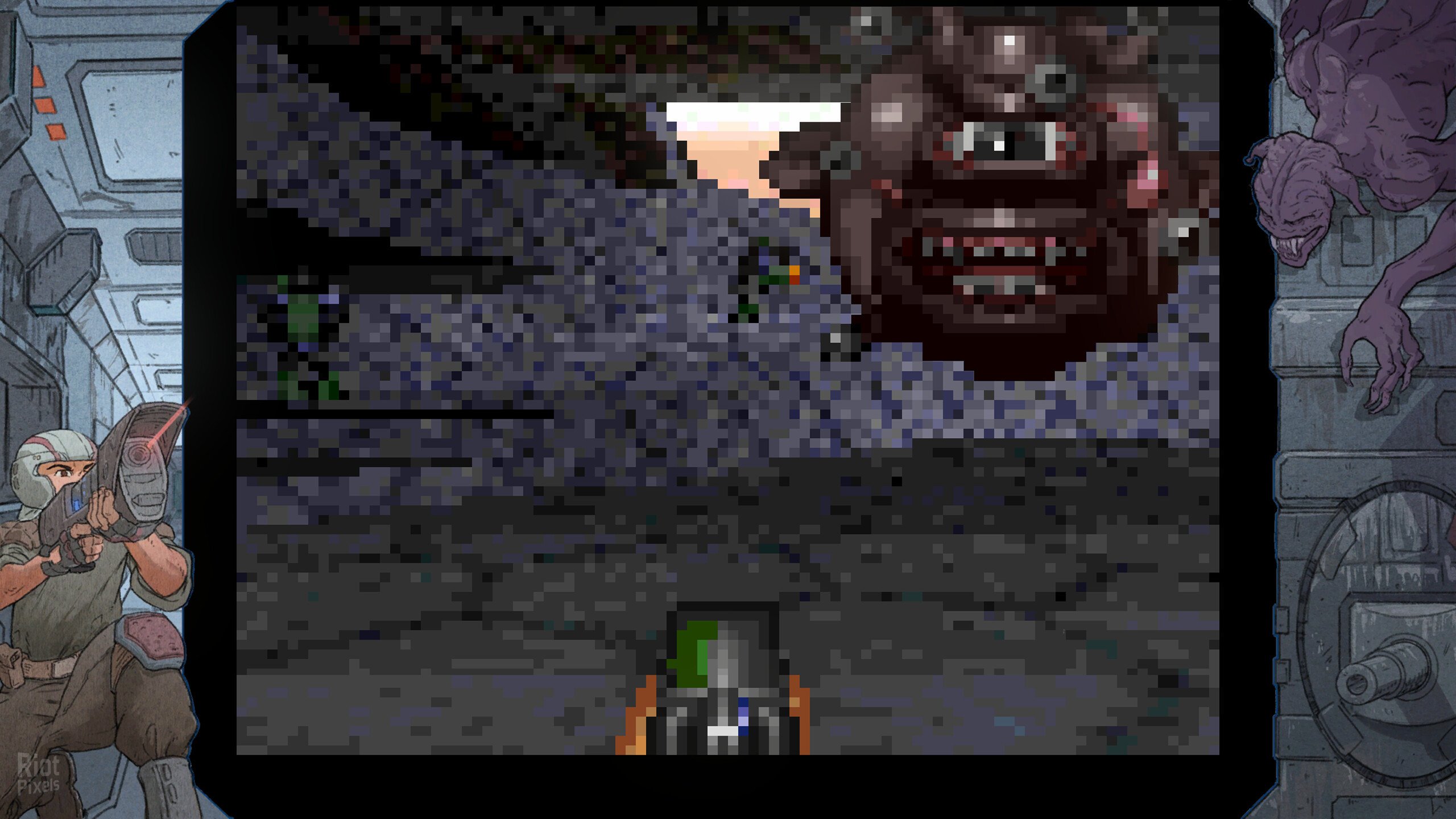
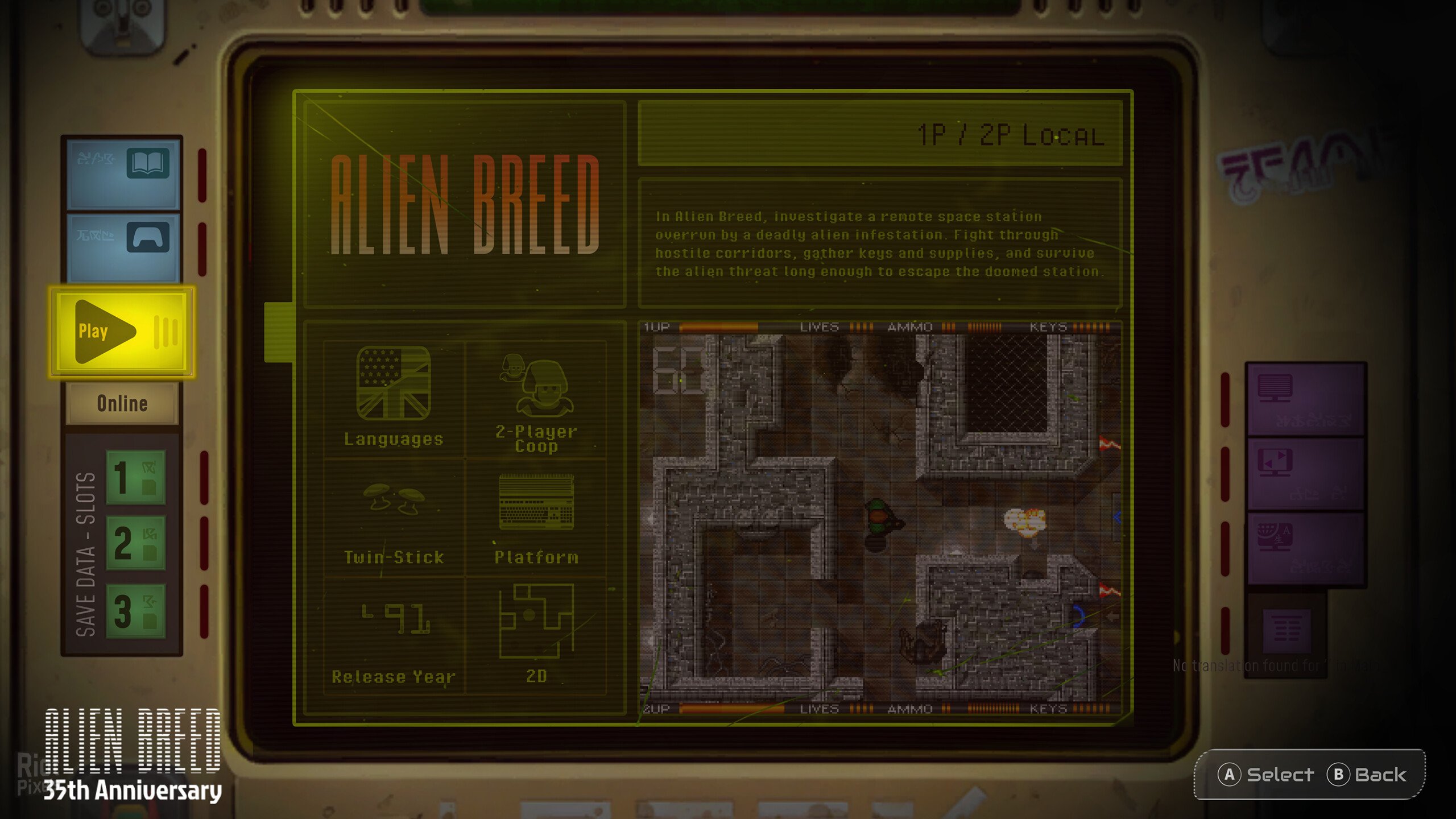
- Celebrate 35 years of top-down sci-fi horror-action with the definitive Alien Breed Collection. Experience the complete library of games, extras and more from the franchise’s first era, all optimised in their original formats and including modern controls.
- The Vault Interactive Archives
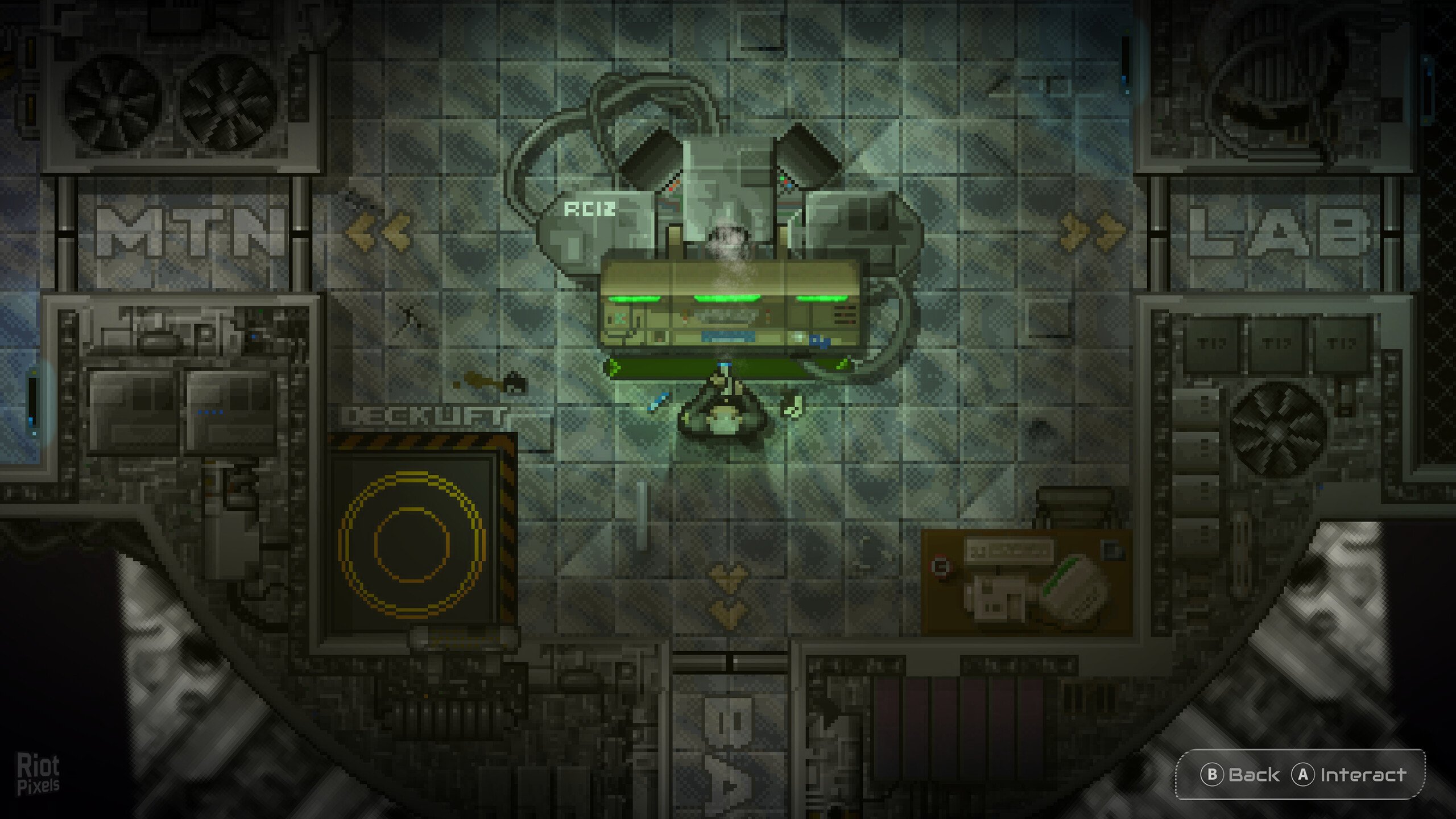
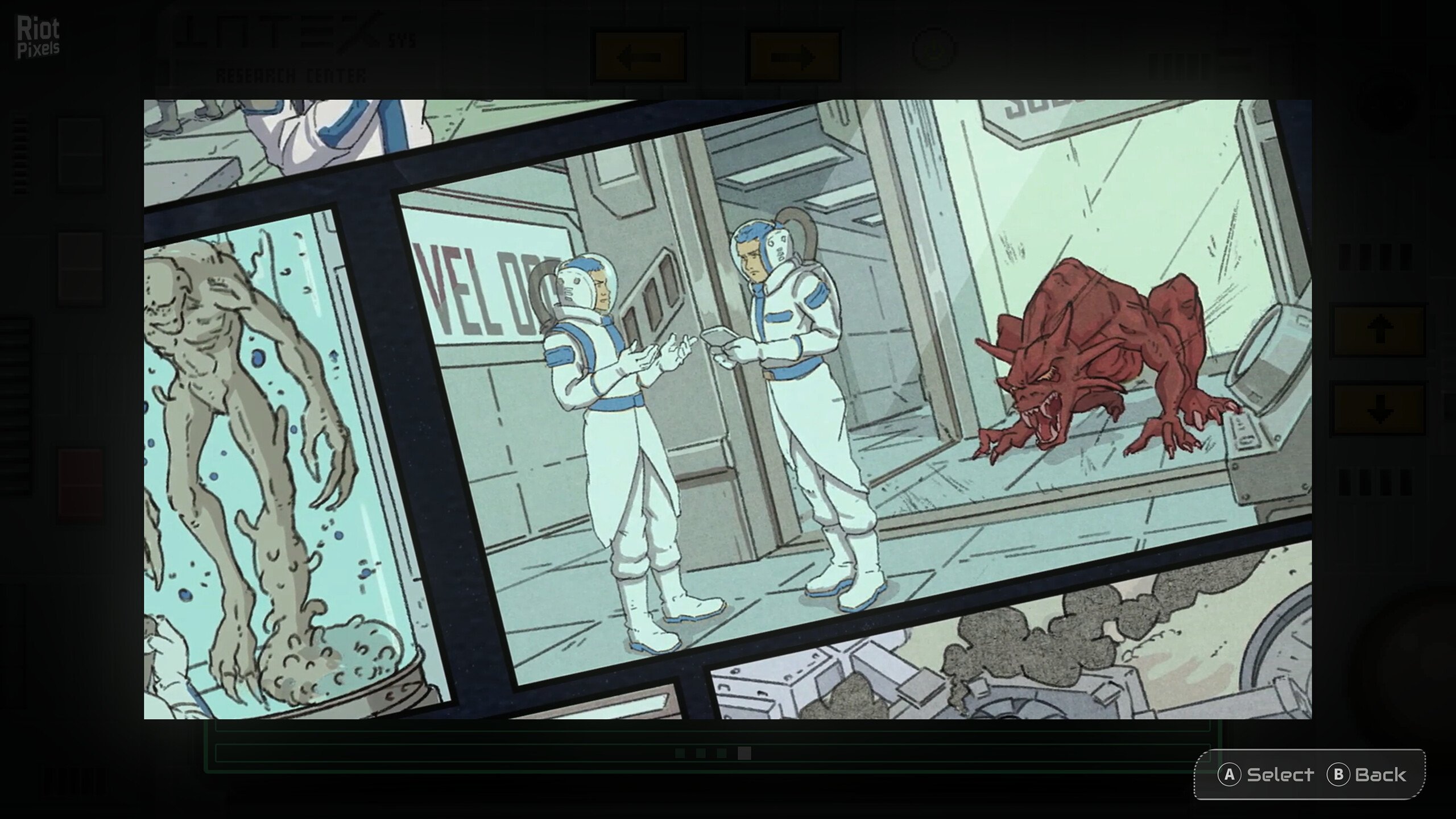
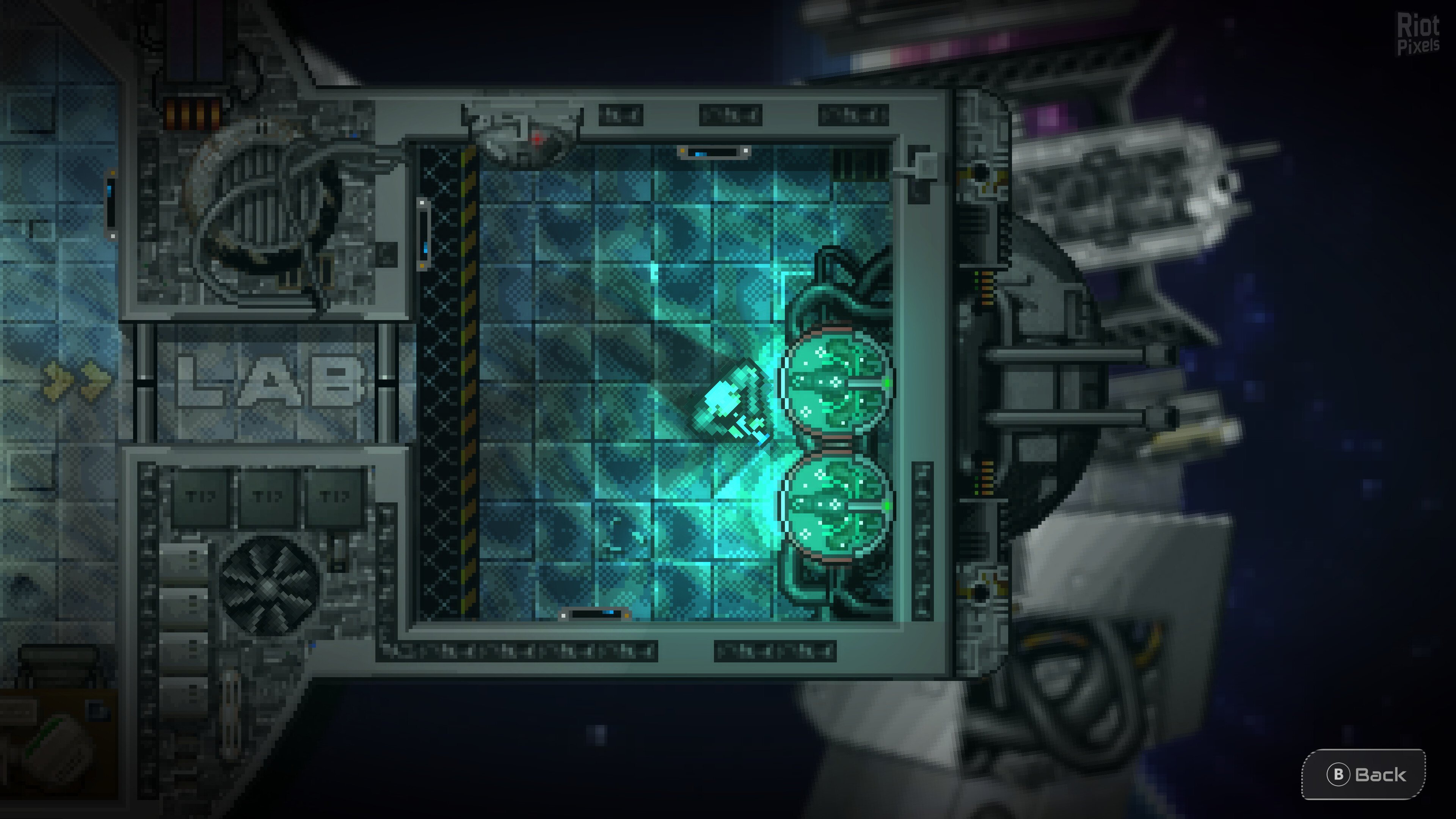
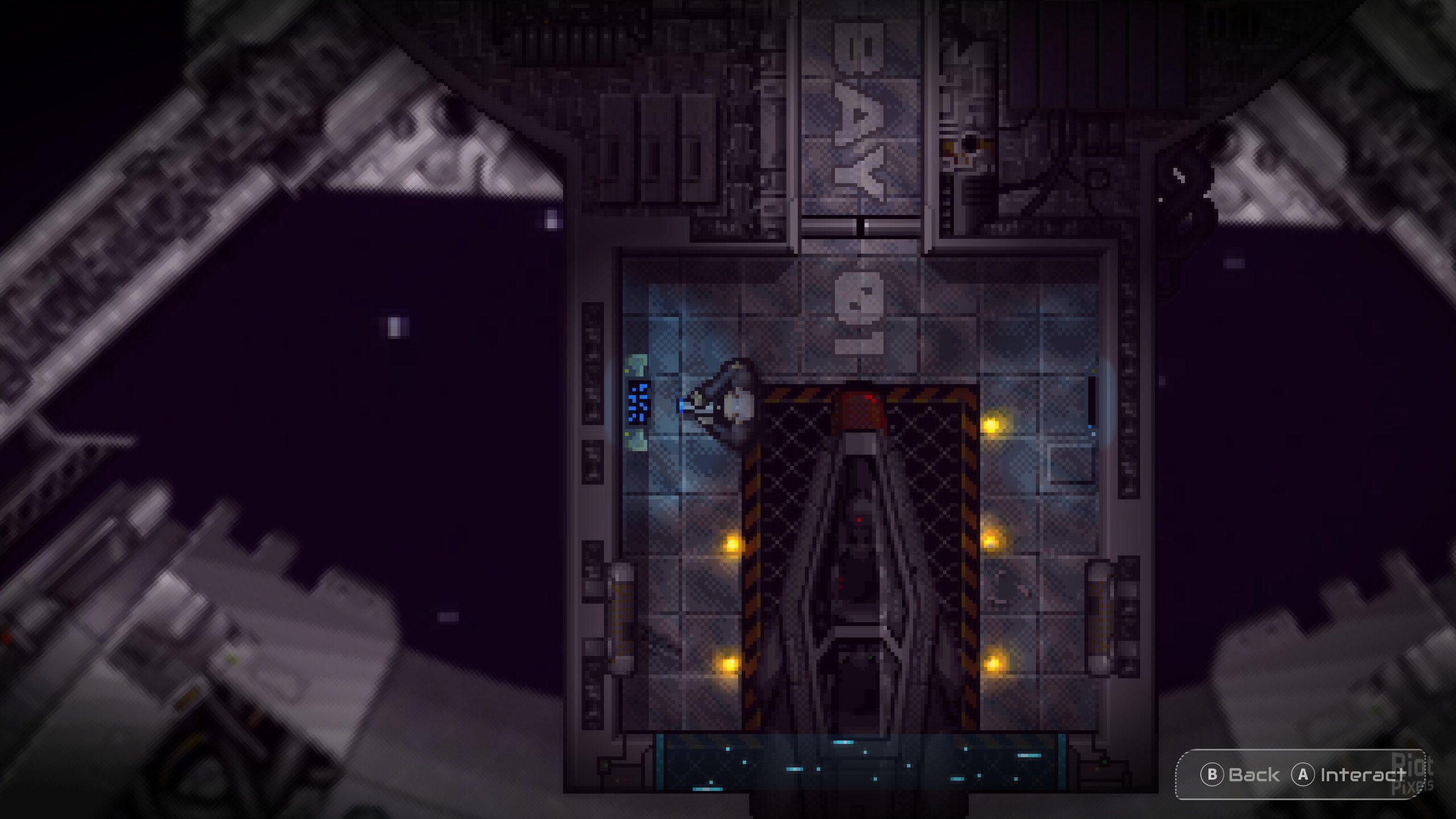
- Step behind the airlocks to explore an expansive archive of the series’ history through an in-universe interactive experience, hiding more than a few secrets. The Vault offers a deep dive into the concept art and original retail launches, while The Timeline features exclusive developer interviews and retrospective videos from the original team.
- Updated Combat, UI & Customisation
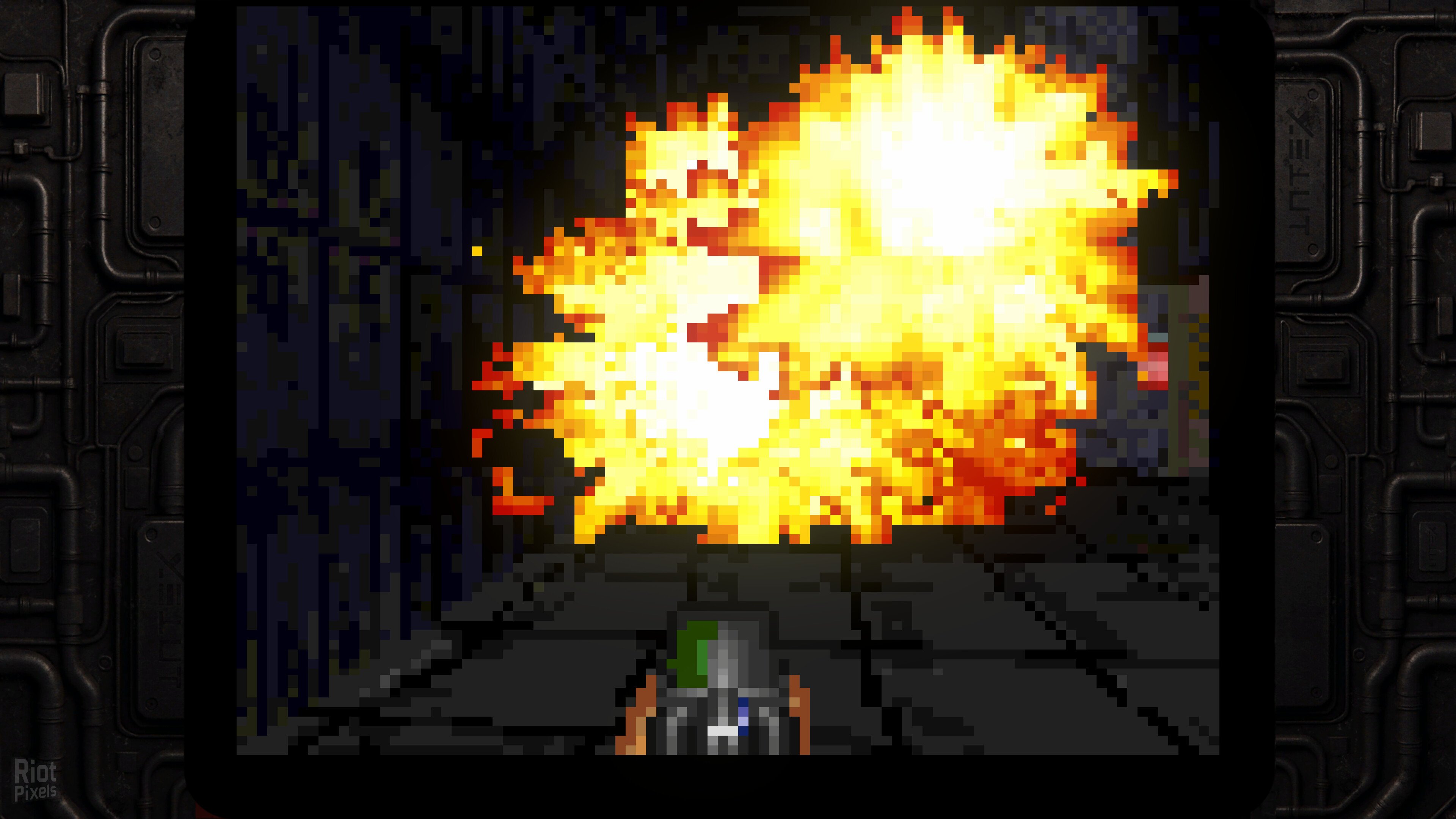
- An upgraded hardware interface makes the original titles more accessible without losing the soul of the original gameplay. Precision controls as standard, with full twin-stick support for both 2D and 3D titles, and classic Mouse and Keyboard support for 3D. Drastically improved framerates provide a fluid FPS experience. Tactical Save States provide multiple slots to pause and continue different runs. Fine-tune your visuals, audio and gameplay settings across the entire collection with the Global Customisation options.
- Retro-Visual Suite
- Switch between a classic 4:3 aspect ratio or modern 16:9 formats. Capture the authentic 90s glow with the CRT Experience offering professional-grade Scanlines, CRT TV, and “Mega CRT” filters. Toggle custom in-game screen bezels to perfectly frame the retro action on modern monitors.
- Multiplayer & New Challenges
- Couch Co-Op modes have been preserved exactly as players remember from the originals for those seeking a traditional trip down memory lane.
- New Rush Mode & Horde Mode – Take on a high-stakes P2P Online Co-Op experience in Rush Mode. Tackle the relentless swarm in solo or as a team across all supported platforms with no saves and no continues.
- Discover the all-new Horde Mode solo survival experience. See how long you can last against the hunger of the Breed.
- Based on Alien_Breed_35th_Anniversary_Collection-Razor1911 ISO release: rzr-alienbreed35th.iso (6,019,645,440 bytes)
- Game version: v1.0.1
- 100% Lossless & MD5 Perfect: all files are identical to originals after installation (ONLY when installed with bonus videos!)
- NOTHING ripped, NOTHING re-encoded
- Selective Download feature: you may skip downloading and installing of bonus videos
- Smaller archive size (compressed from 5.6 to 2.1/5.2 GB)
- Installation takes 1-3 minutes
- After-install integrity check so you could make sure that everything installed properly
- HDD space after installation: 8.5 GB
- Language can be changed in game settings
- Repack uses XTool library by Razor12911
- At least 2 GB of free RAM (inc. virtual) required for installing this repack
Download Mirrors
It is recommended to always use Magnet for downloads, and we suggest the following open-source clients: Gopeed
- https://fuckingfast.co/41lh4ls8racw#Alien_Breed_35th_Anniversary_Collection_–_f…
- https://fuckingfast.co/kyljxluyfjad#Alien_Breed_35th_Anniversary_Collection_–_f…
- https://fuckingfast.co/qxafdkgfaghm#fg-optional-bonus-videos.part1.rar
- https://fuckingfast.co/xsyxr35u4on3#fg-optional-bonus-videos.part2.rar
discussion && update
https://cs.rin.ru/forum/viewtopic.php?f=10&t=161406
Website links
- Always recommend using magnet links to download games for faster and more stable speeds. Recommend pure, open-source, ad-free download software (such as Gopeed or BitComet).
- Before running the game, evaluate the game’s system hardware requirements. If your computer only has 2G of RAM, you basically cannot expect to run large next-gen games smoothly.
- Extracting high-compression packages consumes a lot of memory. You must enable virtual memory and manually set it to 1 to 1.5 times the physical memory.
- Example: If the computer has 8G RAM, suggest increasing to 12GB – 16GB; if 16G RAM, set to 24GB (both initial and maximum values fill in 24576 MB).
- When extracting the game, the hard drive needs 2-3 times the free space of the game installation package. For example, if the package is 10G, the target drive needs at least 20-30G of free space.
- The hard disk partition format must be NTFS. The outdated FAT32 format cannot write single files larger than 4GB, which will cause the extraction to freeze.
- During game installation, temporarily disable Windows Defender or third-party antivirus software, or add the “game download directory” and “target installation directory” to the antivirus exclusion list.
- If the computer has less than 4G RAM, or high-end computers frequently report extraction errors, be sure to check “Limit installer to 2 GB of RAM usage” on the first interface during installation. This slightly limits extraction speed but greatly improves stability and solves 90% of memory overflow errors.
- When running setup.exe, always right-click the icon and select “Run as administrator” to ensure the installer has full system read/write permissions.
- The absolute path of the game installation cannot contain any Chinese characters, special symbols, or extra spaces.
- Correct example: “D:\Games\Steam”
- Wrong example: “D:\游戏\赛博朋克 2077”
- During the extraction process, the CPU and memory are pushed to the limit. At this time, strictly prohibit playing other large games, background rendering, or opening many browser tabs, otherwise it can easily cause resource contention leading to instant errors (such as Unarc.dll) or even a blue screen.
- At the checkbox interface at the end of installation, be sure to check the installation of DirectX and Visual C++ Redistributable (runtime library suite). Many players successfully extract but cannot open the game (popping up 0xc000007b or missing various .dll files) because of missing these basic runtimes.
- If the installation completes smoothly but double-clicking the game icon has no response, 99% of the time it is because Windows Defender silently quarantined or deleted the “crack patch” (such as steam_api64.dll) in the game directory right after extraction. Go to the “Protection history” in Windows Security and select “Restore and allow” for that file.
- After encountering an Unarc.dll error, never download this DLL file alone from the internet and place it in the system drive. The game compression mechanism uses highly customized dedicated libraries; generic DLLs downloaded online are useless and can easily infect the system.
- If you have strictly followed all the above configurations and requirements and still stubbornly get an Unarc.dll error during installation, you basically can only consider reinstalling a pure version of the system.
- If it still does not work, then consider installing on another machine.
THE END