

Original Size: 3.5 GB
Repack Size: 1.8 GB
Languages: RUS/ENG/MULTI8
Companies: SCON, Accelix
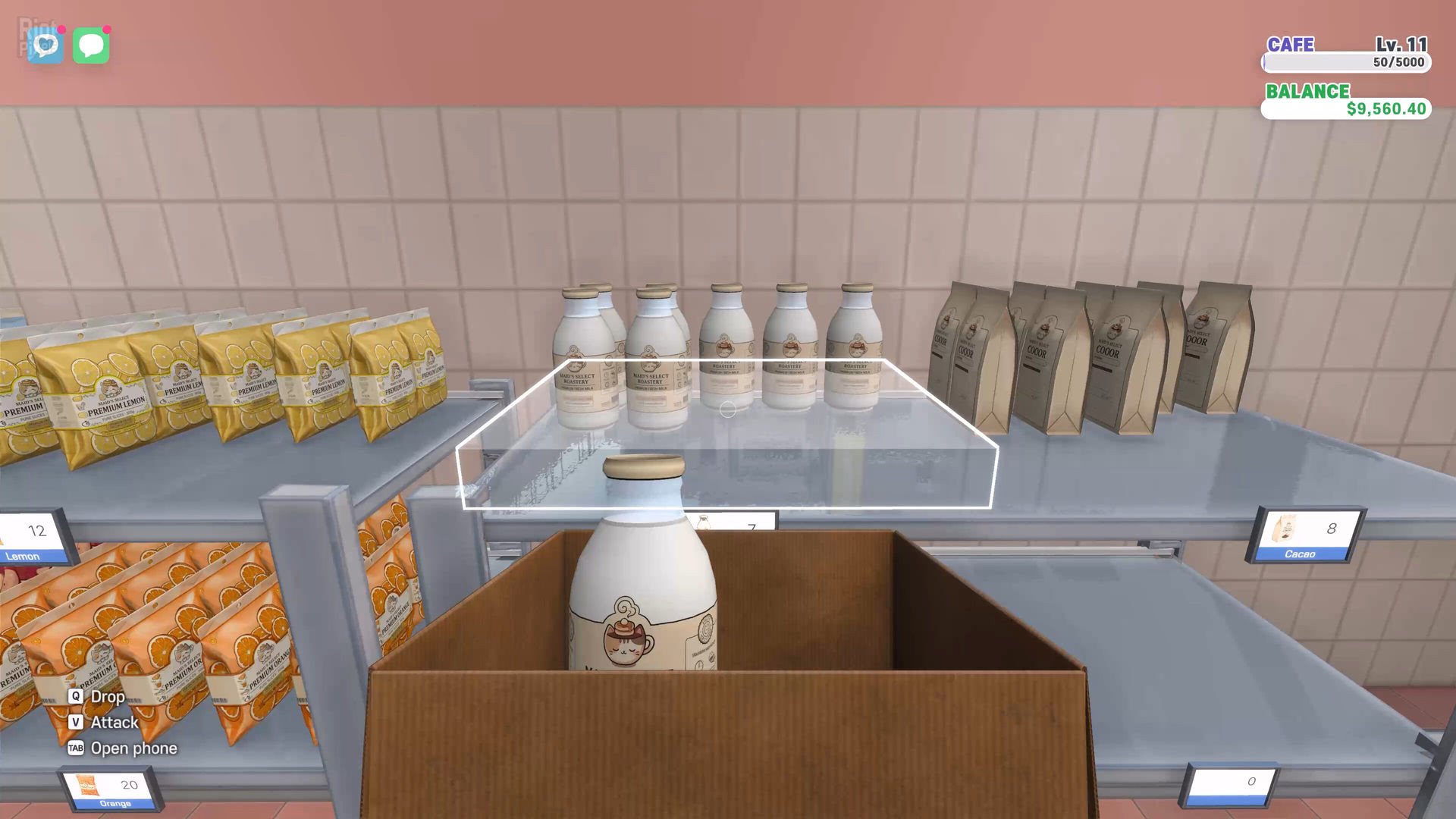
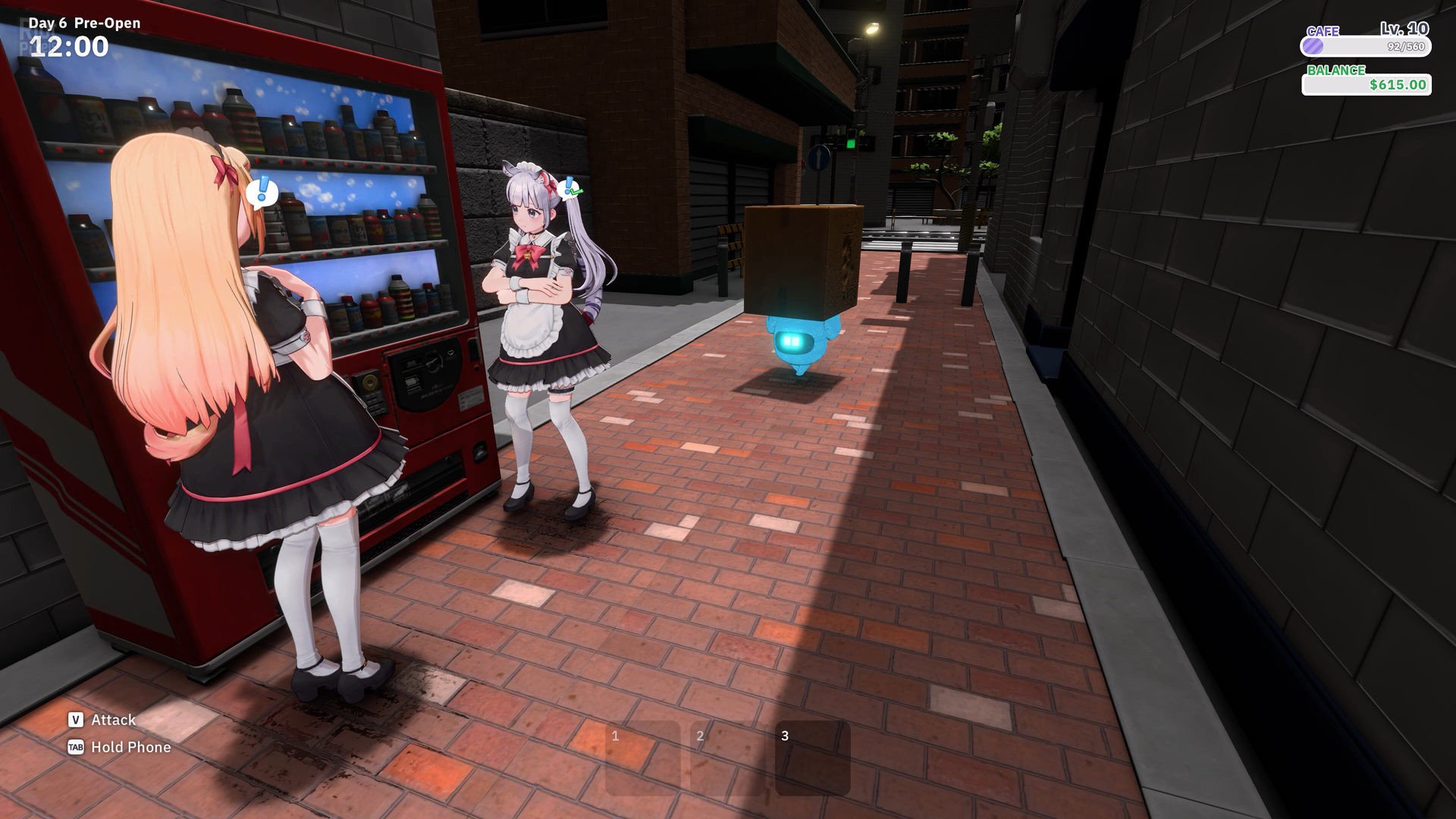
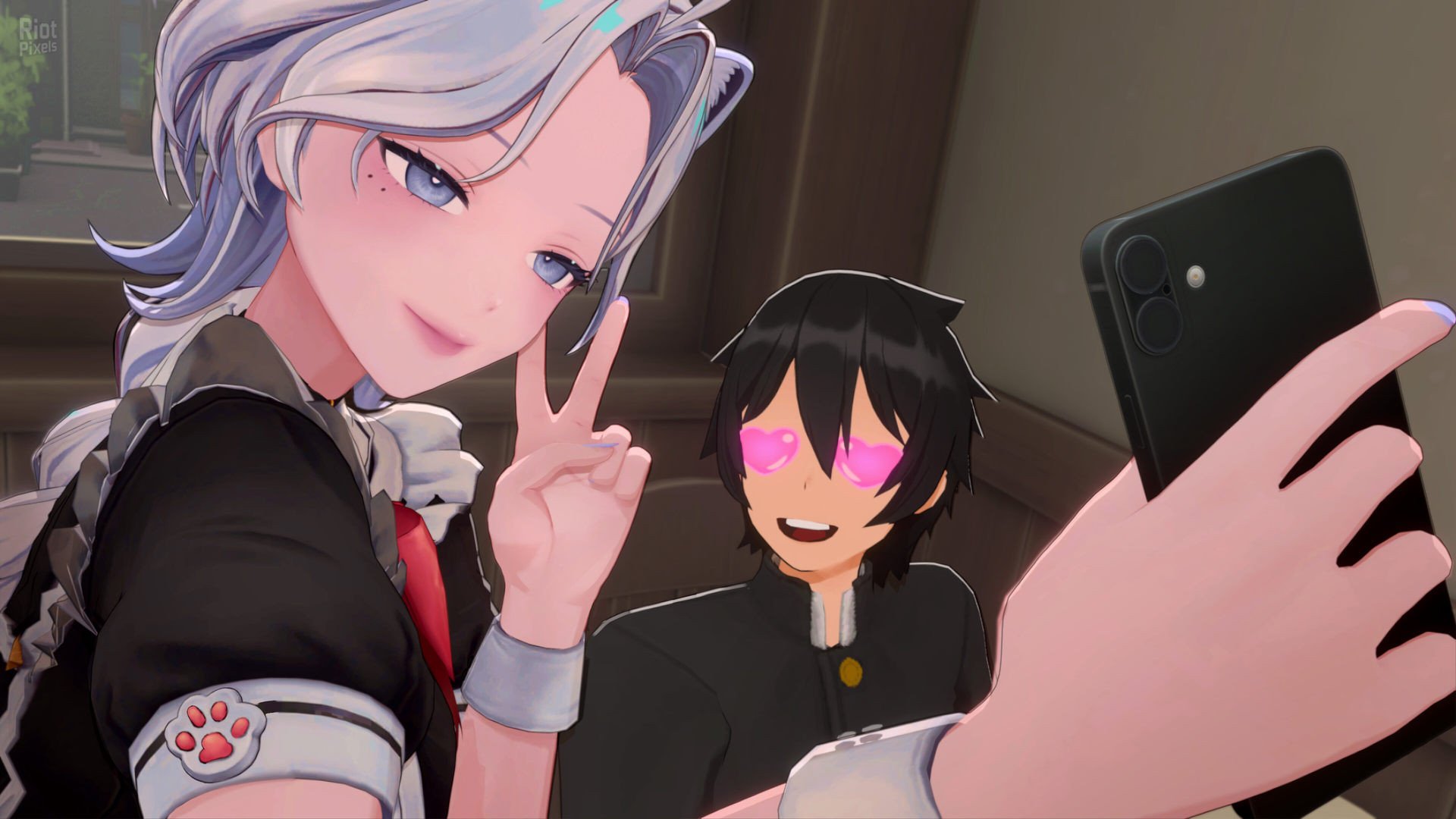
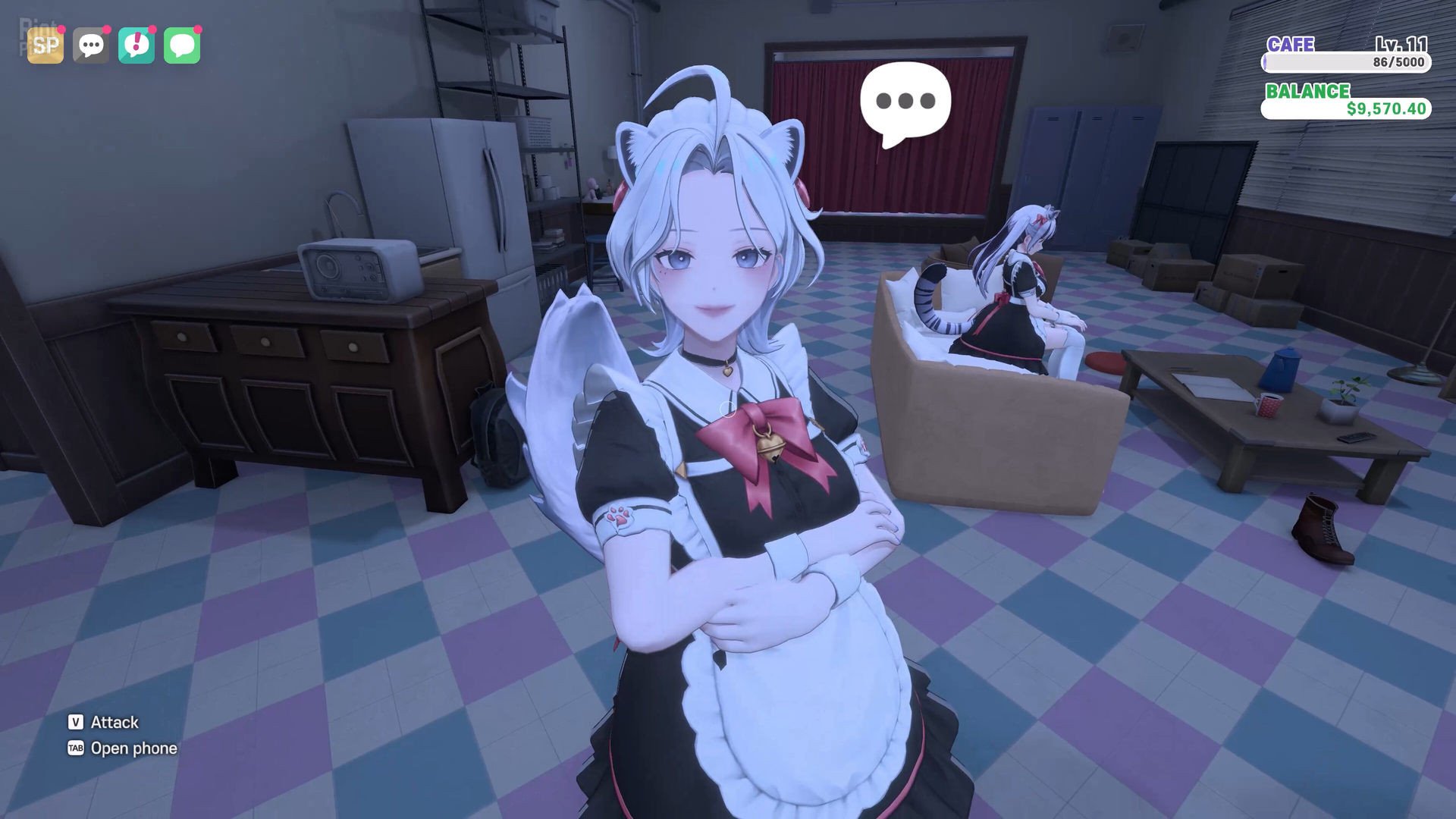
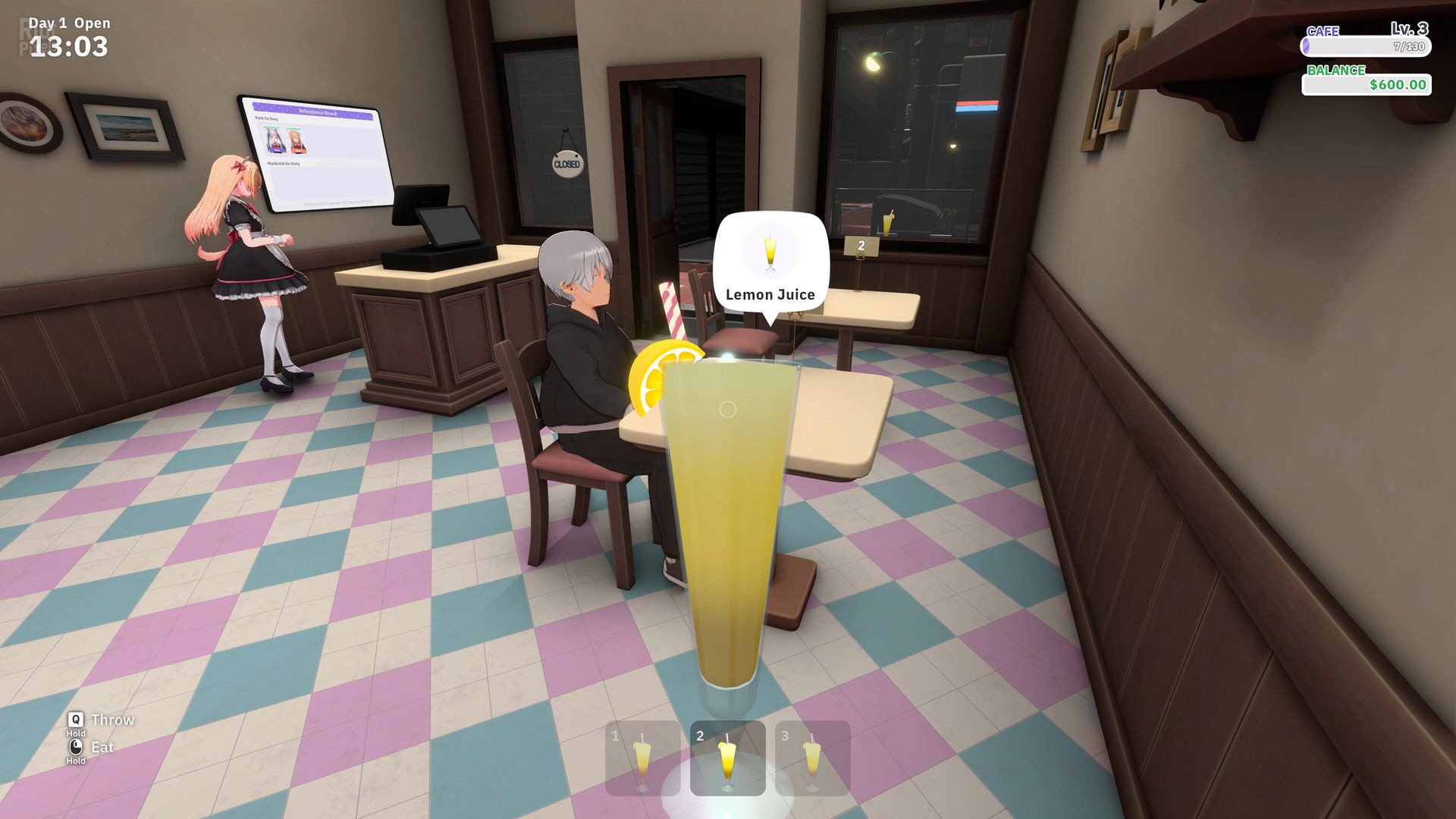
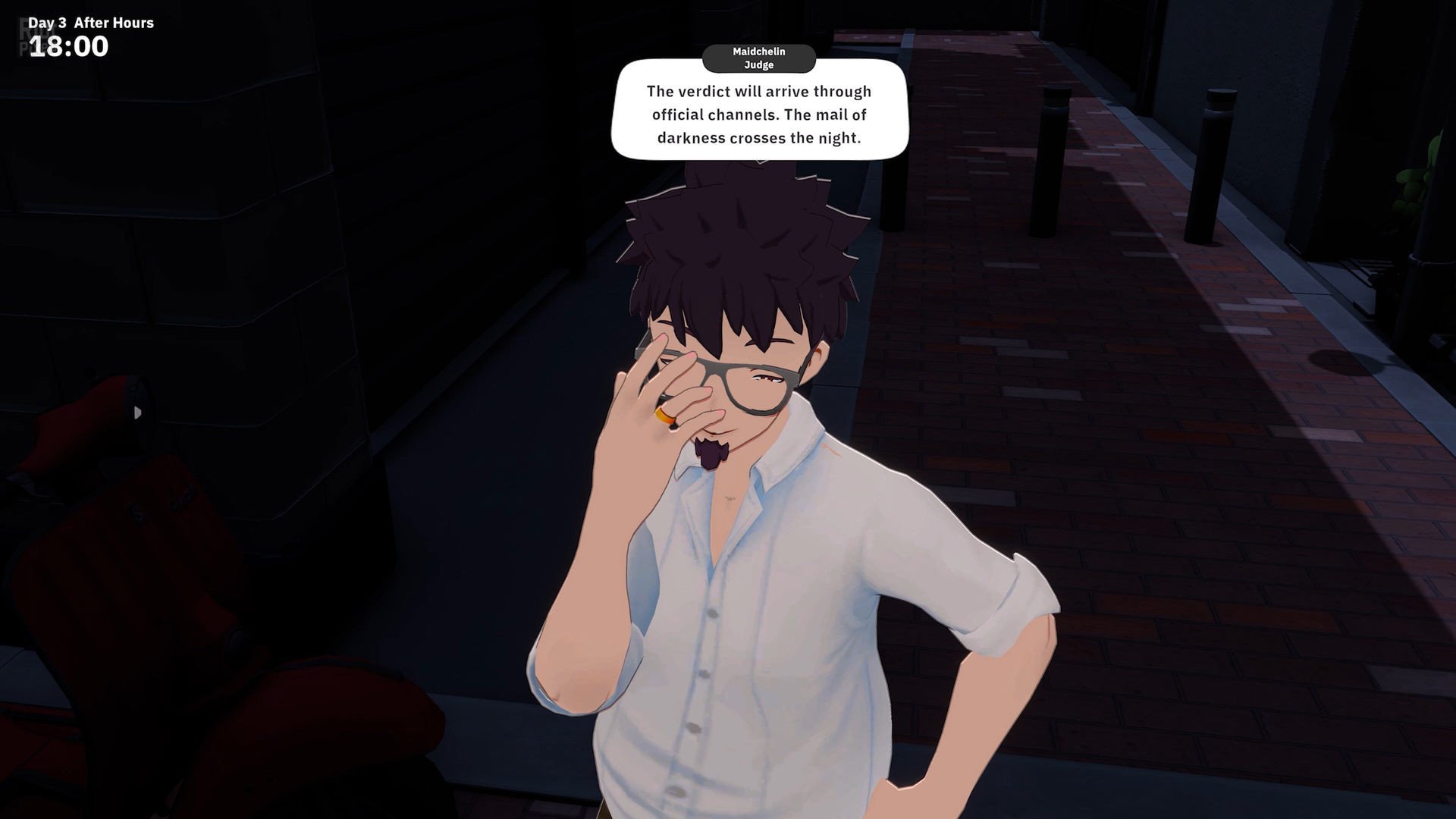
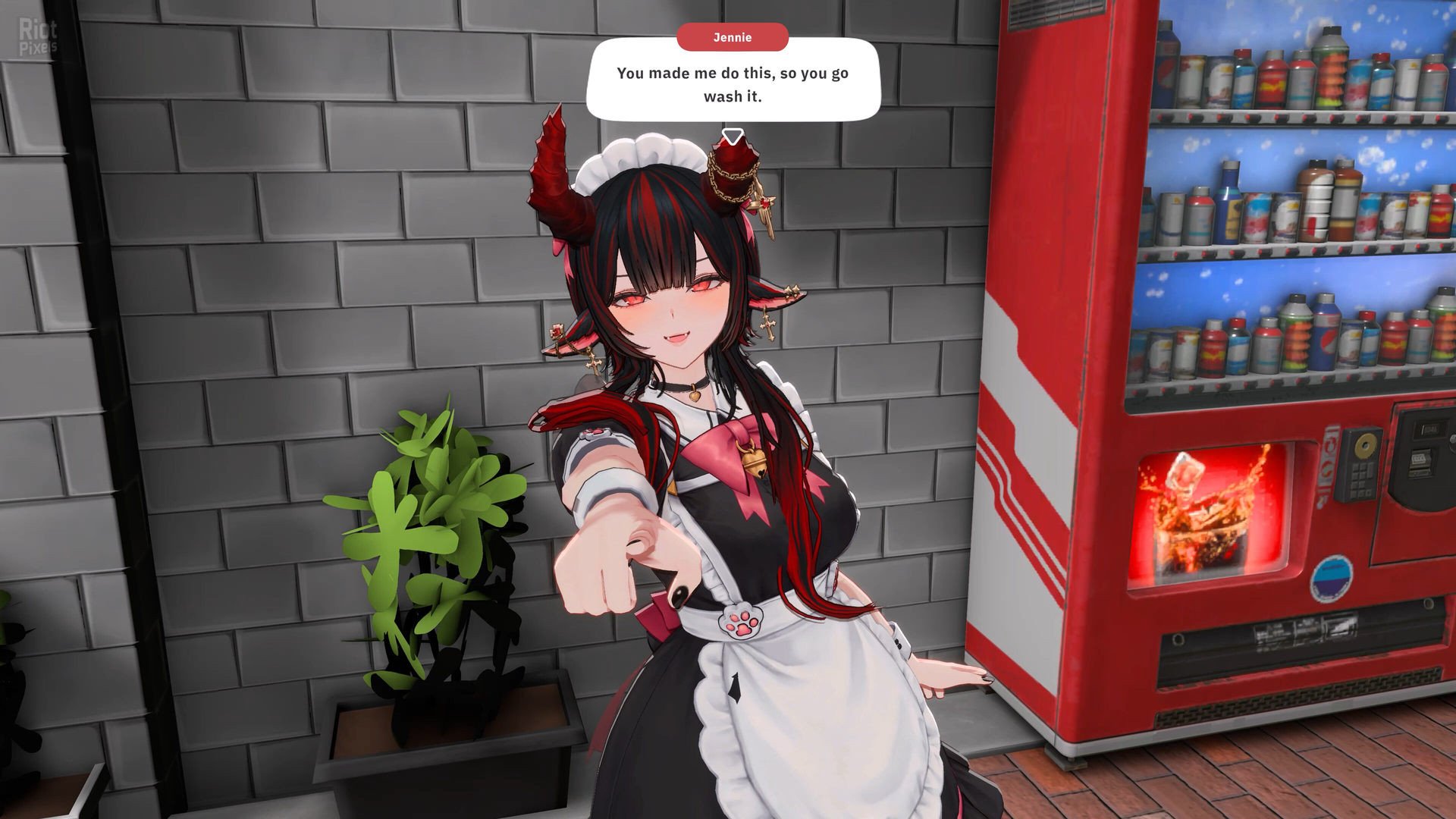
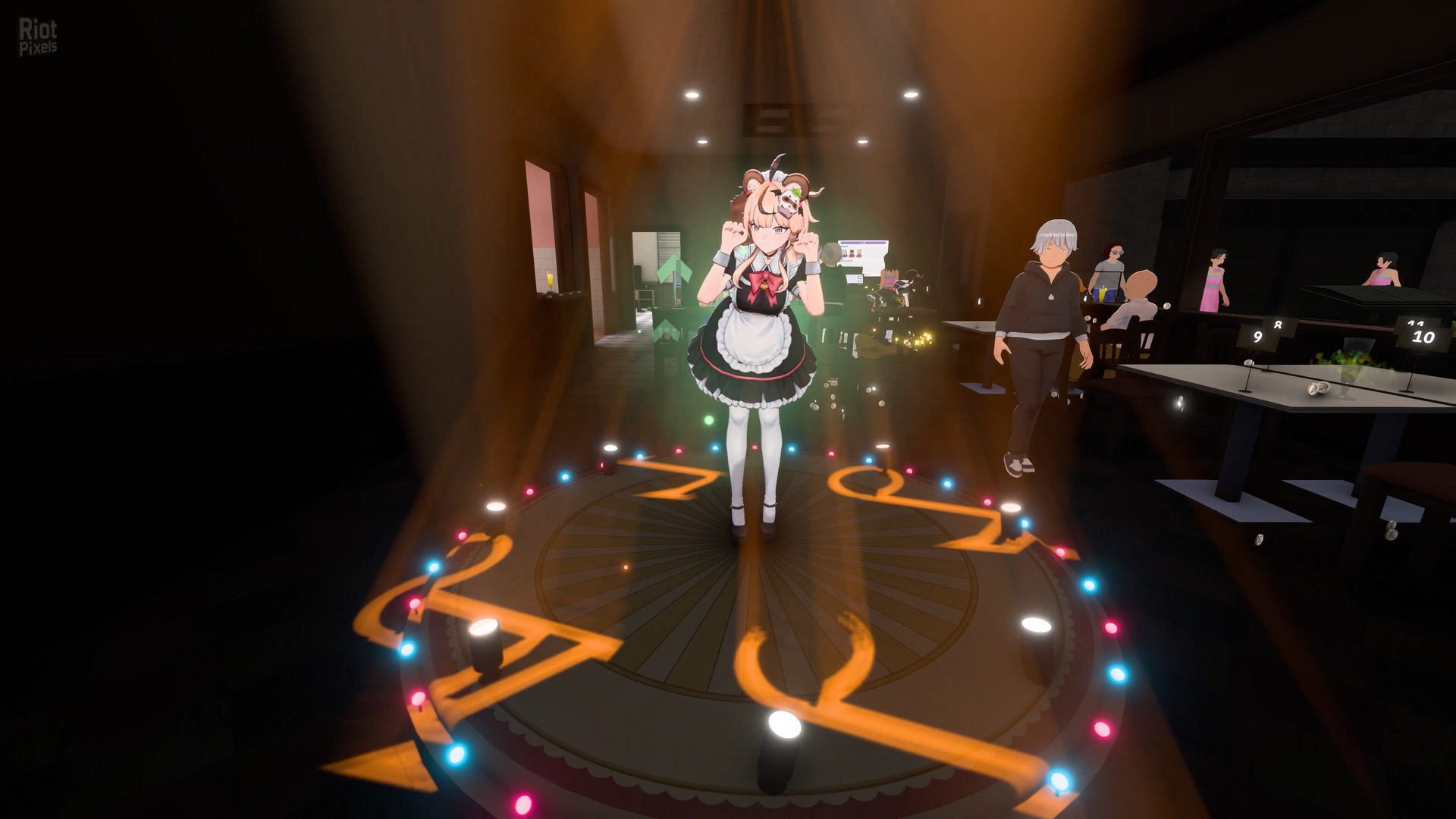
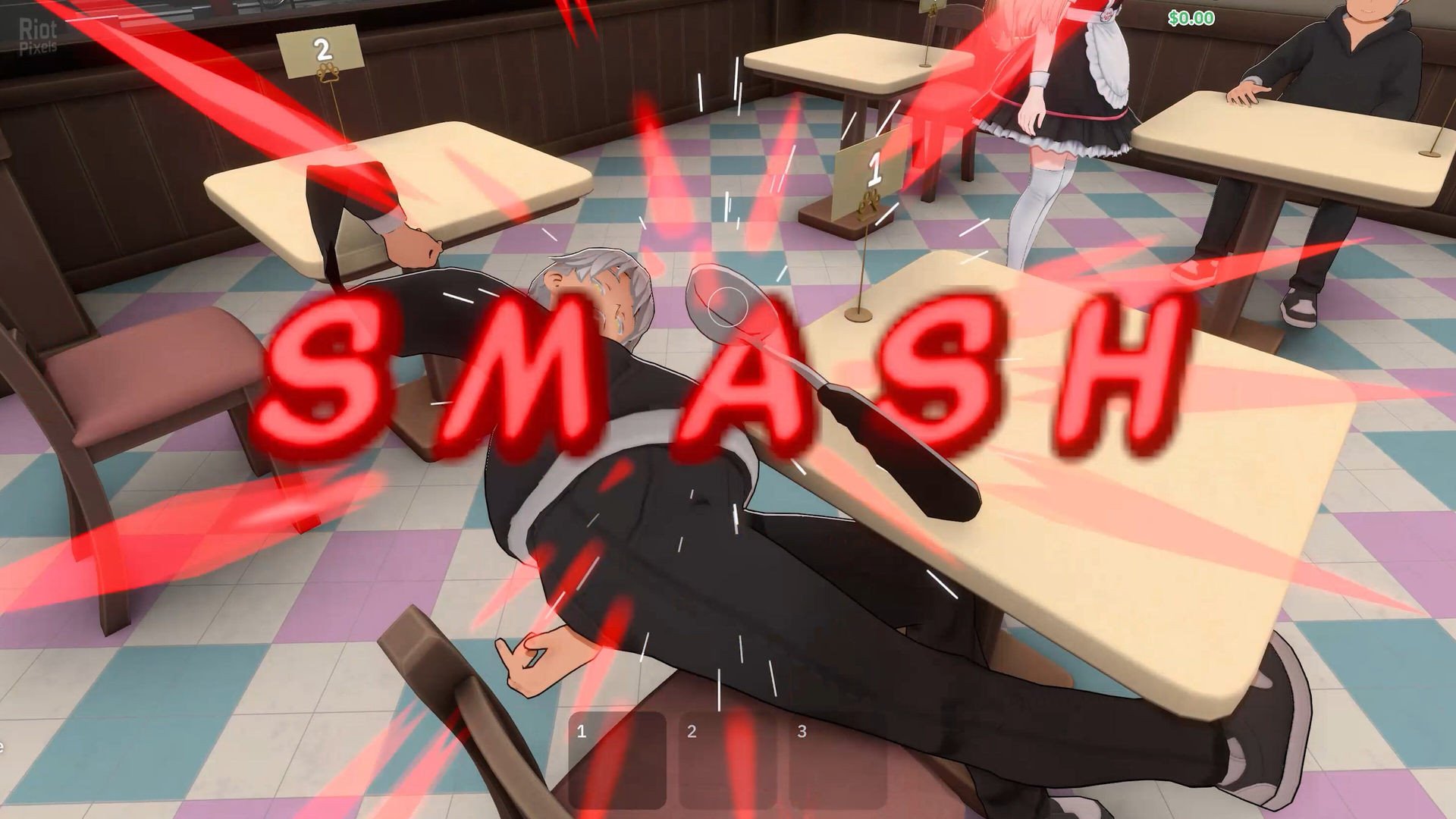
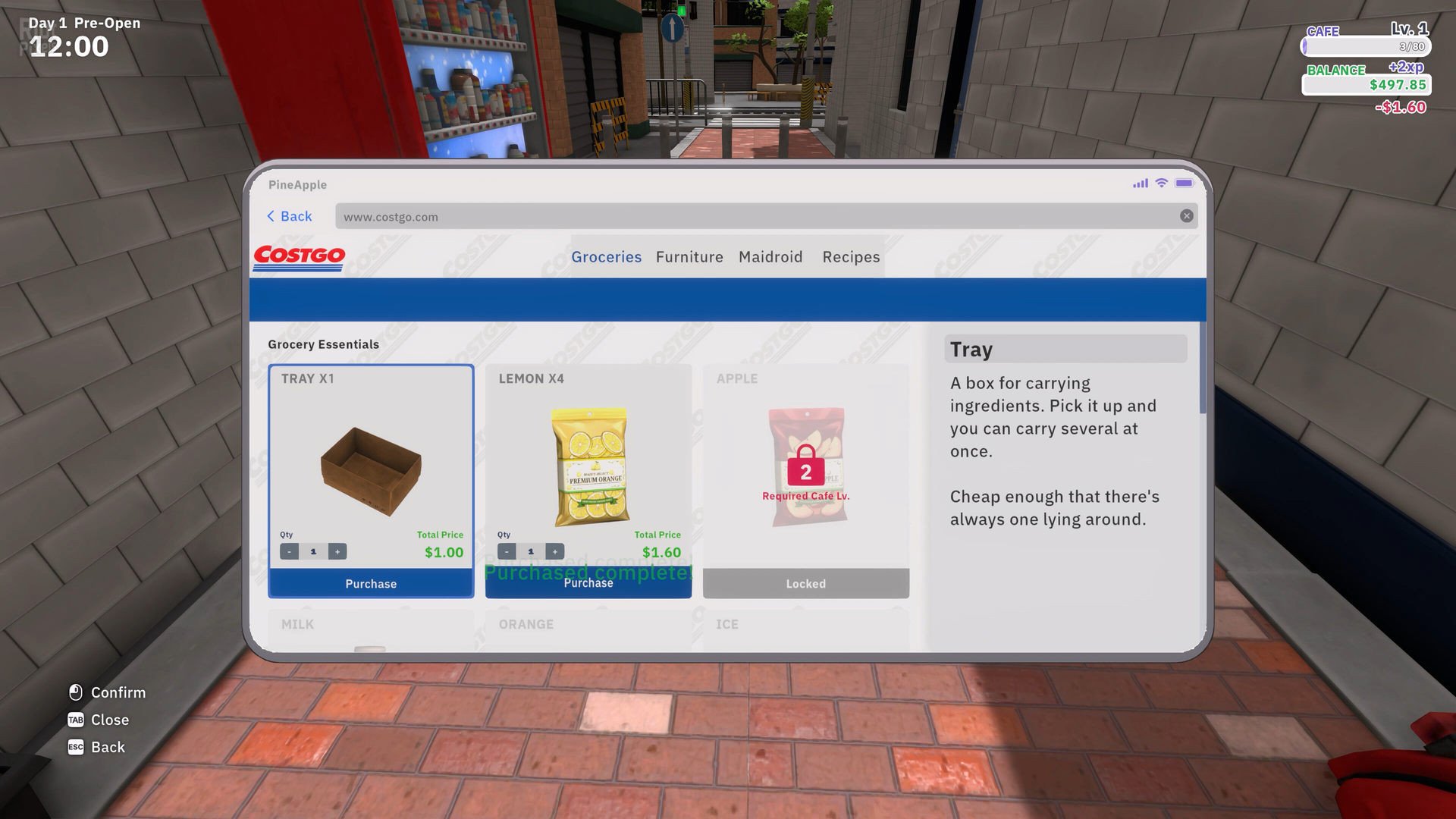
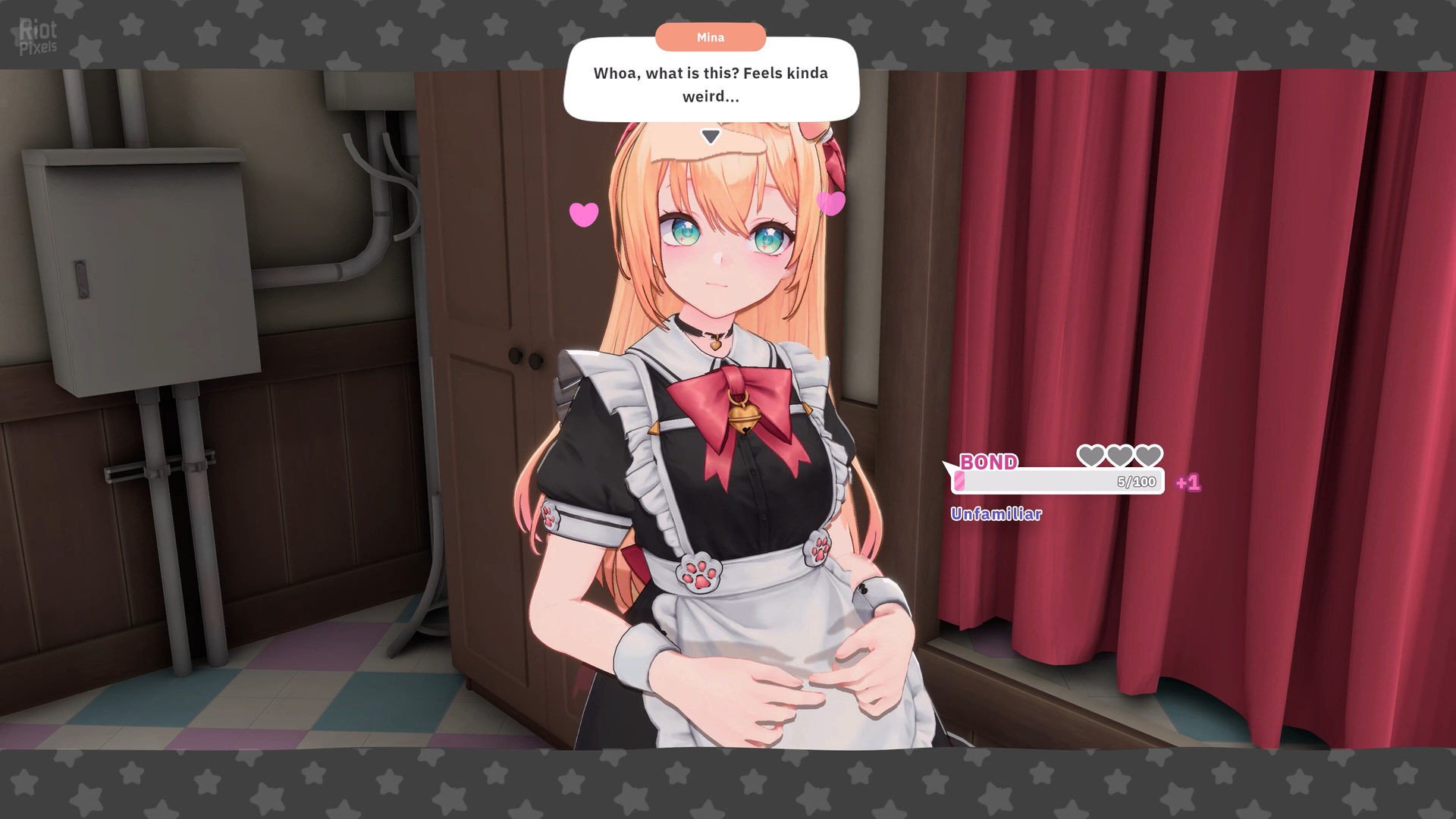
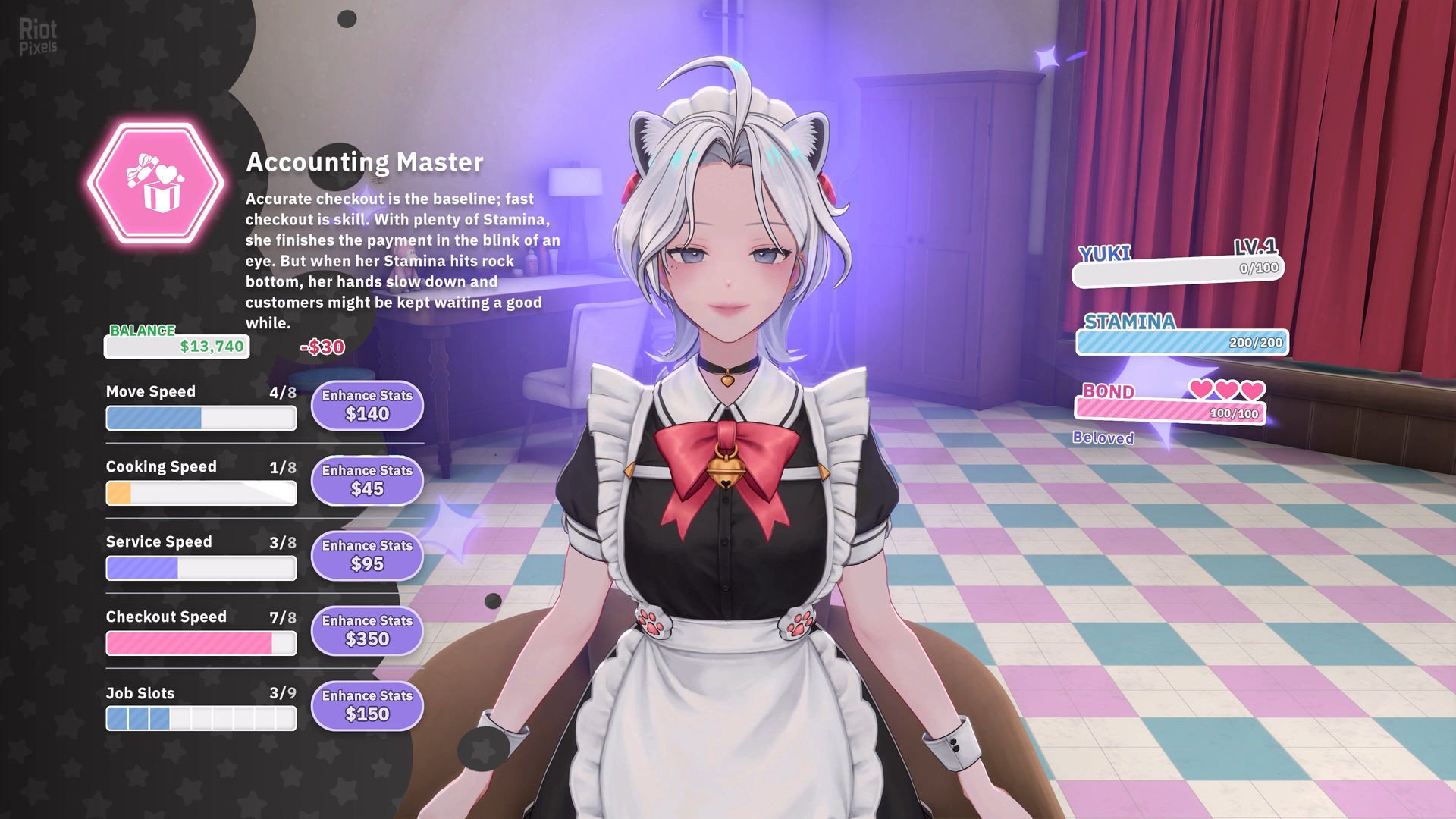
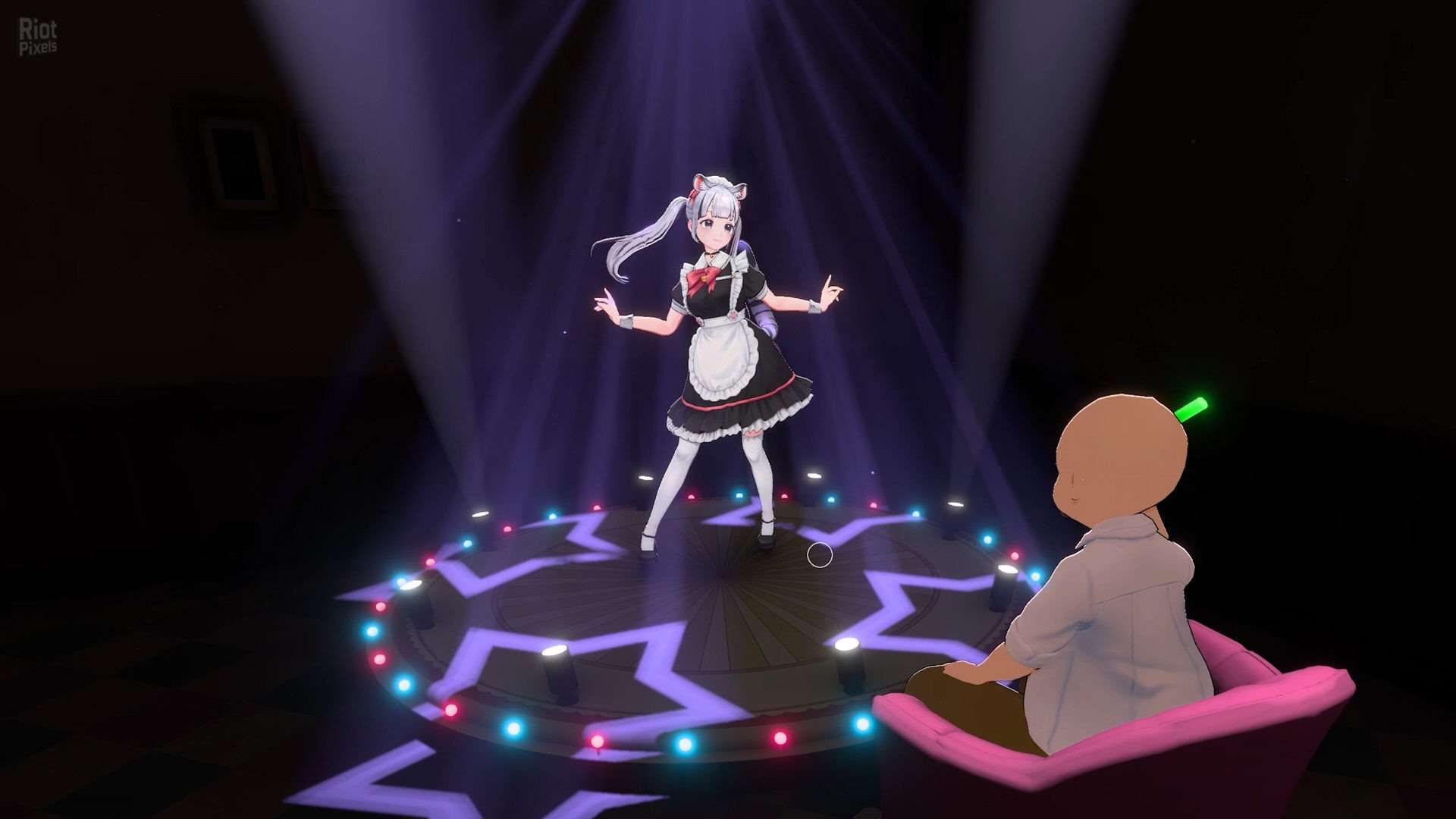
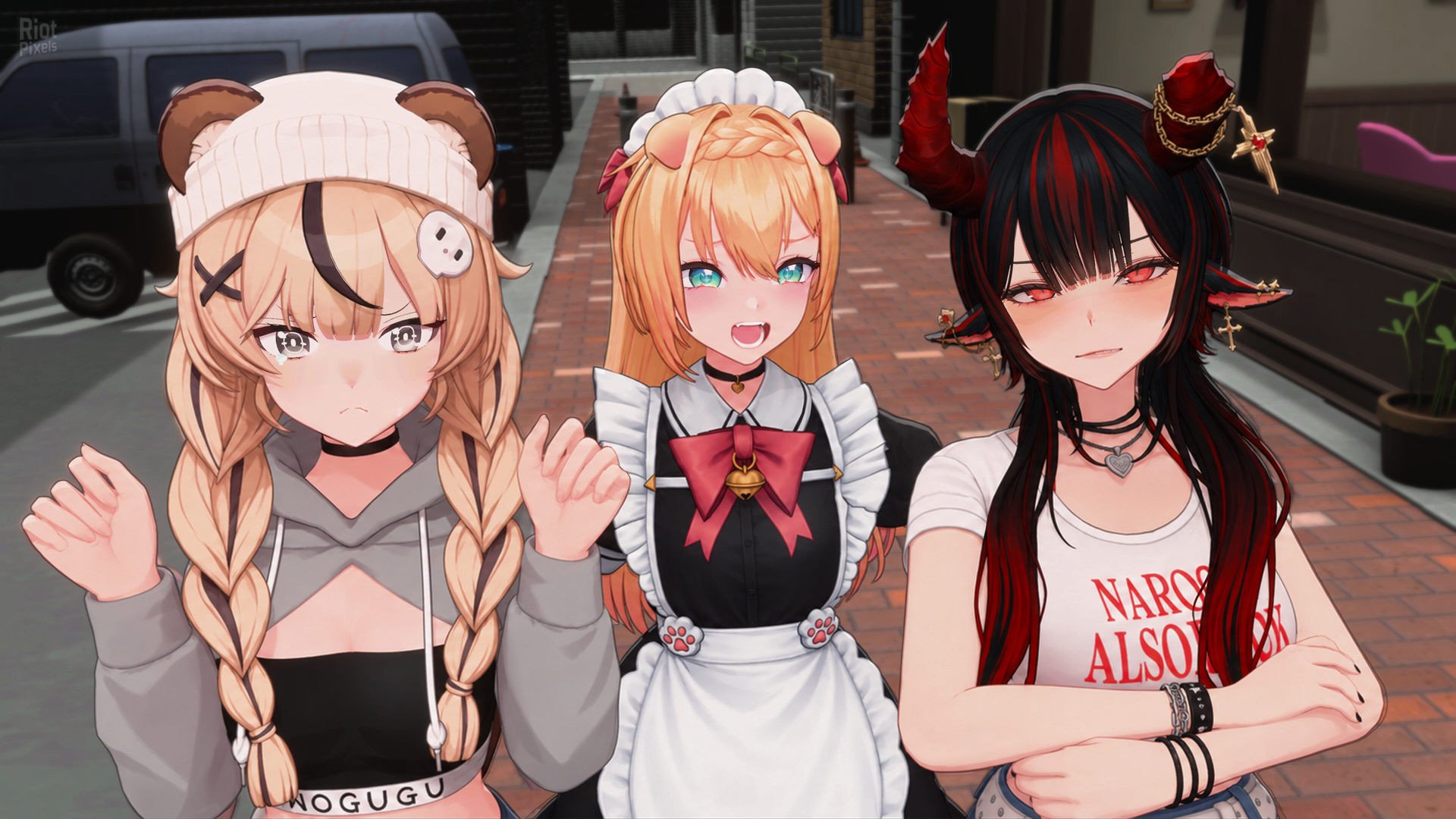
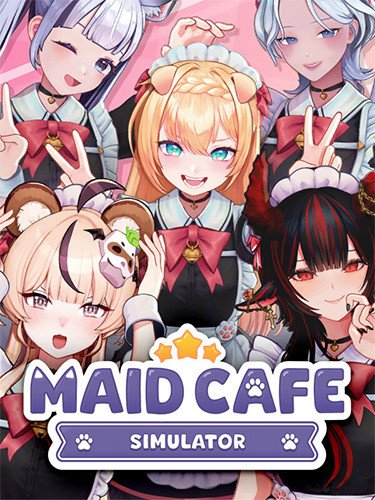
- A rundown café on the brink of closing. Not much of an inheritance—until a kemonomimi girl walks into your last hiring interview and gives you an idea that changes everything. Open a maid café with five unforgettable maids, each with a secret of her own. Fill those empty tables and set your sights on three Maidchelin stars.
- Welcome, Manager!
- Another order, another customer—and the next drink won’t make itself. Mix drinks, serve customers, scan receipts, and count out the change. Running low on ingredients? Order on your phone and a Maidroid courier will bring them to your door. When orders pile up, share the workload with your maids.
- Rush hour waits for no one!
- What will your maids share with you as you work side by side? Fulfill their wishes and follow their bond stories to discover the secrets behind those bright smiles. Make time for the little things, too—a pat on the head, a new outfit, a moment together.
- They came to work at your café. You never expected them to mean this much.
- Someone’s making a scene? Time for the manager to step in. Take on troublemakers yourself and keep your café safe. Once they’re out cold, scoop them up in a princess carry and personally escort them outside.
- The customer is king. Troublemakers are the exception.
- Add a stage and give your customers a show to go with their coffee. When your maids dance, heads turn and tips fly. After closing, Dance Video Day lets you choose a maid and an outfit, record a longer dance performance, and share her moment in the spotlight on in-game social media.
- Today, the spotlight belongs to your maids!
- More customers? Time to think bigger. Expand your dining area and kitchen, arrange furniture and equipment, and make the café your own. Serve special drinks from the festival menu when festivities begin. Then get ready for your toughest guest yet: the exacting Maidchelin inspector.
- One rundown café. Five maids. Three stars to chase.
- Game Features
- Hands-on café management in first person, from taking orders to making and serving drinks
- Five charming kemonomimi maids
- 13 main story chapters and 36 bond stories
- 25 text messages per maid
- 10 customer personalities and two types of troublemakers
- 49 drink recipes and three types of drink-making station
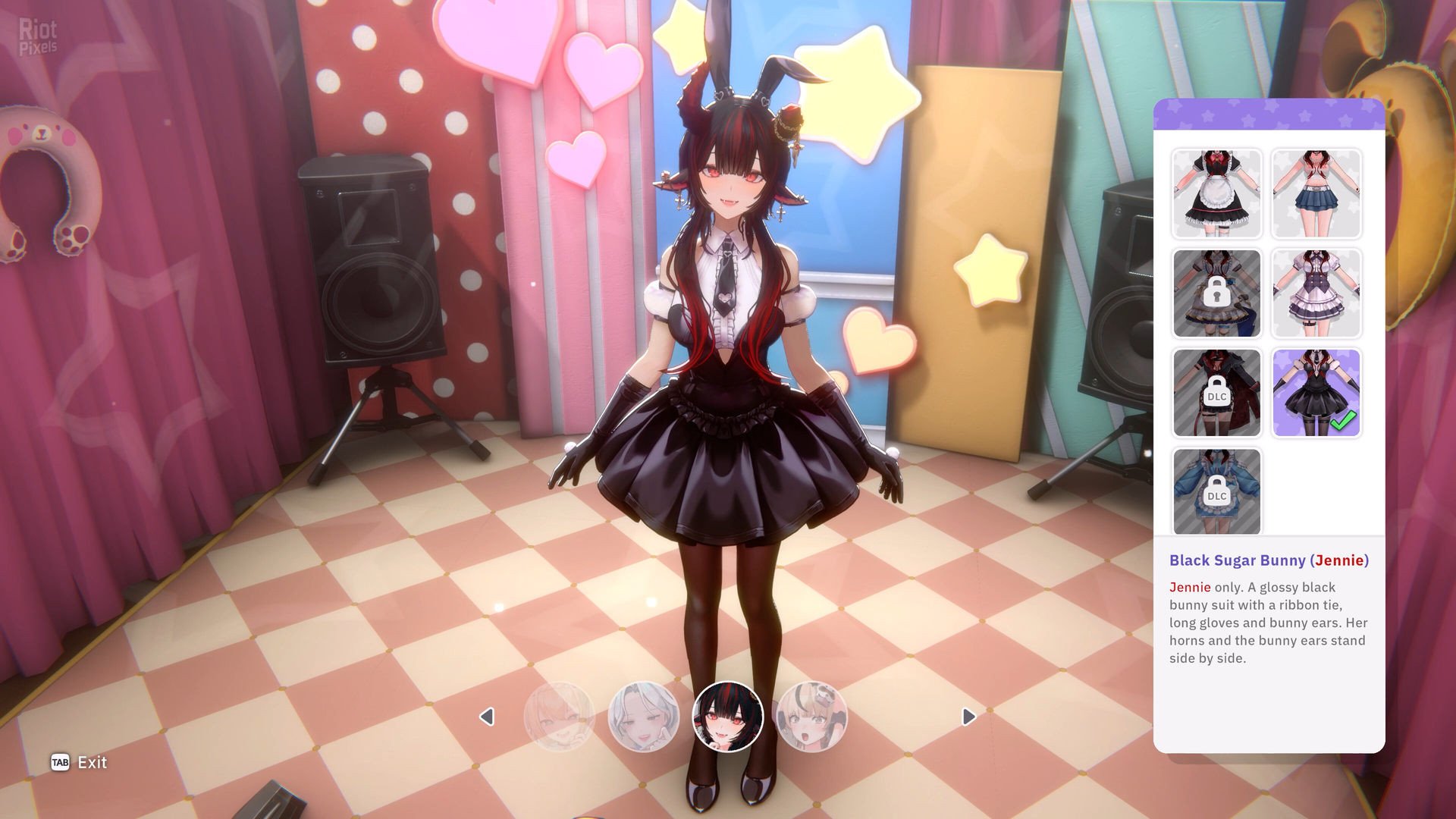
- 18 outfits, plus 15 DLC outfits
- In-game social media posts from the maids themselves
- Full Korean voice acting for the main story and bond stories
- 20 regular achievements and three hidden achievements
- Included DLCs
- Black Sugar Bunny (Jennie)”
- Black Sugar Bunny (Mina)”
- Black Sugar Bunny (Momo)”
- Black Sugar Bunny (Omu)”
- Black Sugar Bunny (Yuki)”
- Dark Crimson Cloak (Jennie)”
- Frosty Dress (Yuki)”
- Jersey Maid Uniform (Jennie)”
- Jersey Maid Uniform (Mina)”
- Jersey Maid Uniform (Momo)”
- Jersey Maid Uniform (Omu)”
- Jersey Maid Uniform (Yuki)”
- Maidroid (Jennie)”
- Maidroid (Mina)”
- Maidroid (Momo)”
- Maidroid (Omu)”
- Maidroid (Yuki)”
- Spring Sunshine Garden (Omu)”
- Starlight Diner (Mina)”
- Sweet and Bitter Pancakes (Momo)”
- Based on Maid.Cafe.Simulator-TENOKE ISO release: tenoke-maid.cafe.simulator.iso (3,710,050,304 bytes)
- Game version: v1.19.20; 20 DLCs are included and activated
- 100% Lossless & MD5 Perfect: all files are identical to originals after installation
- NOTHING ripped, NOTHING re-encoded
- Significantly smaller archive size (compressed from 3.5 to 1.8 GB)
- Installation takes 1-2 minutes (depending on your system)
- After-install integrity check so you could make sure that everything installed properly
- HDD space after installation: 3.5 GB (5.8 GB during installation)
- Language can be changed in game settings
- Repack uses XTool library by Razor12911
- At least 2 GB of free RAM (inc. virtual) required for installing this repack
Download Mirrors
It is recommended to always use Magnet for downloads, and we suggest the following open-source clients: Gopeed
discussion && update
https://cs.rin.ru/forum/viewtopic.php?f=10&t=162000
Website links
- Always recommend using magnet links to download games for faster and more stable speeds. Recommend pure, open-source, ad-free download software (such as Gopeed or BitComet).
- Before running the game, evaluate the game’s system hardware requirements. If your computer only has 2G of RAM, you basically cannot expect to run large next-gen games smoothly.
- Extracting high-compression packages consumes a lot of memory. You must enable virtual memory and manually set it to 1 to 1.5 times the physical memory.
- Example: If the computer has 8G RAM, suggest increasing to 12GB – 16GB; if 16G RAM, set to 24GB (both initial and maximum values fill in 24576 MB).
- When extracting the game, the hard drive needs 2-3 times the free space of the game installation package. For example, if the package is 10G, the target drive needs at least 20-30G of free space.
- The hard disk partition format must be NTFS. The outdated FAT32 format cannot write single files larger than 4GB, which will cause the extraction to freeze.
- During game installation, temporarily disable Windows Defender or third-party antivirus software, or add the “game download directory” and “target installation directory” to the antivirus exclusion list.
- If the computer has less than 4G RAM, or high-end computers frequently report extraction errors, be sure to check “Limit installer to 2 GB of RAM usage” on the first interface during installation. This slightly limits extraction speed but greatly improves stability and solves 90% of memory overflow errors.
- When running setup.exe, always right-click the icon and select “Run as administrator” to ensure the installer has full system read/write permissions.
- The absolute path of the game installation cannot contain any Chinese characters, special symbols, or extra spaces.
- Correct example: “D:\Games\Steam”
- Wrong example: “D:\游戏\赛博朋克 2077”
- During the extraction process, the CPU and memory are pushed to the limit. At this time, strictly prohibit playing other large games, background rendering, or opening many browser tabs, otherwise it can easily cause resource contention leading to instant errors (such as Unarc.dll) or even a blue screen.
- At the checkbox interface at the end of installation, be sure to check the installation of DirectX and Visual C++ Redistributable (runtime library suite). Many players successfully extract but cannot open the game (popping up 0xc000007b or missing various .dll files) because of missing these basic runtimes.
- If the installation completes smoothly but double-clicking the game icon has no response, 99% of the time it is because Windows Defender silently quarantined or deleted the “crack patch” (such as steam_api64.dll) in the game directory right after extraction. Go to the “Protection history” in Windows Security and select “Restore and allow” for that file.
- After encountering an Unarc.dll error, never download this DLL file alone from the internet and place it in the system drive. The game compression mechanism uses highly customized dedicated libraries; generic DLLs downloaded online are useless and can easily infect the system.
- If you have strictly followed all the above configurations and requirements and still stubbornly get an Unarc.dll error during installation, you basically can only consider reinstalling a pure version of the system.
- If it still does not work, then consider installing on another machine.
THE END