

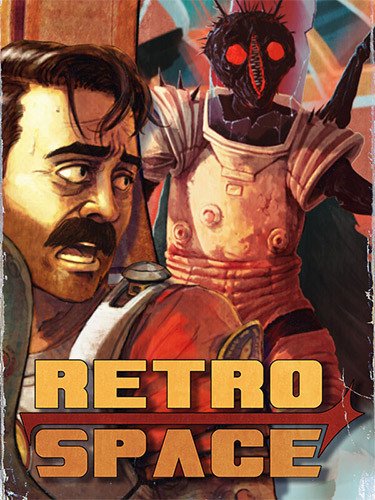
Original Size: 3.6 GB
Repack Size: 2.6 GB
Languages: RUS/ENG/MULTI9
Companies: Kwalee, The Wild Gentlemen
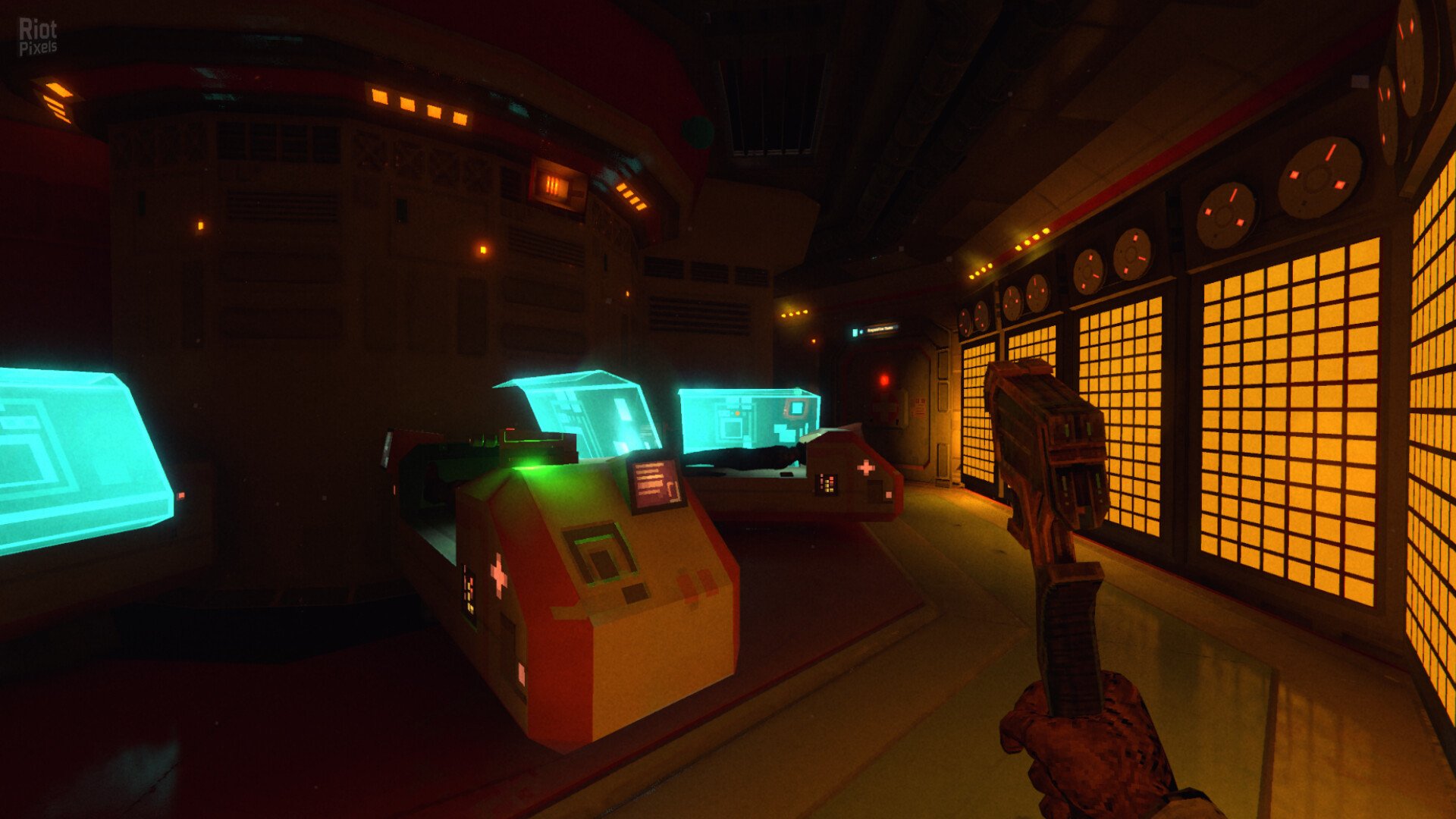
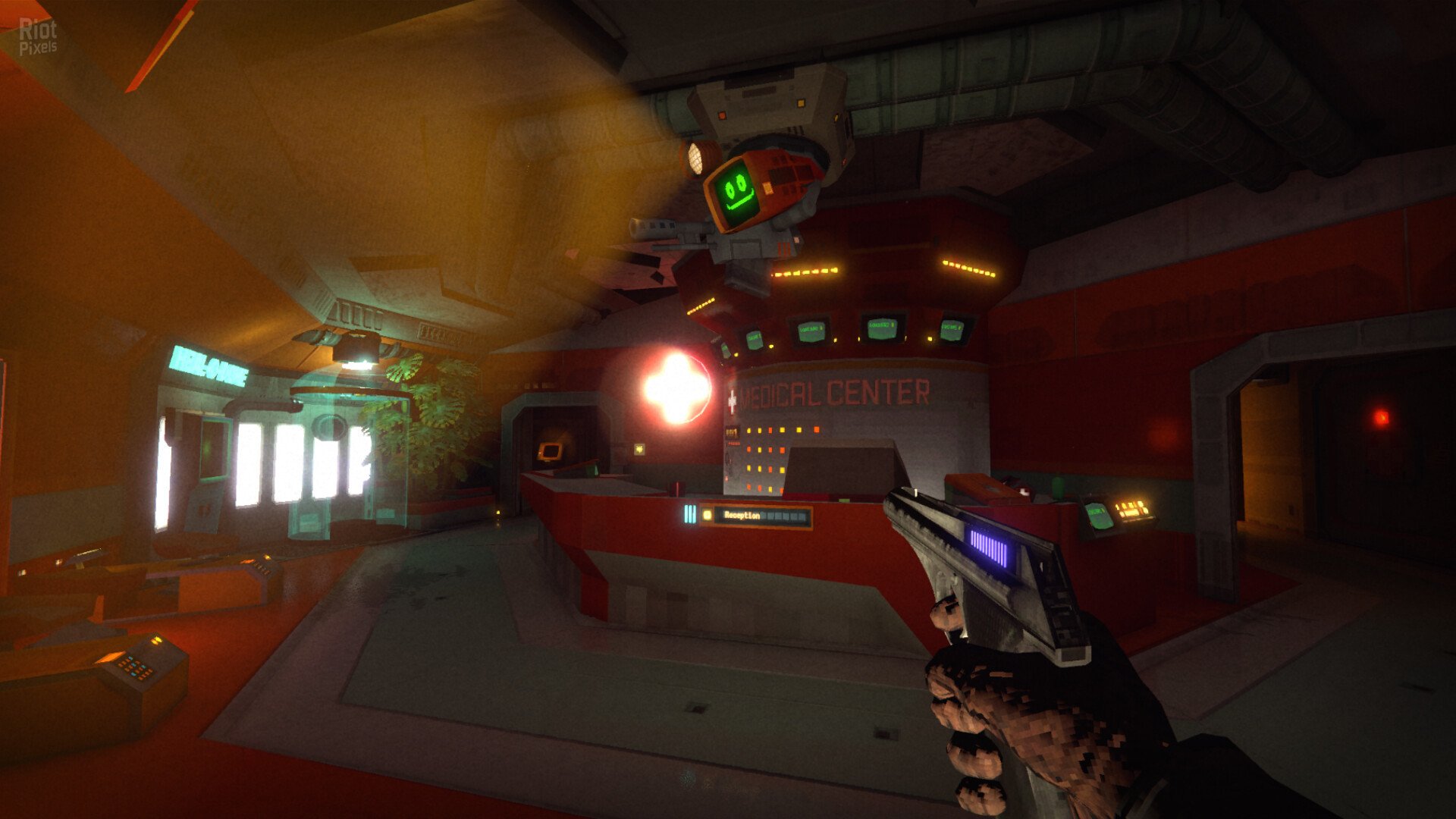
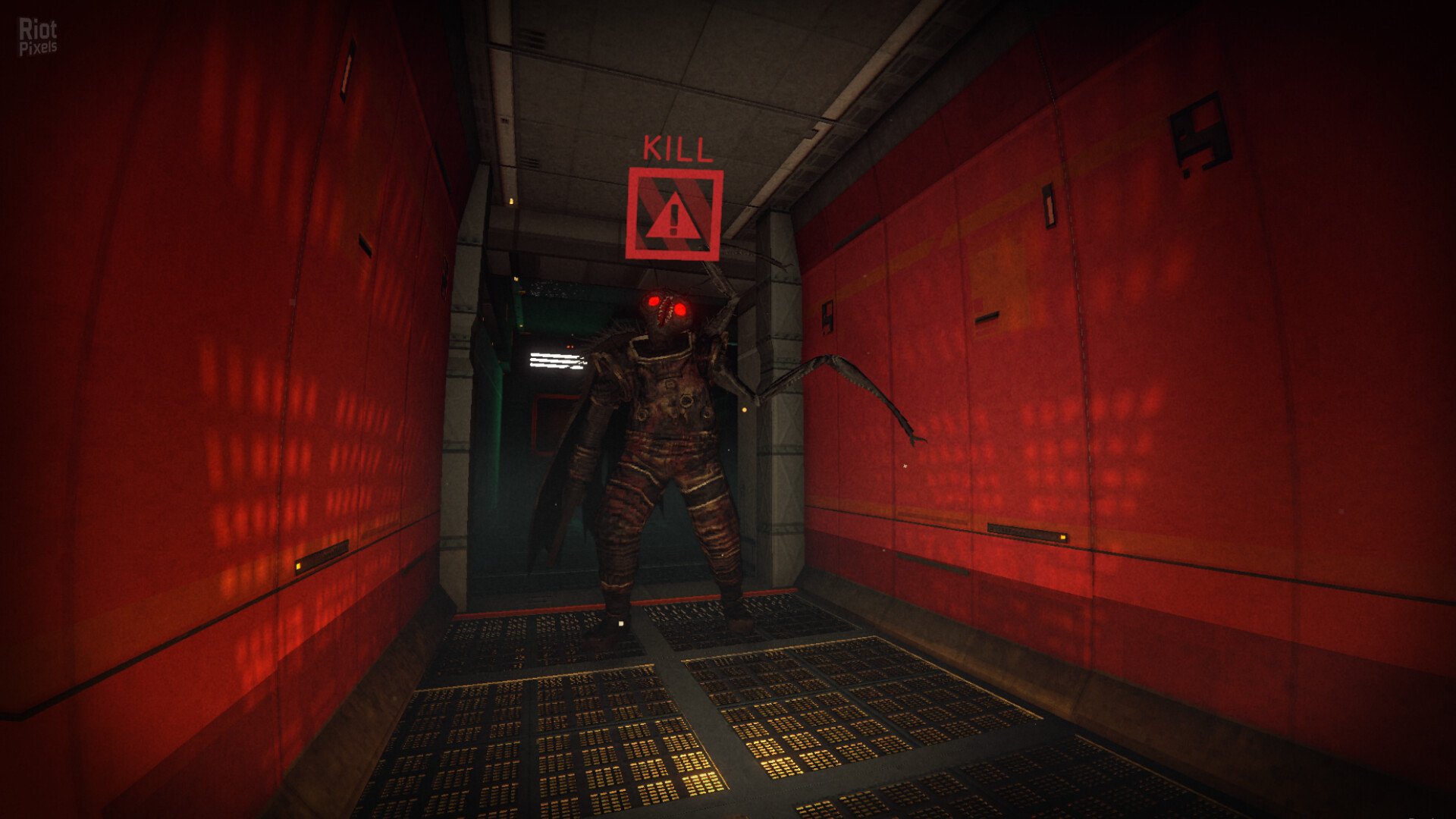
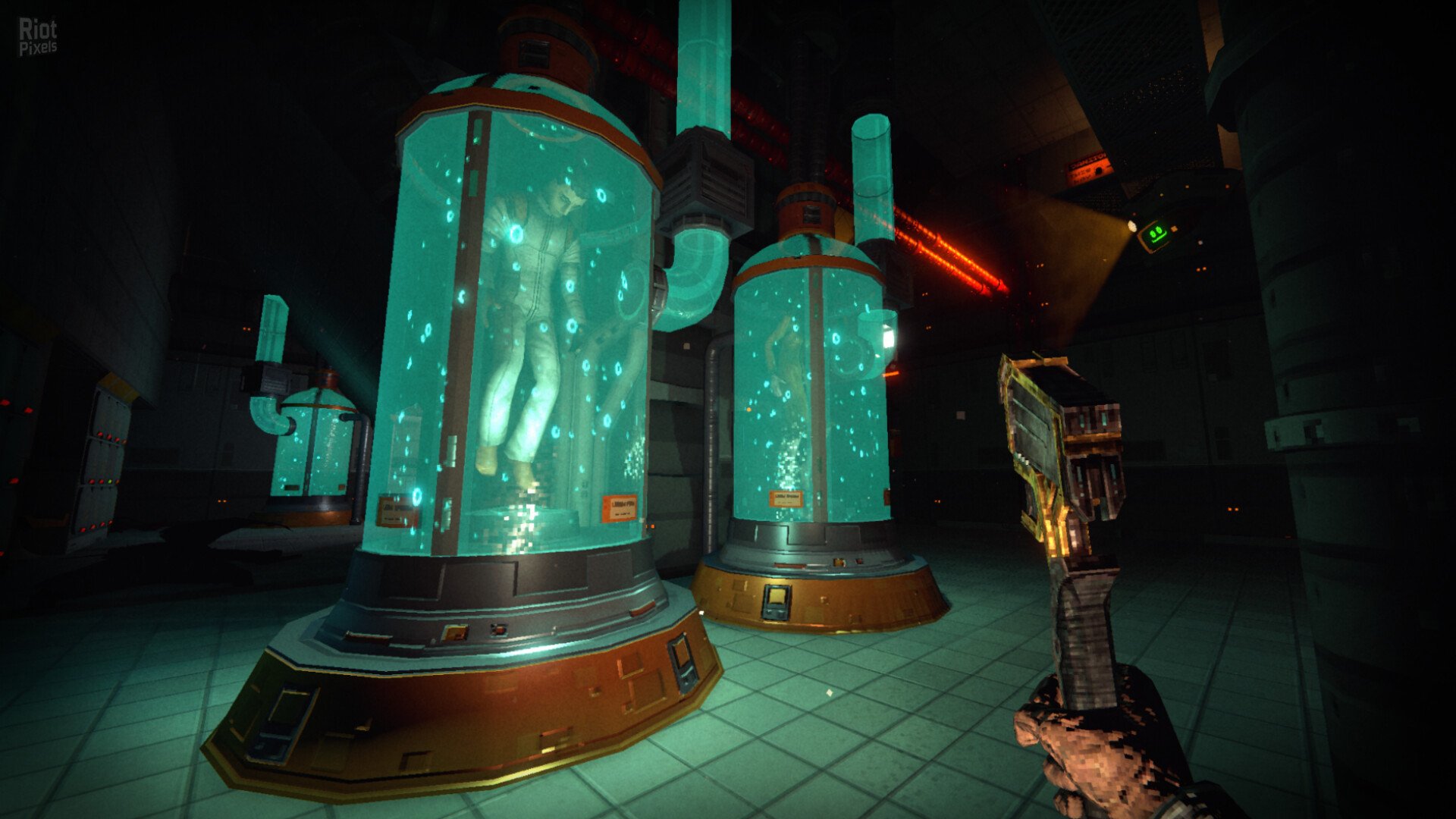
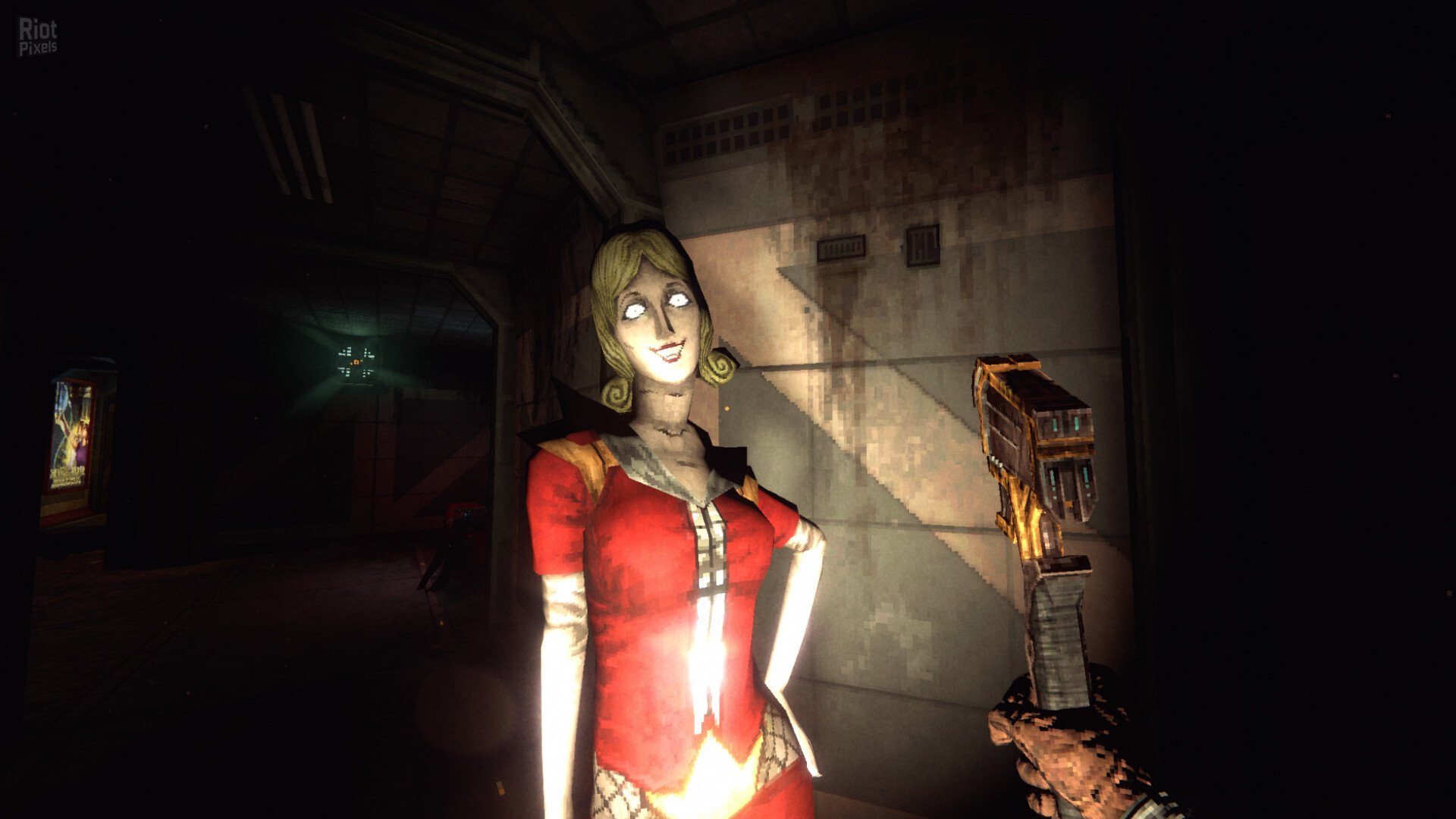
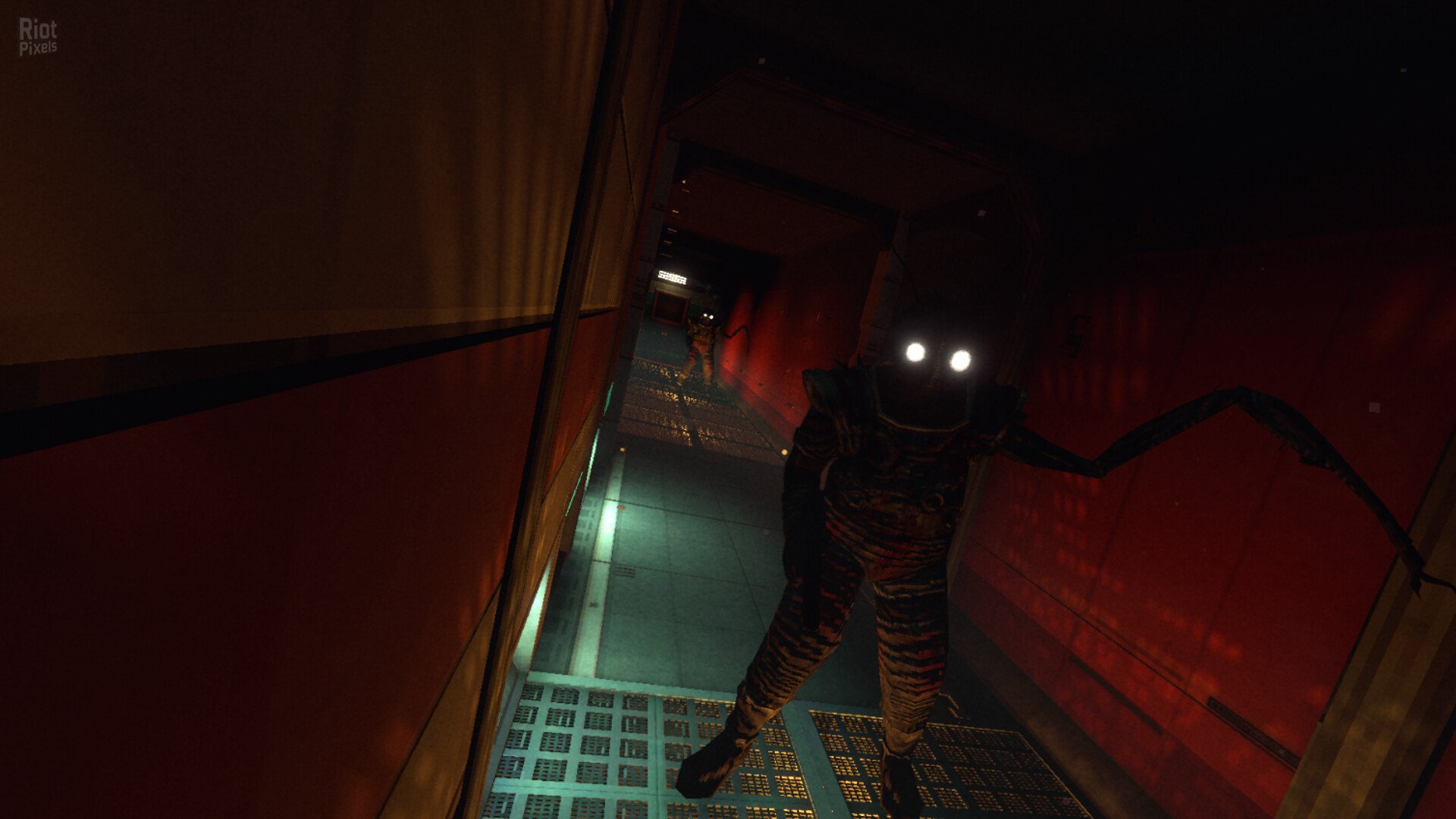
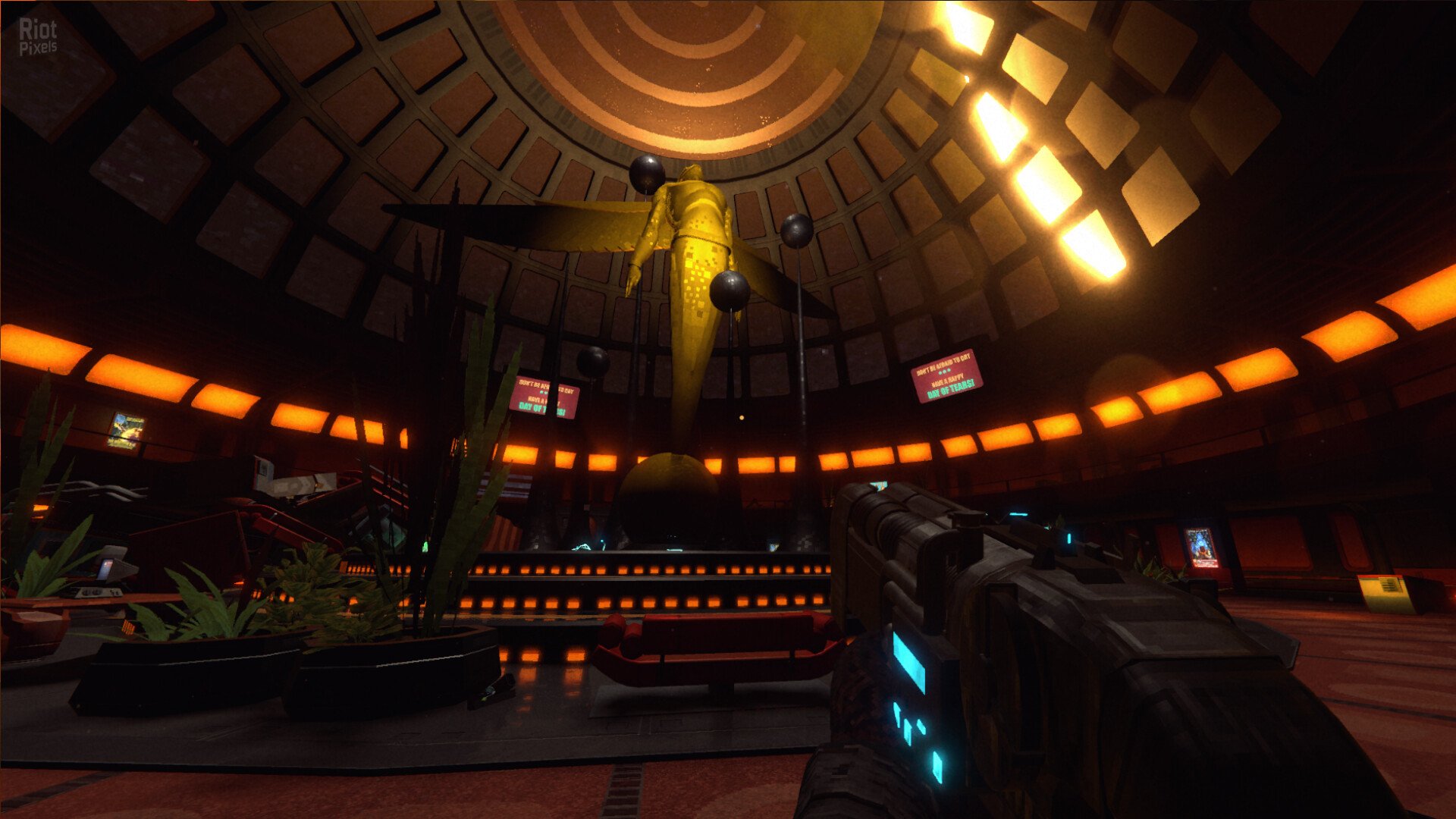
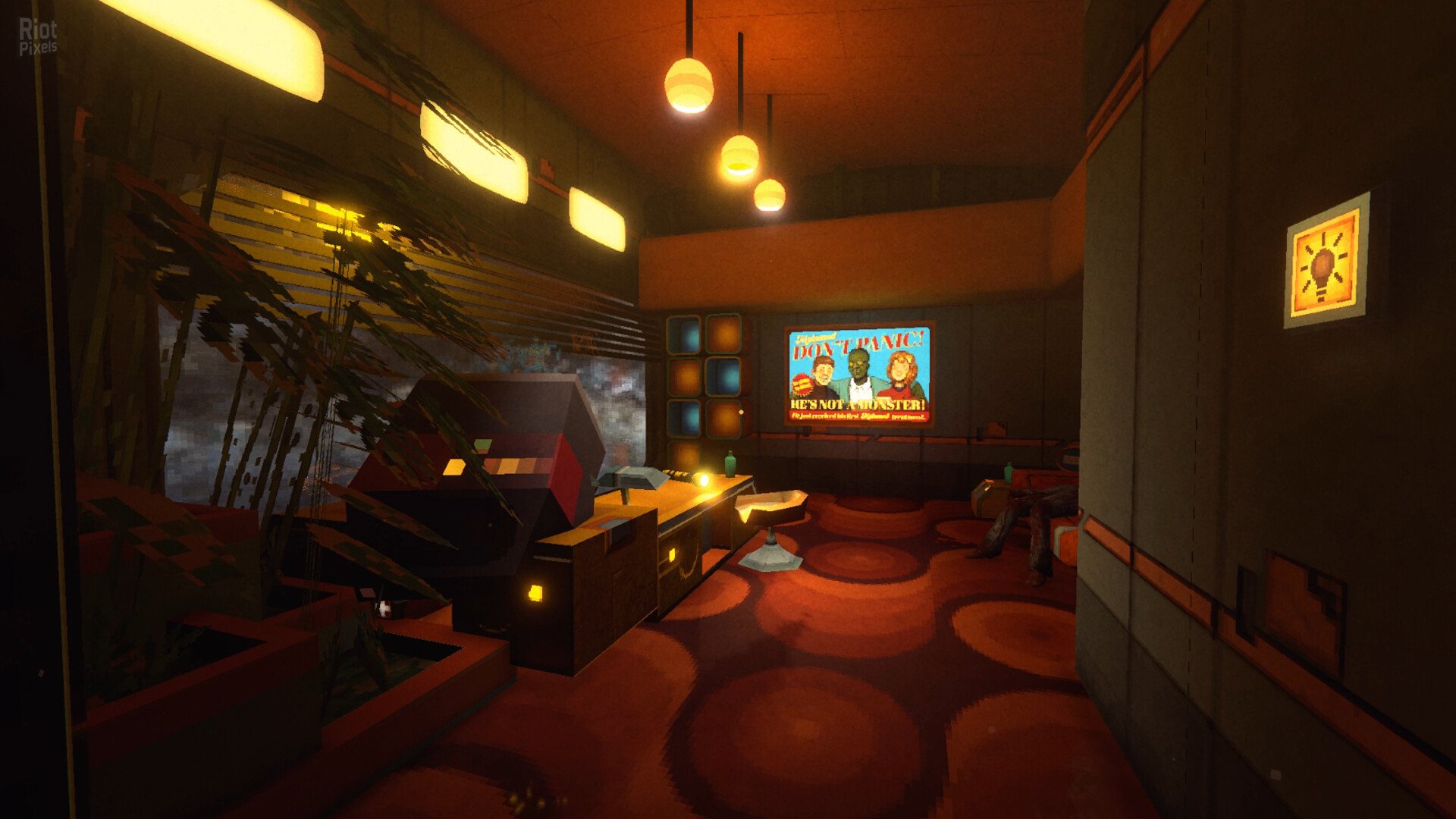
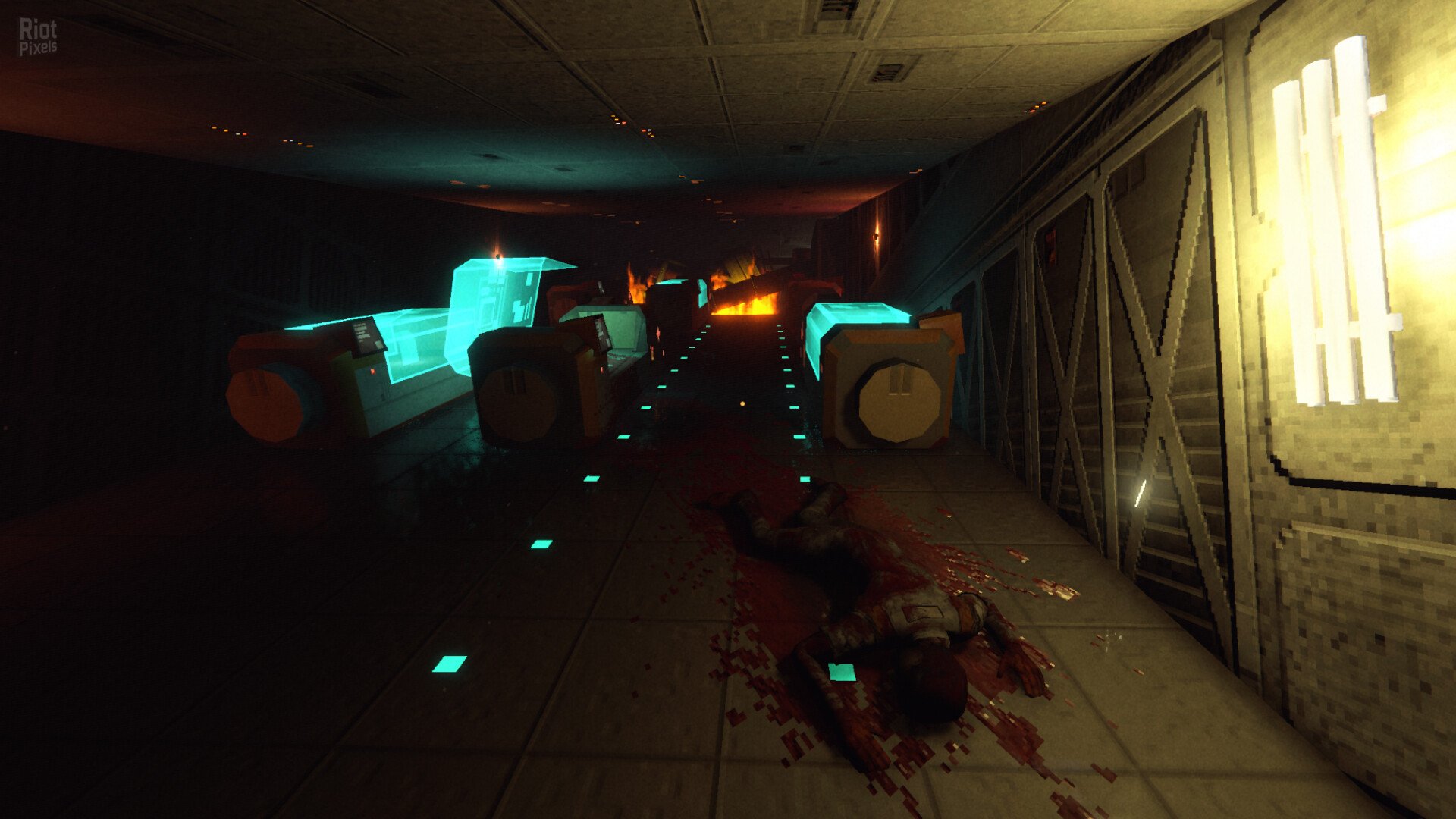
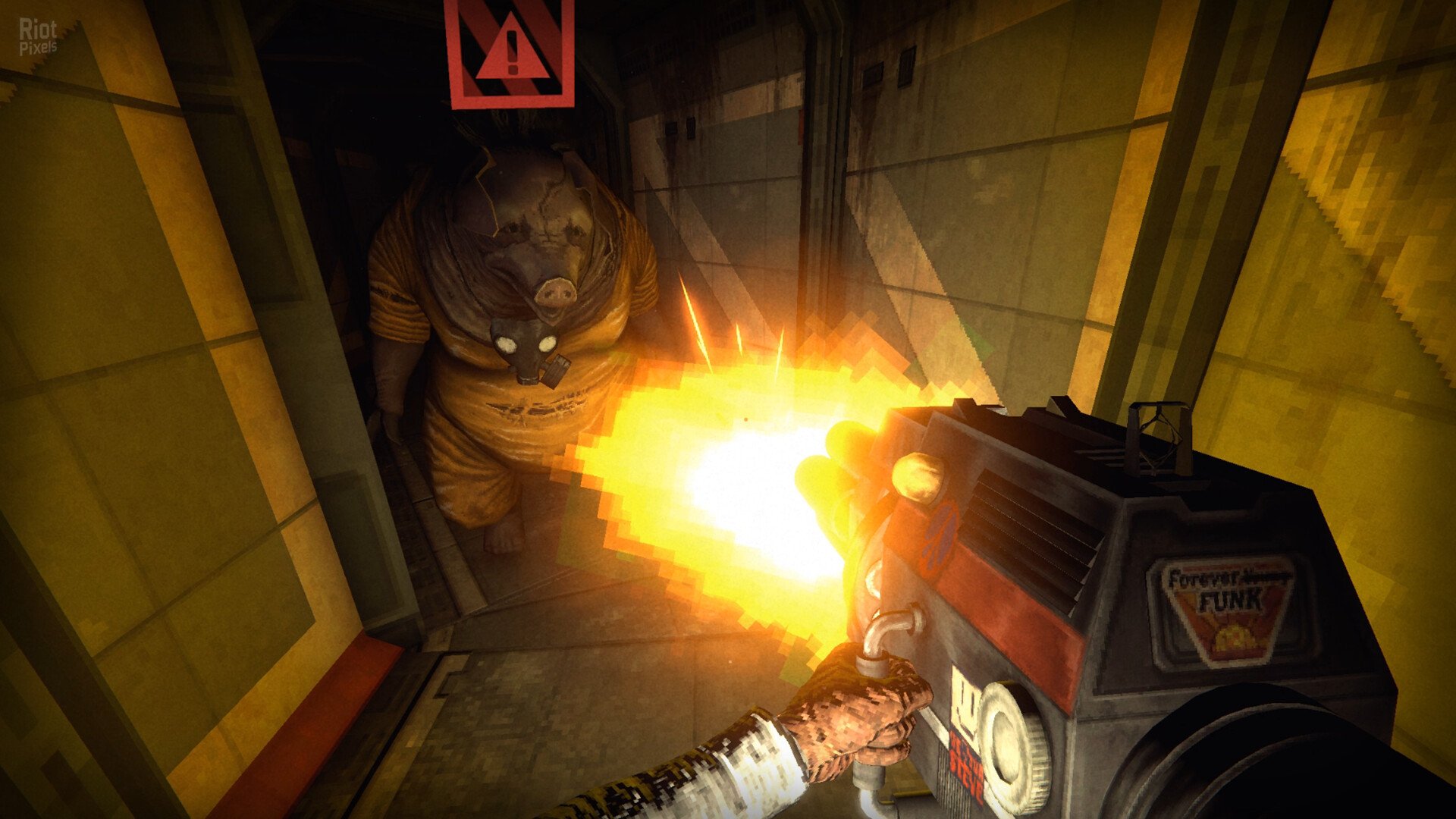
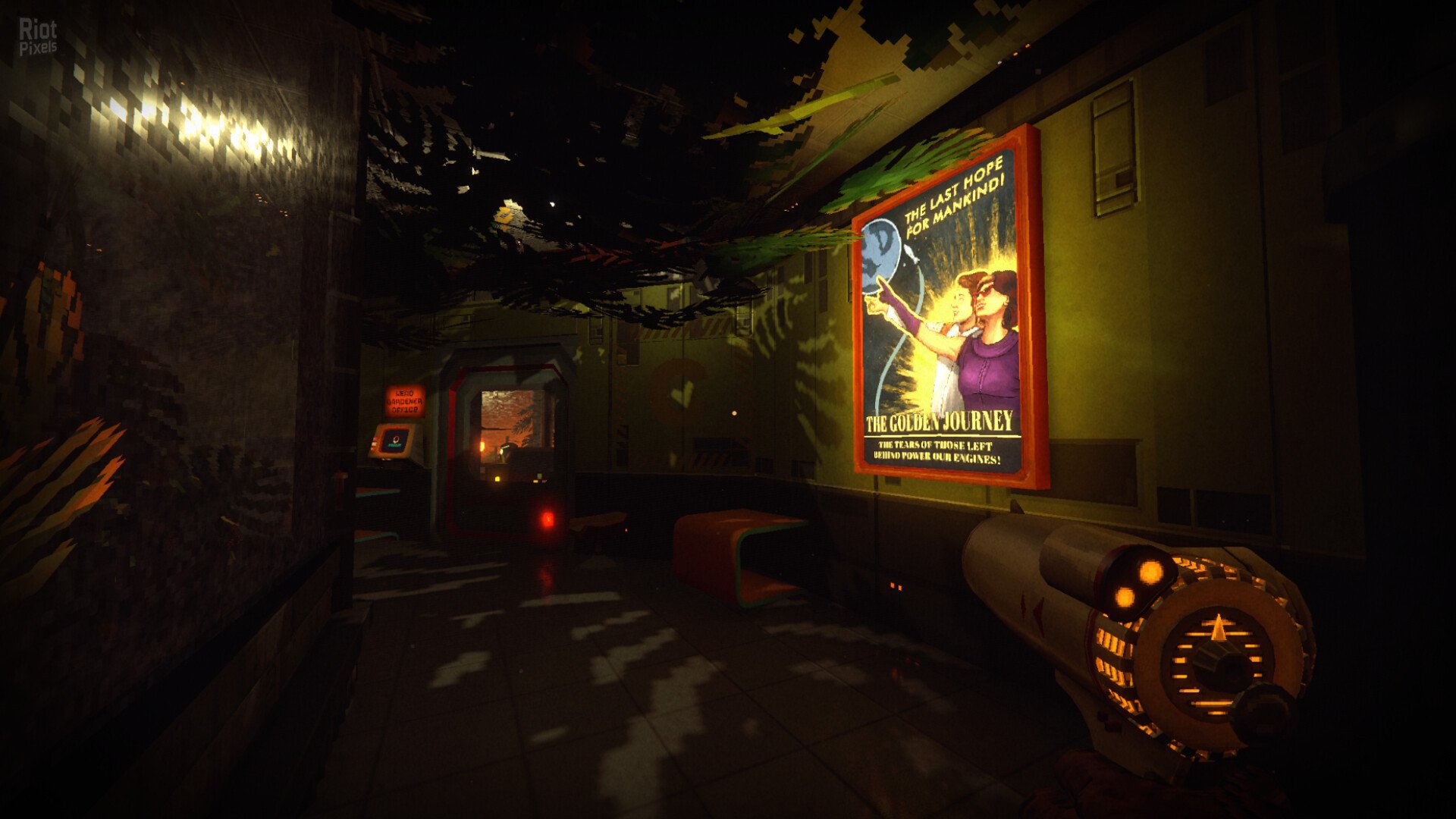
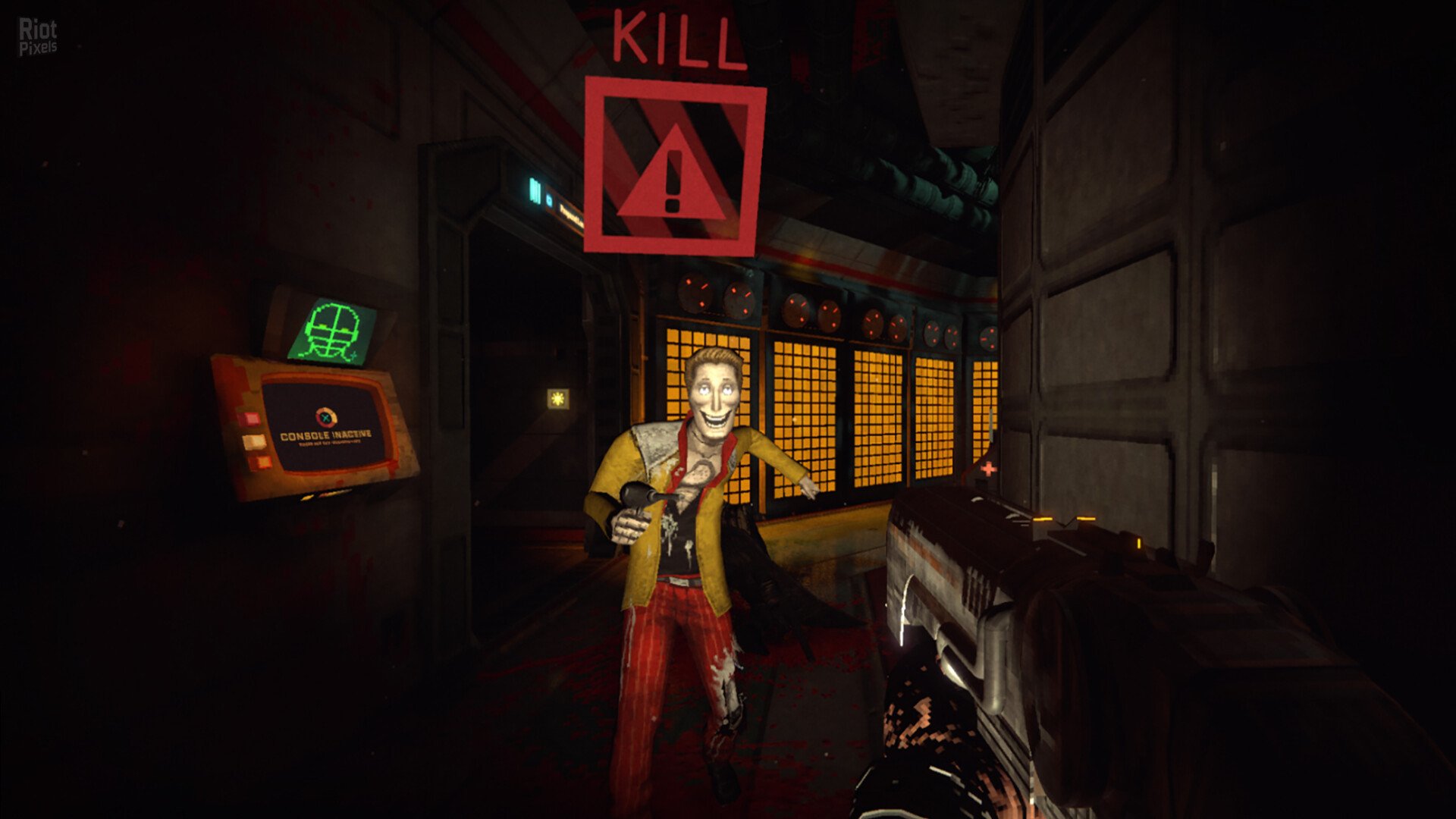
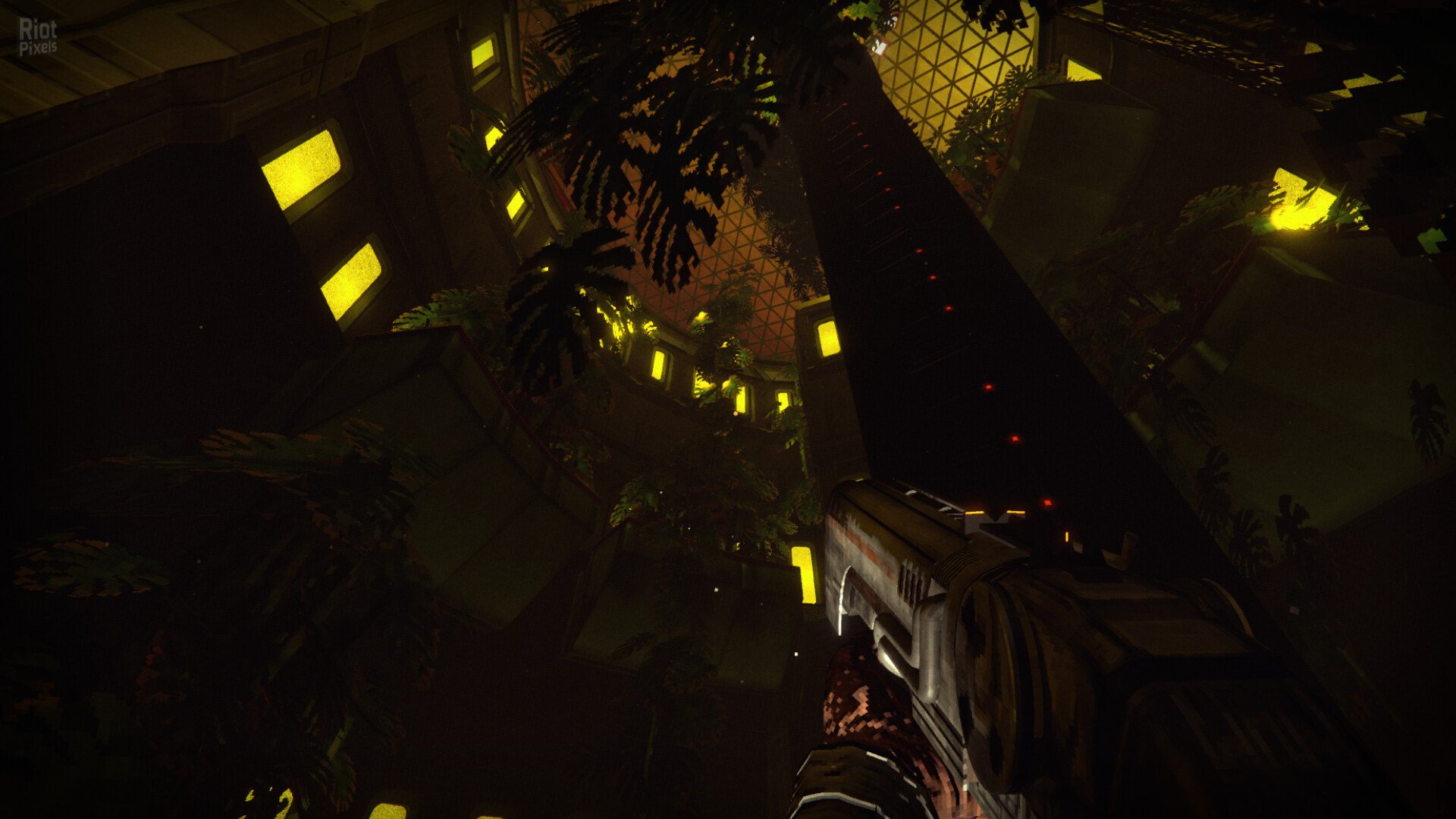
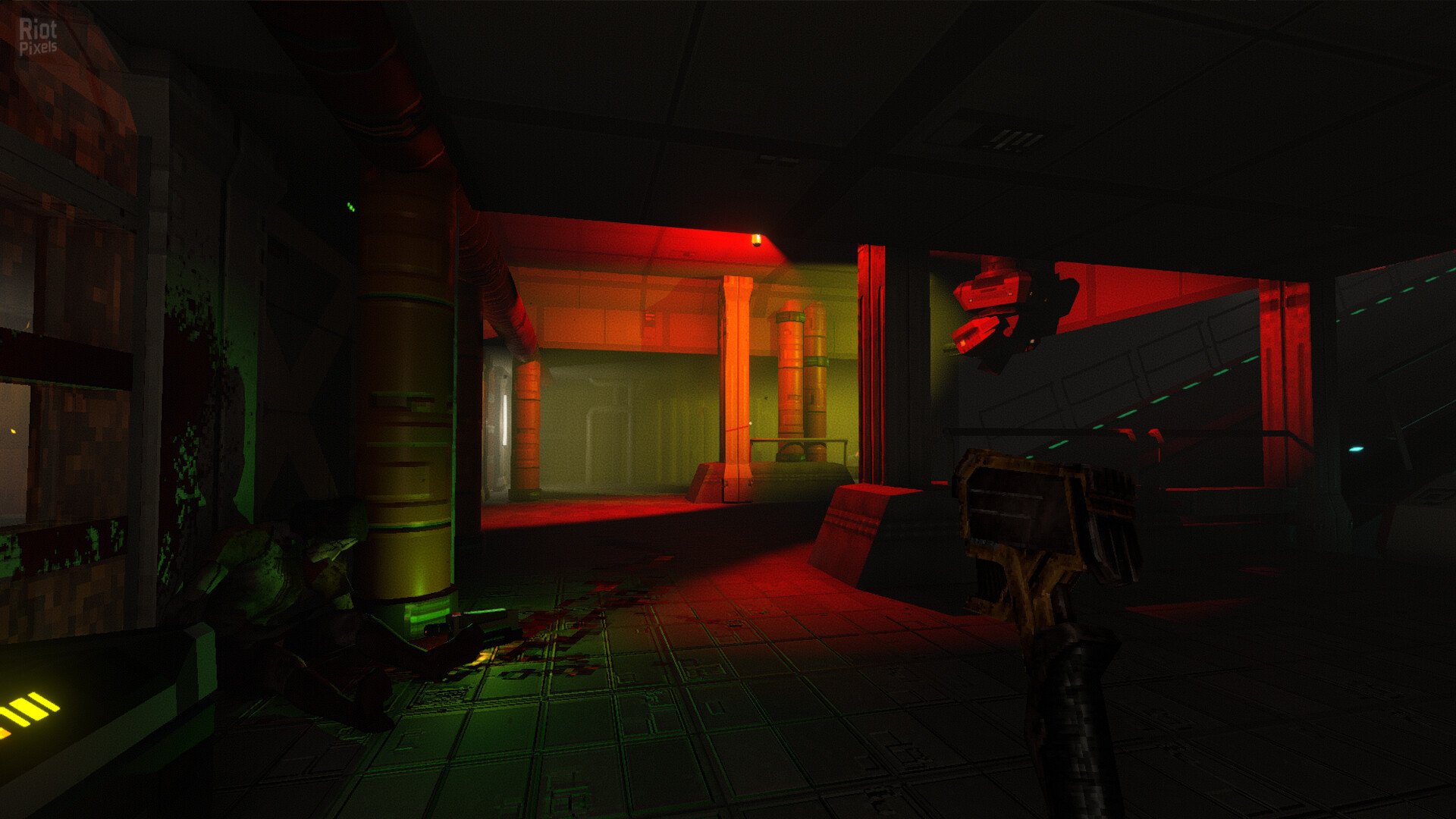
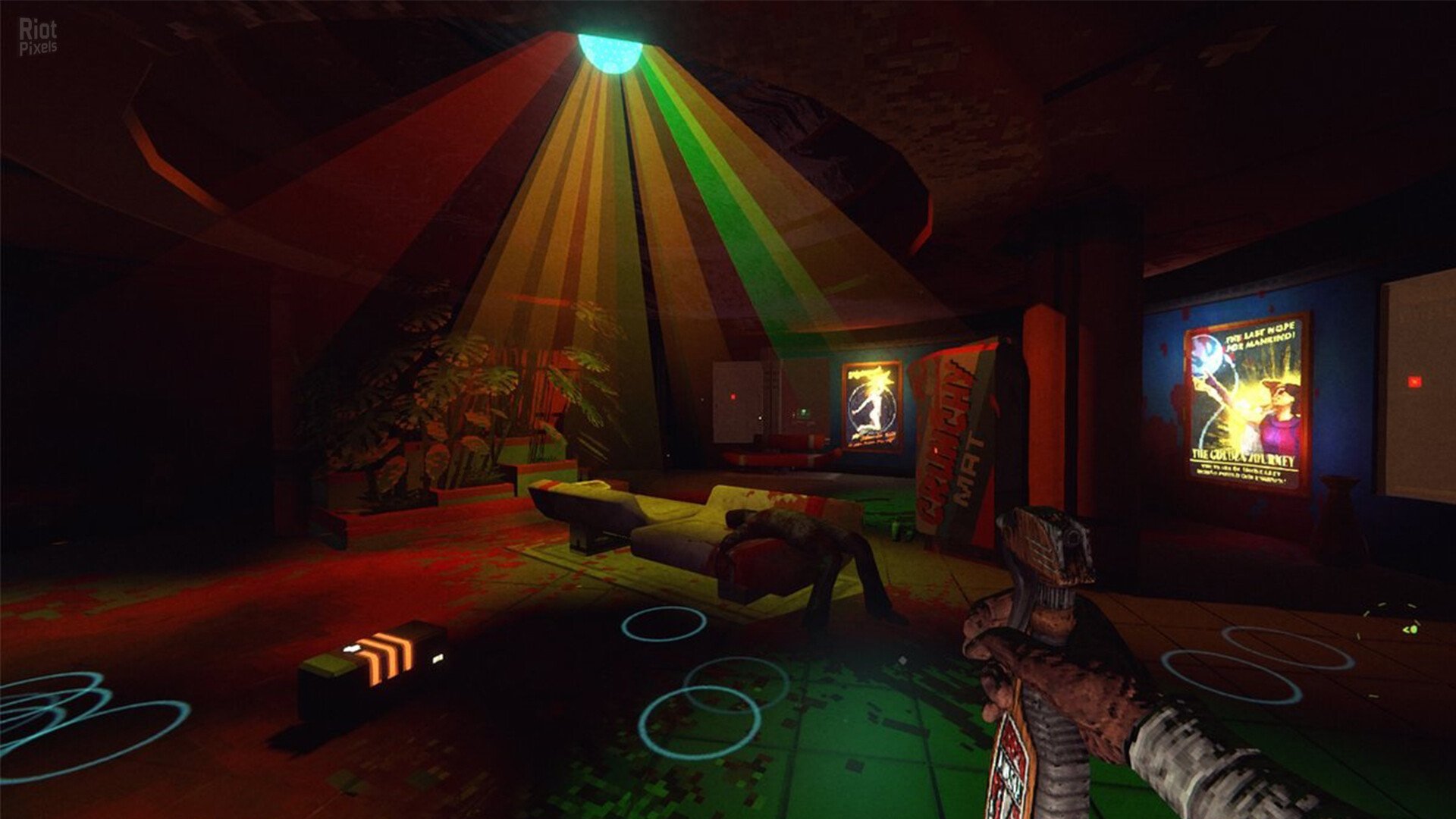
- KEY FEATURES
- Play Your Way – Sneak, hack, create diversions, lure enemies into traps, discover hidden routes, or fight your way through Aurora 5. Every obstacle has multiple solutions.
- A True Immersive Sim – Manipulate interconnected systems, exploit environmental hazards, turn security against your enemies, and solve problems creatively.
- Mutamods™ – Unlock powerful mutations that enhance stealth, combat, exploration, and mobility. Beware – every upgrade may come with unexpected side effects.
- Explore Aurora 5 – Navigate a massive interconnected space station filled with secrets, shortcuts, alternate paths, and hidden areas.
- Death, Cloning & Consequences – Death is not the end. Clone yourself, recover your lost gear, and deal with the consequences of repeated resurrection.
- Disco-Punk Space Horror – Experience a unique blend of retro-futurism, cosmic horror, dark humor, and narrative-driven exploration.
- Reactive Gameplay – Learn enemy behaviours, adapt your strategy, and use the station’s systems to gain the upper hand.
- RetroSpace is a love letter to the immersive games of yesteryear, with a modern sensibility and some unique, genre-bending twists.
- IMMERSIVE DISCO-PUNK SPACE-HORROR!
- You were but a simple janitor, now you are the last hope of all humanity! A space station has been swallowed by a sentient black hole, weird animal and plant hybrids roam the corridors, and even time itself has gone completely mad around you. Navigate with stealth or unleash a blast-tastic odyssey through the cursed station. Will you be the hero Earth needs, or are you groovin’ to save your own soul? The choice is yours!
- SURVIVING AURORA 5
- The enemies on the station of Aurora 5 are completely different from each other, so you’ve gotta channel your inner mad scientist to outsmart ’em. Survival ain’t just luck; it’s about cracking the code on their behavior, special abilities, and weaknesses. You will also have to deal with a variety of environmental factors. Security systems – for example – can be extremely deadly unless you find a way and turn them into traps or even unlikely allies…
- STEALTH VS ACTION
- Don’t like conflicts? Would you rather hide in the dark or find a way around your enemy? Or are you the kind who goes completely mental and attacks your opponent with its own flaming body part? The choice is yours, janitor! RetroSpace allows you to solve situations in many different ways. Total avoidance is as legit as a diversion, trap setting, or full-on “balls-to-the-wall” action.
- THE STATION
- Aurora 5 is a massively interconnected and open station that you are free to explore. As you discover new and new areas, shortcuts, and secret paths will open up to previously visited locations. This can be accessed through a (mostly) peaceful central HUB area, where you can return anytime when you can’t take the madness and horror any longer.
- MUTAMODS, DEATH, AND REBIRTH
- Mutamods™ can make your life much easier and enhance your combat and stealth skills. Want to become a tentacle-armed, mind-controlling, shadow-lurking mutant madman? Be our guest. BUT BEWARE! Mutamods™ may have unexpected and irreversible side effects…
- Death will be integral to your journey, but don’t worry! Aurora can produce an infinite number of clones of you. But here’s the hitch – cloning ain’t all sunshine and rainbows. You should be prepared for some severe cloning degenerations, and of course, it is highly recommended to get your stuff back from your former self. Get ready for a wild ride through the psychedelic unknown, where every death is just another funky twist in your interstellar journey!
- BLURB
- 2177 – Humanity’s last hope is the AURORA fleet, a convoy of floating space stations searching for a new home.
- On this century-long mission, humans spend their lives in deep sleep, while robots, androids, and a dedicated team of chosen janitors guard their dreams.
- Until one of the gigantic city-ships derails off its course…
- Sucked into a black hole…
- And now it drifts in the void, lost in the infinite blackness of space.
- The corridors are infested with mutants, and the ship is constantly jumping between two time periods.
- Is there a way home? Will the madness ever end?
- A nameless janitor is looking for answers and a way out.
- A way out of the endless loop, the evil void, and the cosmic madness…
- This is… RETROSPACE!”
- In space, no one can hear you groove!
- Based on RetroSpace-RUNE ISO release: rune-retrospace.iso (3,859,546,112 bytes)
- Game version: Build 6499; Bonus ArtBook is included by default
- 100% Lossless & MD5 Perfect: all files are identical to originals after installation
- NOTHING ripped, NOTHING re-encoded
- Significantly smaller archive size (compressed from 3.6 to 2.6 GB)
- Installation takes one minute
- After-install integrity check so you could make sure that everything installed properly
- HDD space after installation: 7 GB
- Language can be changed in game settings
- At least 2 GB of free RAM (inc. virtual) required for installing this repack
Download Mirrors
It is recommended to always use Magnet for downloads, and we suggest the following open-source clients: Gopeed
discussion && update
https://cs.rin.ru/forum/viewtopic.php?f=10&t=128944
Website links
- Always recommend using magnet links to download games for faster and more stable speeds. Recommend pure, open-source, ad-free download software (such as Gopeed or BitComet).
- Before running the game, evaluate the game’s system hardware requirements. If your computer only has 2G of RAM, you basically cannot expect to run large next-gen games smoothly.
- Extracting high-compression packages consumes a lot of memory. You must enable virtual memory and manually set it to 1 to 1.5 times the physical memory.
- Example: If the computer has 8G RAM, suggest increasing to 12GB – 16GB; if 16G RAM, set to 24GB (both initial and maximum values fill in 24576 MB).
- When extracting the game, the hard drive needs 2-3 times the free space of the game installation package. For example, if the package is 10G, the target drive needs at least 20-30G of free space.
- The hard disk partition format must be NTFS. The outdated FAT32 format cannot write single files larger than 4GB, which will cause the extraction to freeze.
- During game installation, temporarily disable Windows Defender or third-party antivirus software, or add the “game download directory” and “target installation directory” to the antivirus exclusion list.
- If the computer has less than 4G RAM, or high-end computers frequently report extraction errors, be sure to check “Limit installer to 2 GB of RAM usage” on the first interface during installation. This slightly limits extraction speed but greatly improves stability and solves 90% of memory overflow errors.
- When running setup.exe, always right-click the icon and select “Run as administrator” to ensure the installer has full system read/write permissions.
- The absolute path of the game installation cannot contain any Chinese characters, special symbols, or extra spaces.
- Correct example: “D:\Games\Steam”
- Wrong example: “D:\游戏\赛博朋克 2077”
- During the extraction process, the CPU and memory are pushed to the limit. At this time, strictly prohibit playing other large games, background rendering, or opening many browser tabs, otherwise it can easily cause resource contention leading to instant errors (such as Unarc.dll) or even a blue screen.
- At the checkbox interface at the end of installation, be sure to check the installation of DirectX and Visual C++ Redistributable (runtime library suite). Many players successfully extract but cannot open the game (popping up 0xc000007b or missing various .dll files) because of missing these basic runtimes.
- If the installation completes smoothly but double-clicking the game icon has no response, 99% of the time it is because Windows Defender silently quarantined or deleted the “crack patch” (such as steam_api64.dll) in the game directory right after extraction. Go to the “Protection history” in Windows Security and select “Restore and allow” for that file.
- After encountering an Unarc.dll error, never download this DLL file alone from the internet and place it in the system drive. The game compression mechanism uses highly customized dedicated libraries; generic DLLs downloaded online are useless and can easily infect the system.
- If you have strictly followed all the above configurations and requirements and still stubbornly get an Unarc.dll error during installation, you basically can only consider reinstalling a pure version of the system.
- If it still does not work, then consider installing on another machine.
THE END