

Original Size: 2.1 GB
Repack Size: 1.3 GB
Languages: RUS/ENG/MULTI28
Companies: Crunchfest, Grolaf
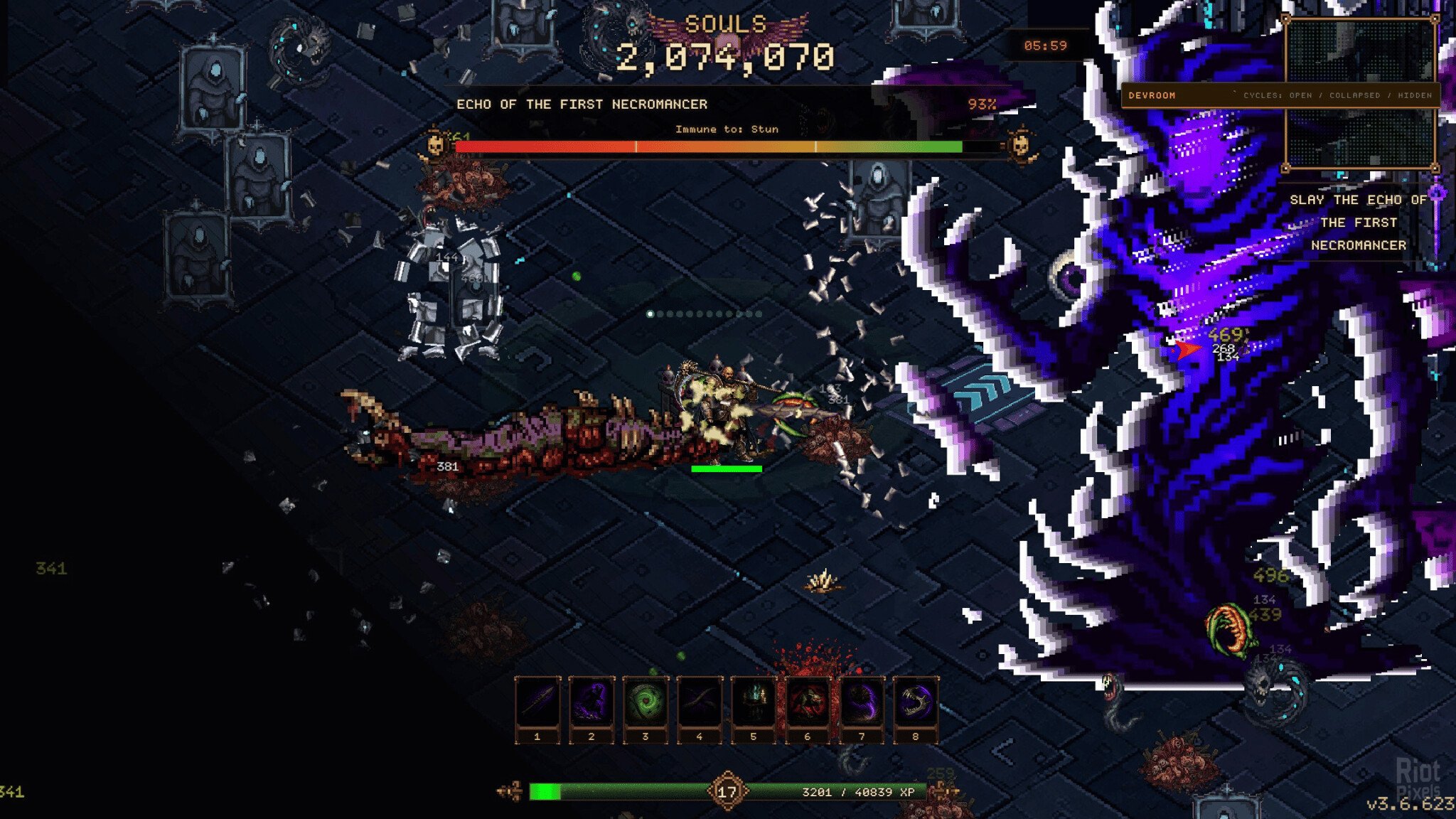
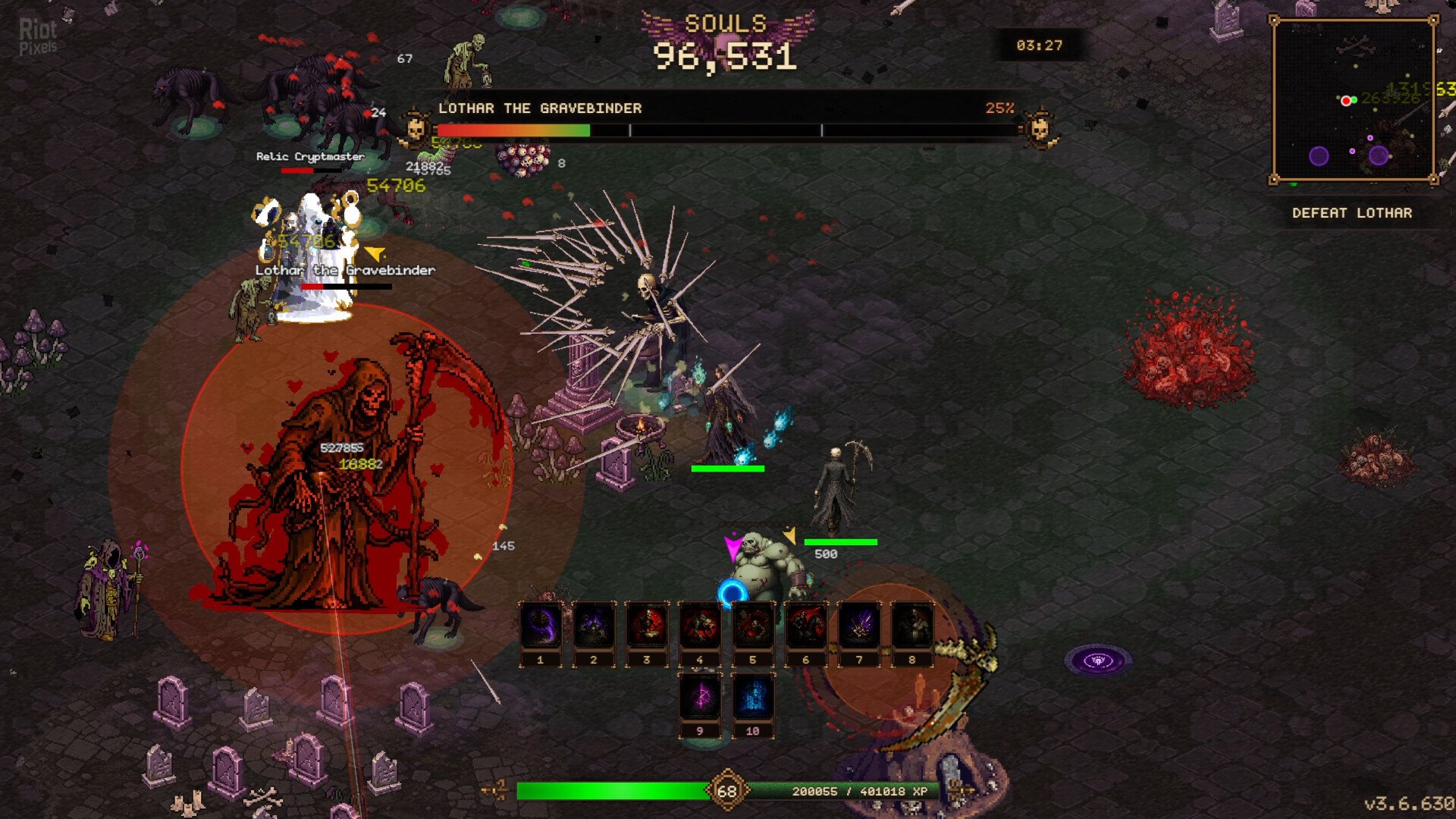
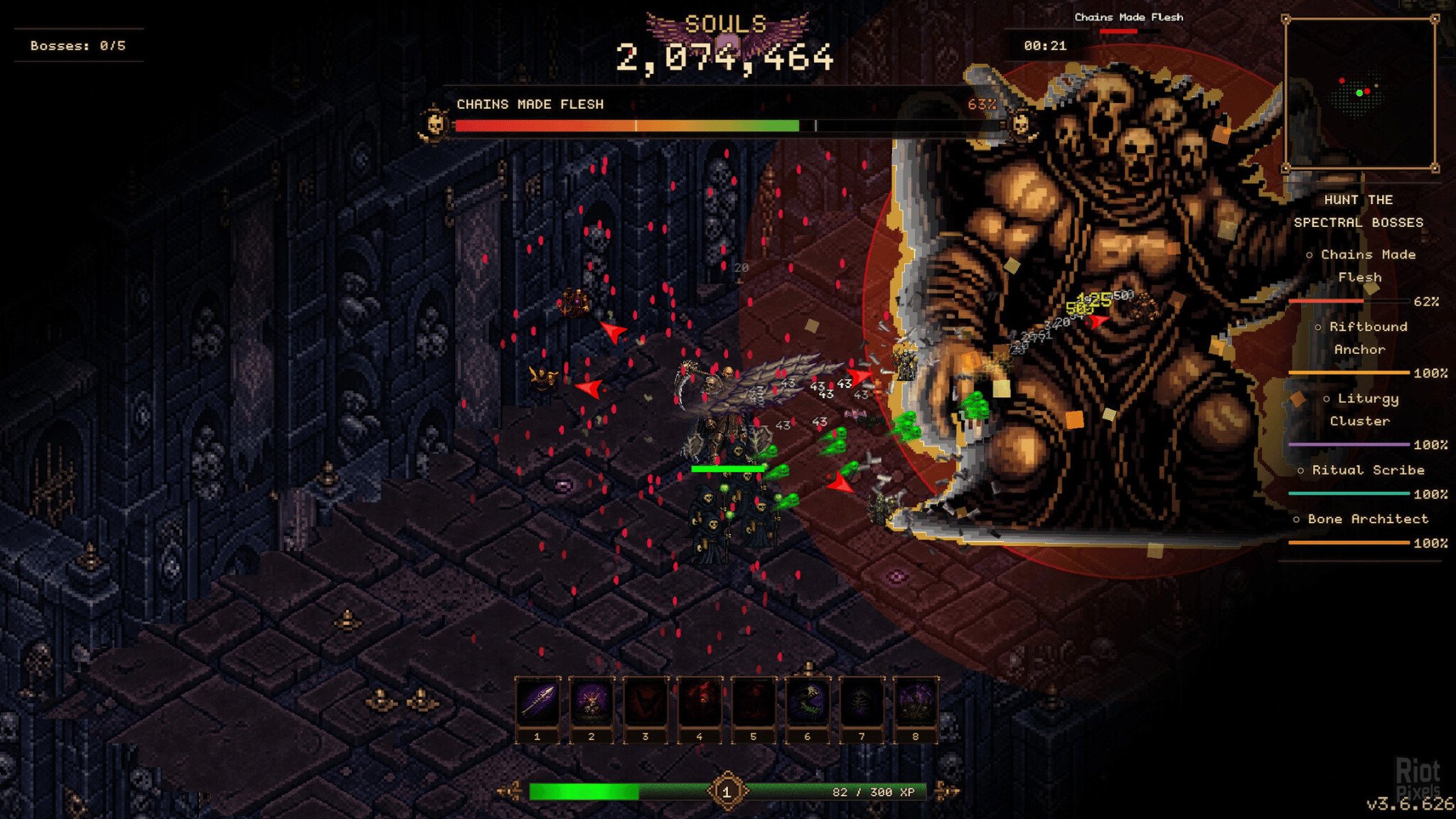
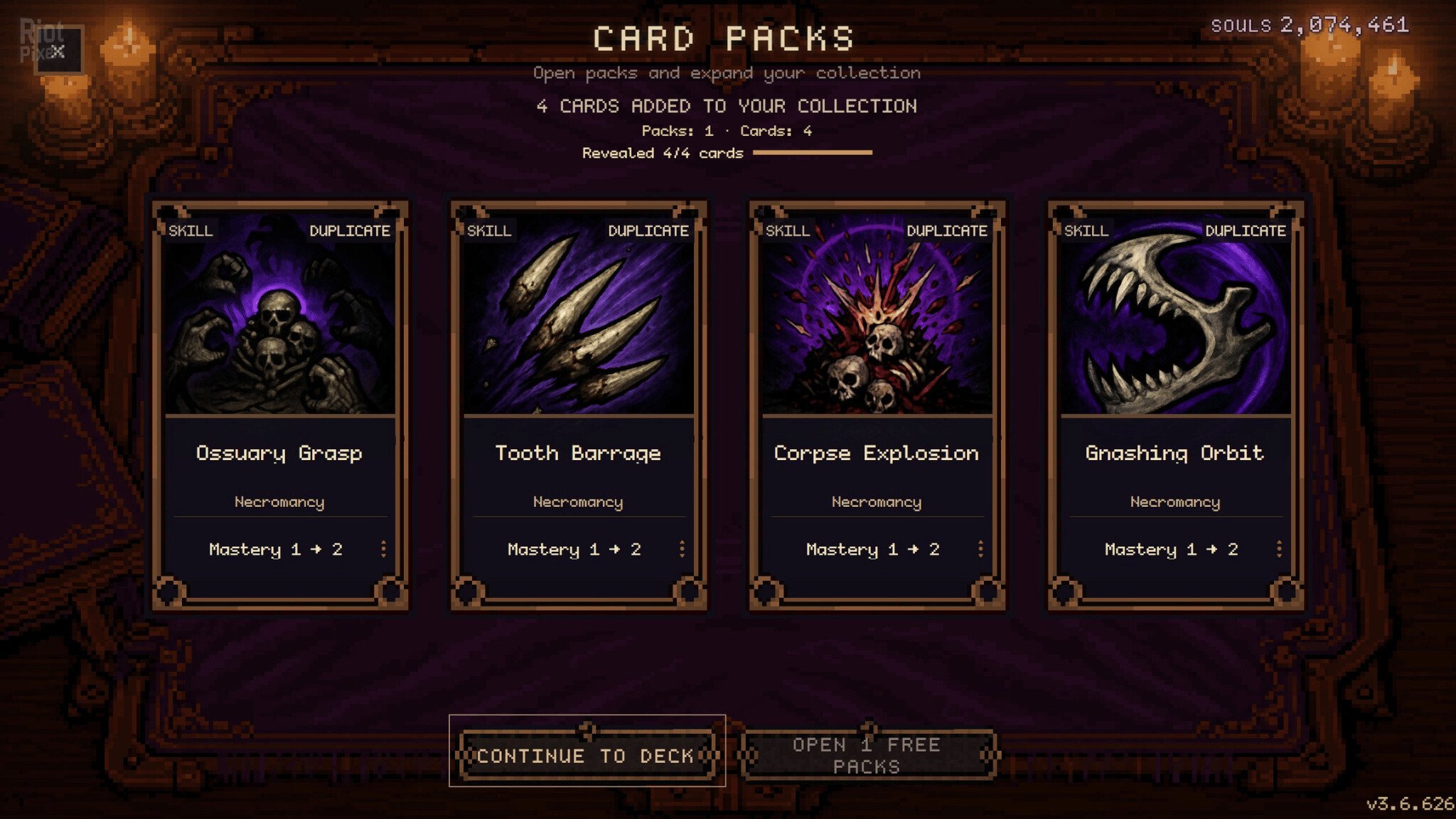
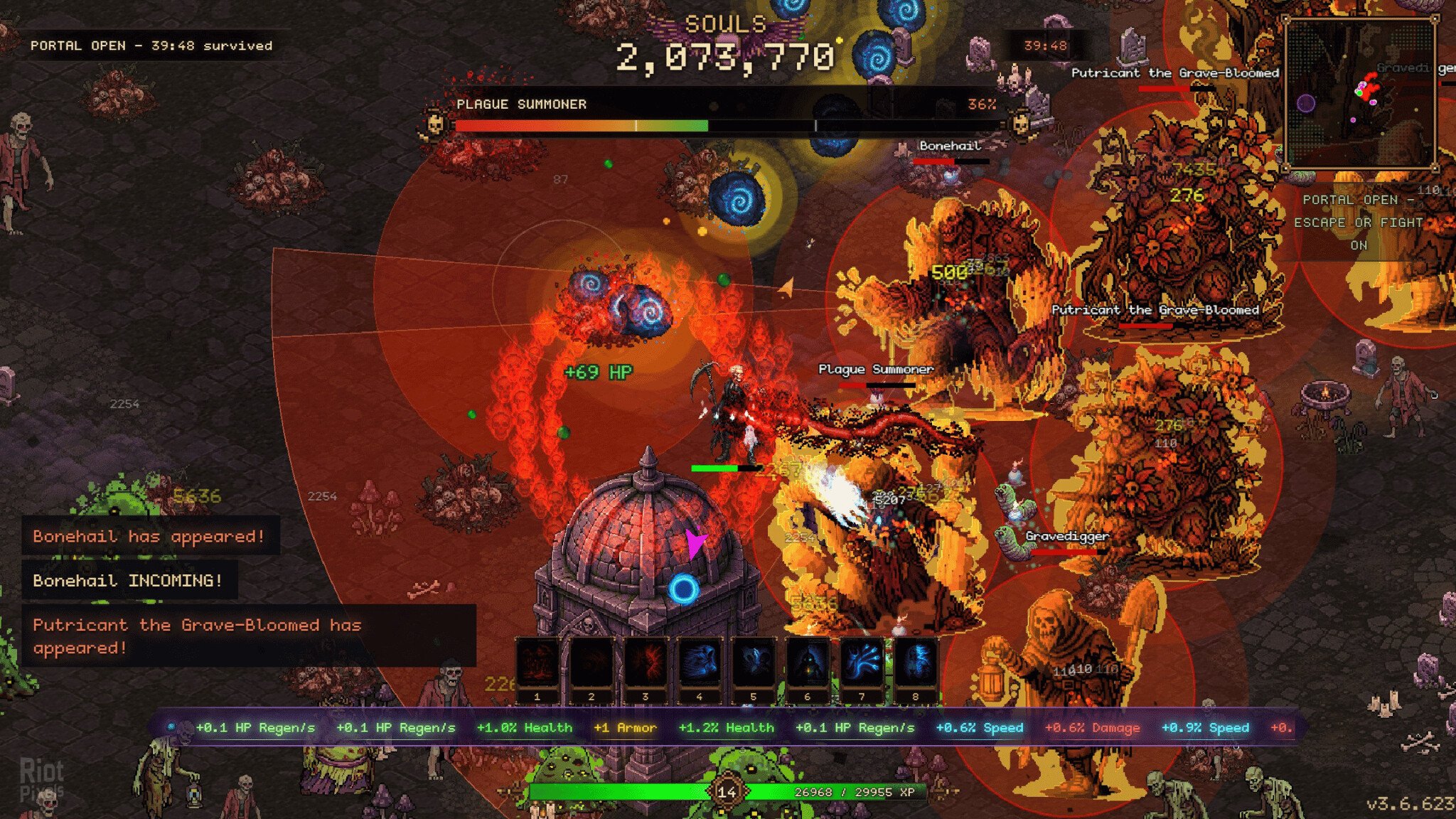
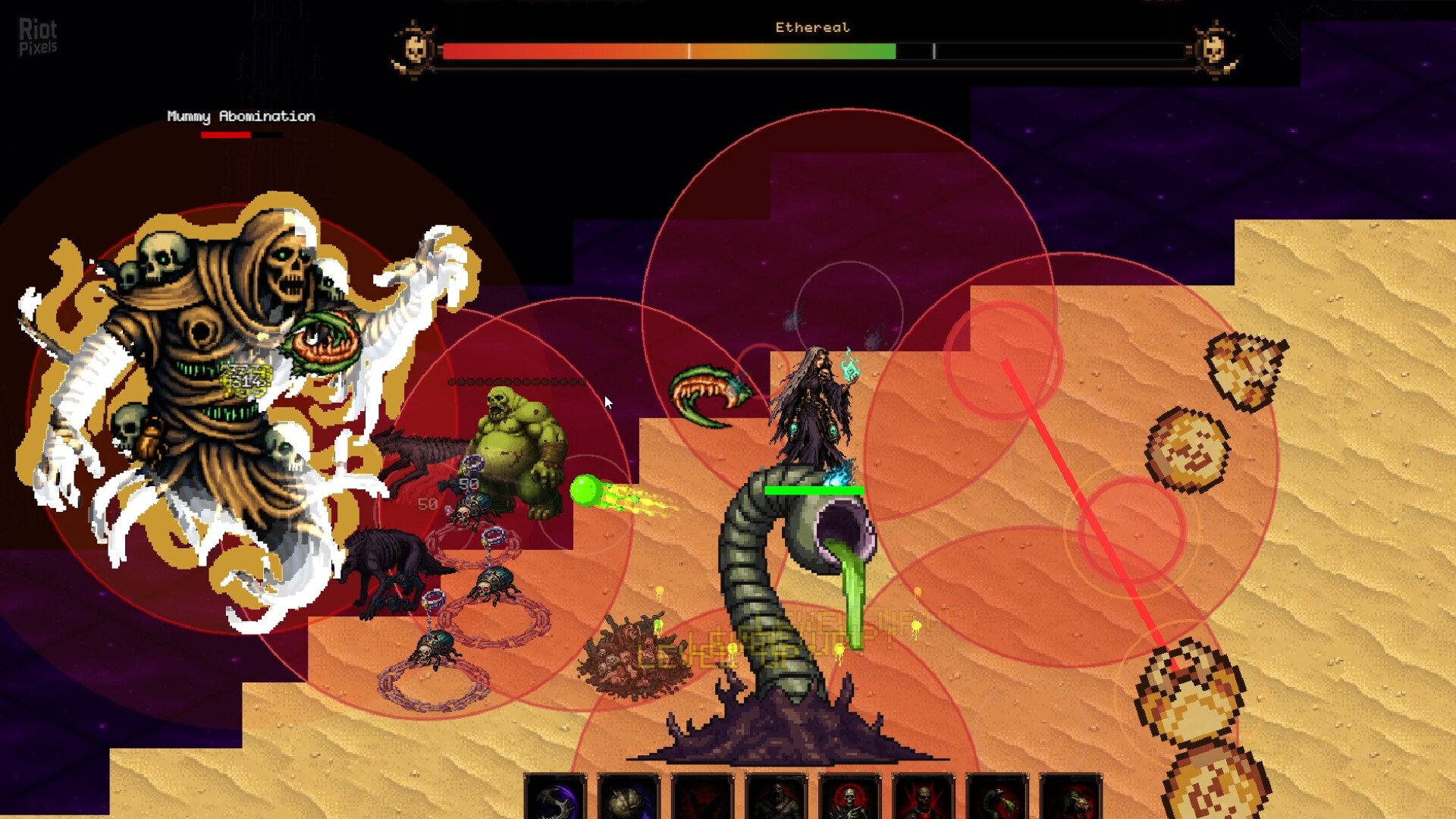
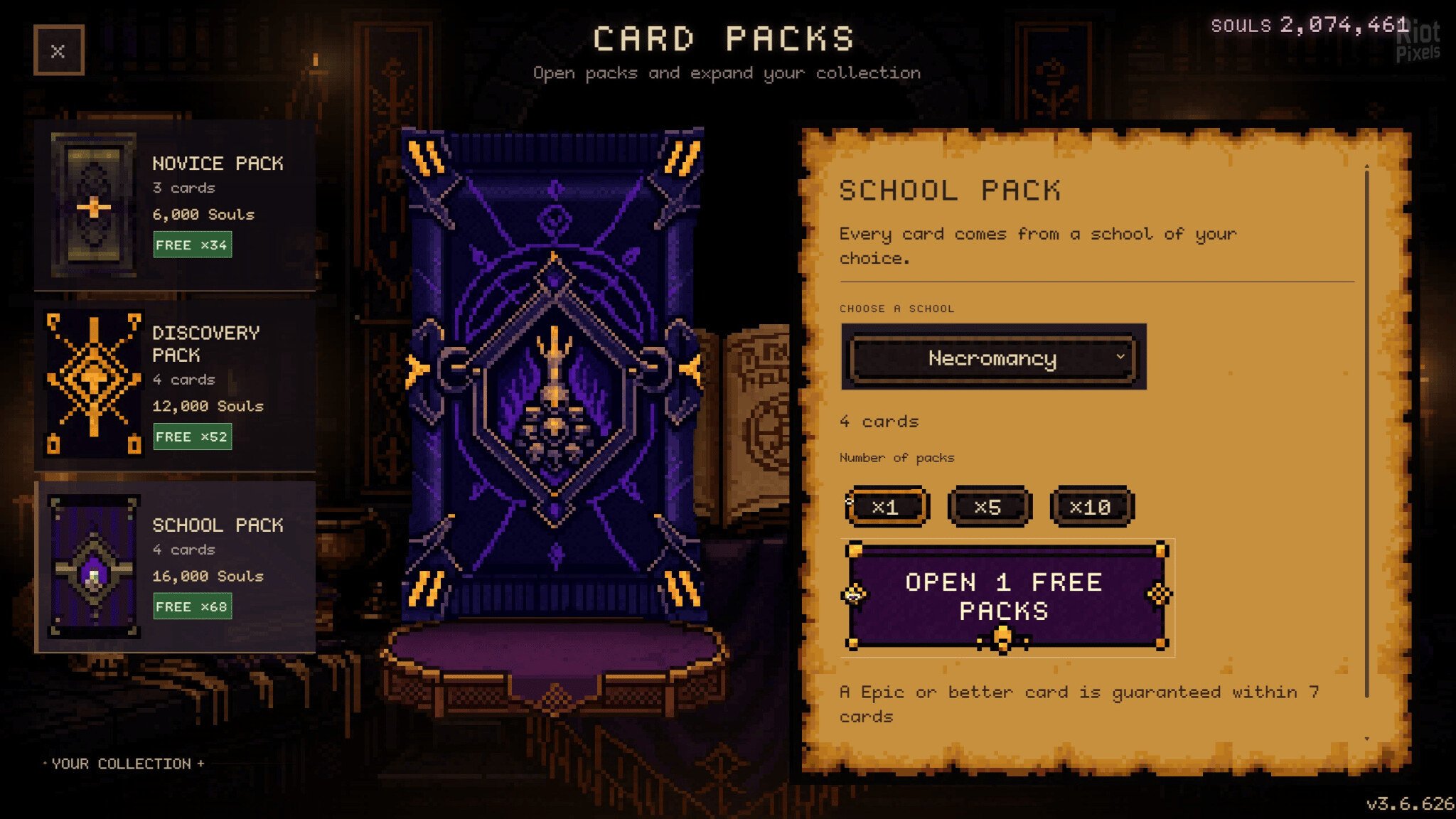
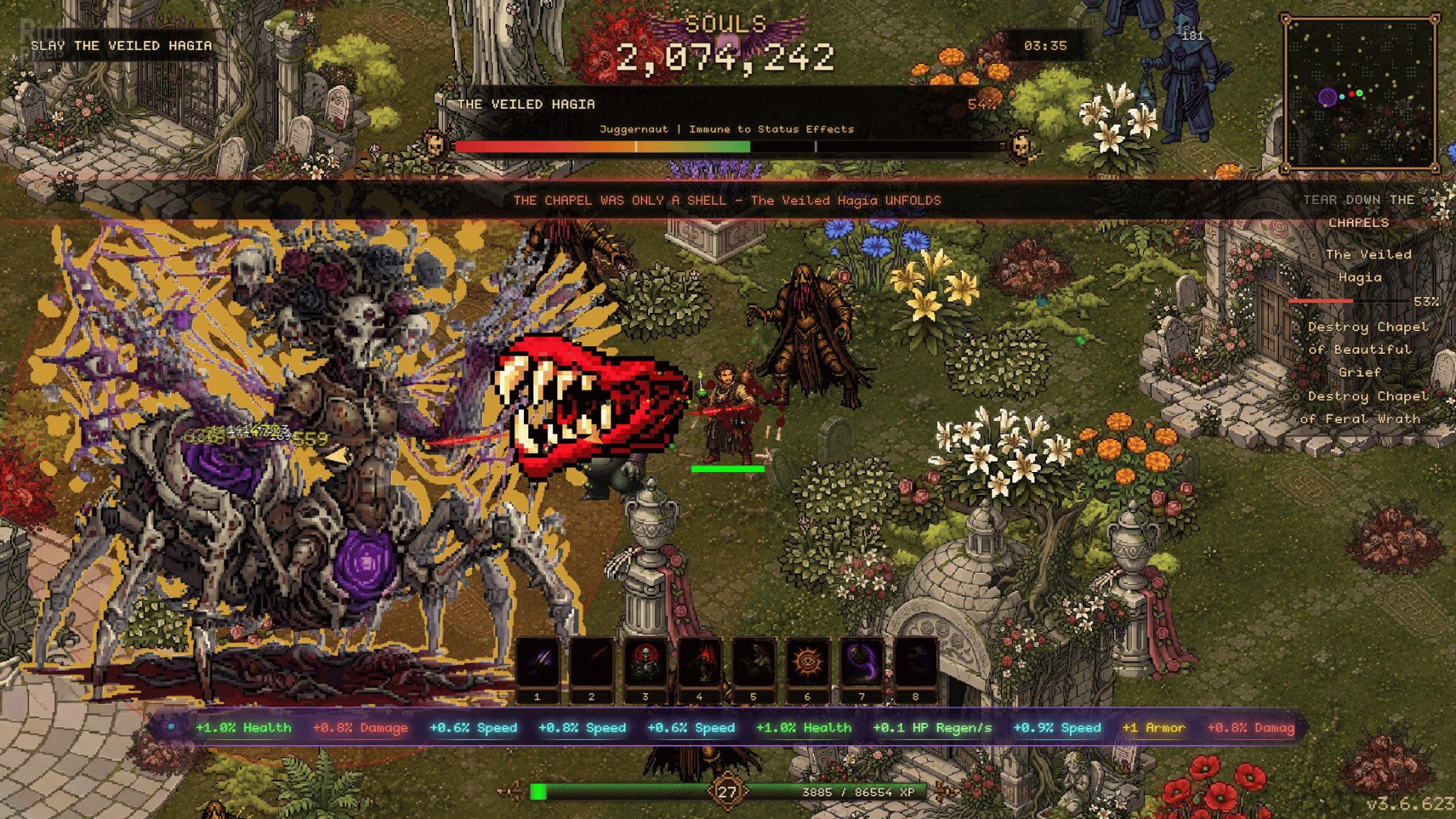
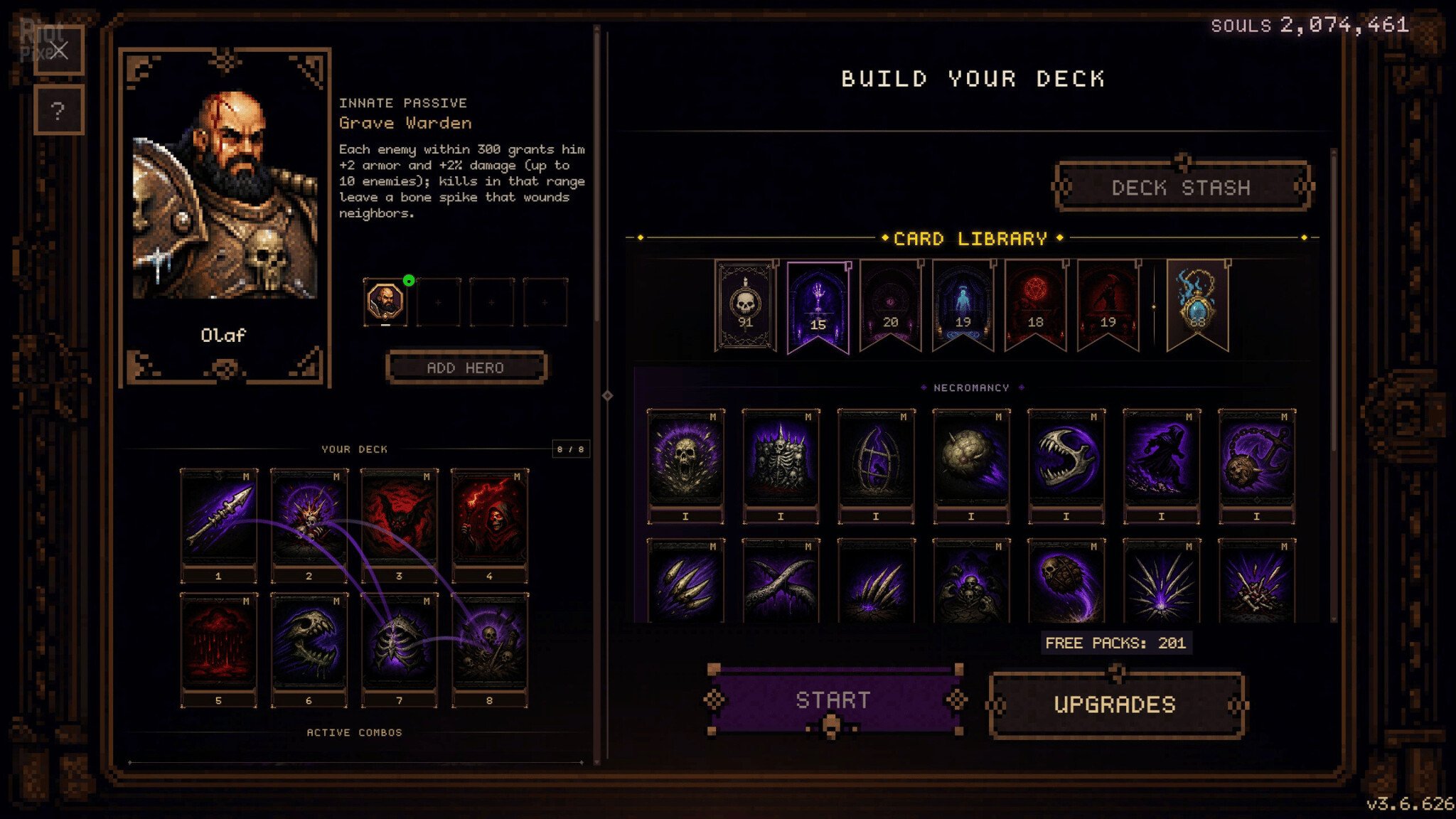
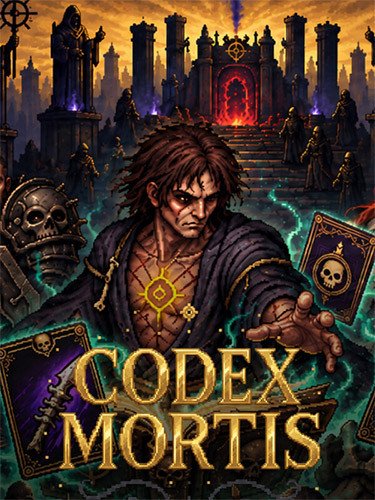
- Codex Mortis is an isometric horde-survivor bullet hell whose roguelite loop runs on a spell deckbuilder. You play a necromancer. Before every mission you assemble a deck from the spells you own, then carry it into a battlefield filled with the undead, alone, with a friend in a local co-op, or online in a party of up to four. You spend the points you earn during a run on booster packs, each pack adds new spells to your collection, and those spells open builds you could not have assembled before.
- BUILD YOUR DECK, OPEN YOUR PACKS
- Plan before you slaughter, because once the mission starts you fight with what you brought. Before every mission you assemble your loadout from the spells you own, and that loadout is your deck. A deck weighted toward Summoning wins the field by crowding it, with skeletons soaking the horde while you cast. A deck weighted toward Blood Magic hits harder and sacrifices your life to do it.
- The points you earn on a run buy booster packs, and every pack adds spells to your collection, so your next deck comes out of a wider pool.
- TWIST YOUR SPELLS WITH MUTATIONS
- Mutations sit on top of the skills you carry and change the way they work. A mutation riding your bone spear sends it out in a pattern you have to learn again, and one on a summon calls up another archetype of undead. Others reshape the ground an area spell covers or give an aura a character of its own, so a spell you have cast a hundred times comes out of your hands changed.
- TEN SCHOOLS OF DARK MAGIC
- Every spell in your collection belongs to one of the ten schools of dark magic. There are 200 spells in all, and every school combines with every other.
- Necromancy: bone spears, corpse explosions and skeletal prisons.
- Summoning: raise undead armies and bone golems.
- Blood Magic: sacrifice life for power.
- Soul Magic: harvest essence, phase through enemies.
- Curses: break enemy will, spread terror and confusion.
- Harvest: cull the horde with the scythe.
- Death Knight: close-quarters swordplay, spectral armor and war cries.
- Spiritism: forbidden rites, spirit turrets and sacrificial urns.
- Desolation: sand shades and zones that punish the living.
- Apothecary: dark alchemy, elixirs and blight.
- 31 PLAYABLE HEROES
- Many heroes are built around two or three schools at once. Ravena Bloodscythe pairs Blood Magic with Harvest, and Seraphon Wraithblade blends Harvest, Death Knight and Soul Magic.
- FOURTEEN LEVELS, 3 GAME MODES
- Find perfect builds for fourteen levels: Forgotten Graveyard, Sand Tomb, Cursed Catacombs, Bone Cathedral, Void Sanctum, Soul Nexus, The Throne Room, North Pole, The Overgrown Grave, Chapel of Perpetual Bloom, The Garden of Returned Flesh, The Golden Rot, The First Mercy and The Road to Blood Bath.
- The last six levels belong to the Apocrypha, the second chapter of the story campaign. The final four can also be played in Survivor mode, and The Road to Blood Bath ends in a three-phase boss with 600,000 HP.
- INFINITE BUILD VARIETY
- Mix active spells across magic schools for unique combinations
- Command Heroes with their own abilities (or play co-op with friends!)
- Equip Artifacts that grant powerful bonuses
- Deep progression – upgrade damage, cooldowns, health, speed, and more
- Open card packs for new spells
- Procedurally generated worlds – every run is different
- Based on CODEX.MORTIS-TENOKE ISO release: tenoke-codex.mortis.iso (2,230,794,240 bytes)
- Game version: v3.6.757
- 100% Lossless & MD5 Perfect: all files are identical to originals after installation
- NOTHING ripped, NOTHING re-encoded
- Significantly smaller archive size (compressed from 2.1 to 1.3 GB)
- Installation takes 2-5 minutes (depending on your system)
- After-install integrity check so you could make sure that everything installed properly
- HDD space after installation: 2.1 GB
- Language can be changed in game settings
- Repack uses XTool library by Razor12911
- At least 2 GB of free RAM (inc. virtual) required for installing this repack
Download Mirrors
It is recommended to always use Magnet for downloads, and we suggest the following open-source clients: Gopeed
discussion && update
https://cs.rin.ru/forum/viewtopic.php?f=10&t=153770
Website links
- Always recommend using magnet links to download games for faster and more stable speeds. Recommend pure, open-source, ad-free download software (such as Gopeed or BitComet).
- Before running the game, evaluate the game’s system hardware requirements. If your computer only has 2G of RAM, you basically cannot expect to run large next-gen games smoothly.
- Extracting high-compression packages consumes a lot of memory. You must enable virtual memory and manually set it to 1 to 1.5 times the physical memory.
- Example: If the computer has 8G RAM, suggest increasing to 12GB – 16GB; if 16G RAM, set to 24GB (both initial and maximum values fill in 24576 MB).
- When extracting the game, the hard drive needs 2-3 times the free space of the game installation package. For example, if the package is 10G, the target drive needs at least 20-30G of free space.
- The hard disk partition format must be NTFS. The outdated FAT32 format cannot write single files larger than 4GB, which will cause the extraction to freeze.
- During game installation, temporarily disable Windows Defender or third-party antivirus software, or add the “game download directory” and “target installation directory” to the antivirus exclusion list.
- If the computer has less than 4G RAM, or high-end computers frequently report extraction errors, be sure to check “Limit installer to 2 GB of RAM usage” on the first interface during installation. This slightly limits extraction speed but greatly improves stability and solves 90% of memory overflow errors.
- When running setup.exe, always right-click the icon and select “Run as administrator” to ensure the installer has full system read/write permissions.
- The absolute path of the game installation cannot contain any Chinese characters, special symbols, or extra spaces.
- Correct example: “D:\Games\Steam”
- Wrong example: “D:\游戏\赛博朋克 2077”
- During the extraction process, the CPU and memory are pushed to the limit. At this time, strictly prohibit playing other large games, background rendering, or opening many browser tabs, otherwise it can easily cause resource contention leading to instant errors (such as Unarc.dll) or even a blue screen.
- At the checkbox interface at the end of installation, be sure to check the installation of DirectX and Visual C++ Redistributable (runtime library suite). Many players successfully extract but cannot open the game (popping up 0xc000007b or missing various .dll files) because of missing these basic runtimes.
- If the installation completes smoothly but double-clicking the game icon has no response, 99% of the time it is because Windows Defender silently quarantined or deleted the “crack patch” (such as steam_api64.dll) in the game directory right after extraction. Go to the “Protection history” in Windows Security and select “Restore and allow” for that file.
- After encountering an Unarc.dll error, never download this DLL file alone from the internet and place it in the system drive. The game compression mechanism uses highly customized dedicated libraries; generic DLLs downloaded online are useless and can easily infect the system.
- If you have strictly followed all the above configurations and requirements and still stubbornly get an Unarc.dll error during installation, you basically can only consider reinstalling a pure version of the system.
- If it still does not work, then consider installing on another machine.
THE END