


Original Size:
Repack Size:
Languages:
Companies:
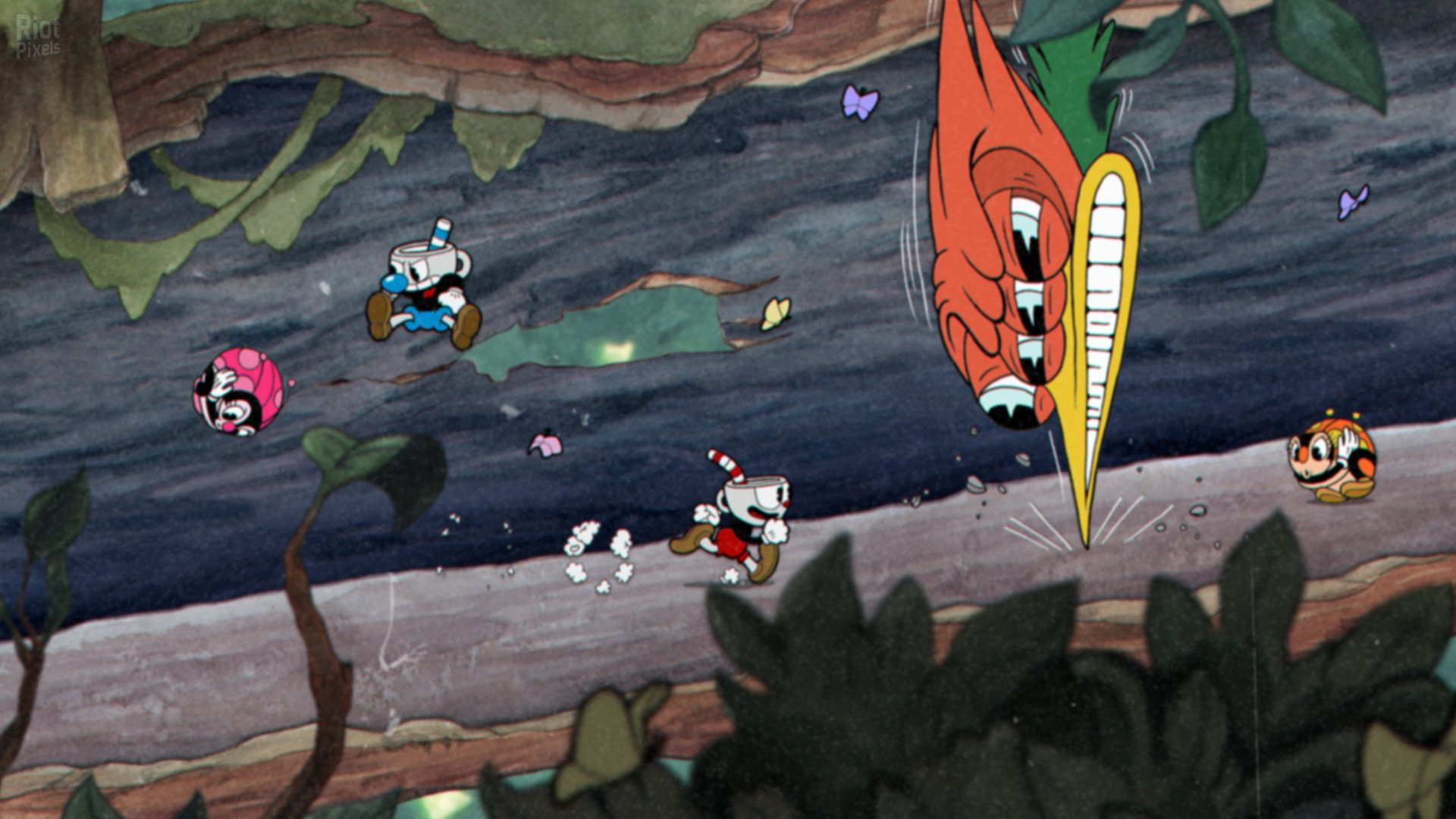
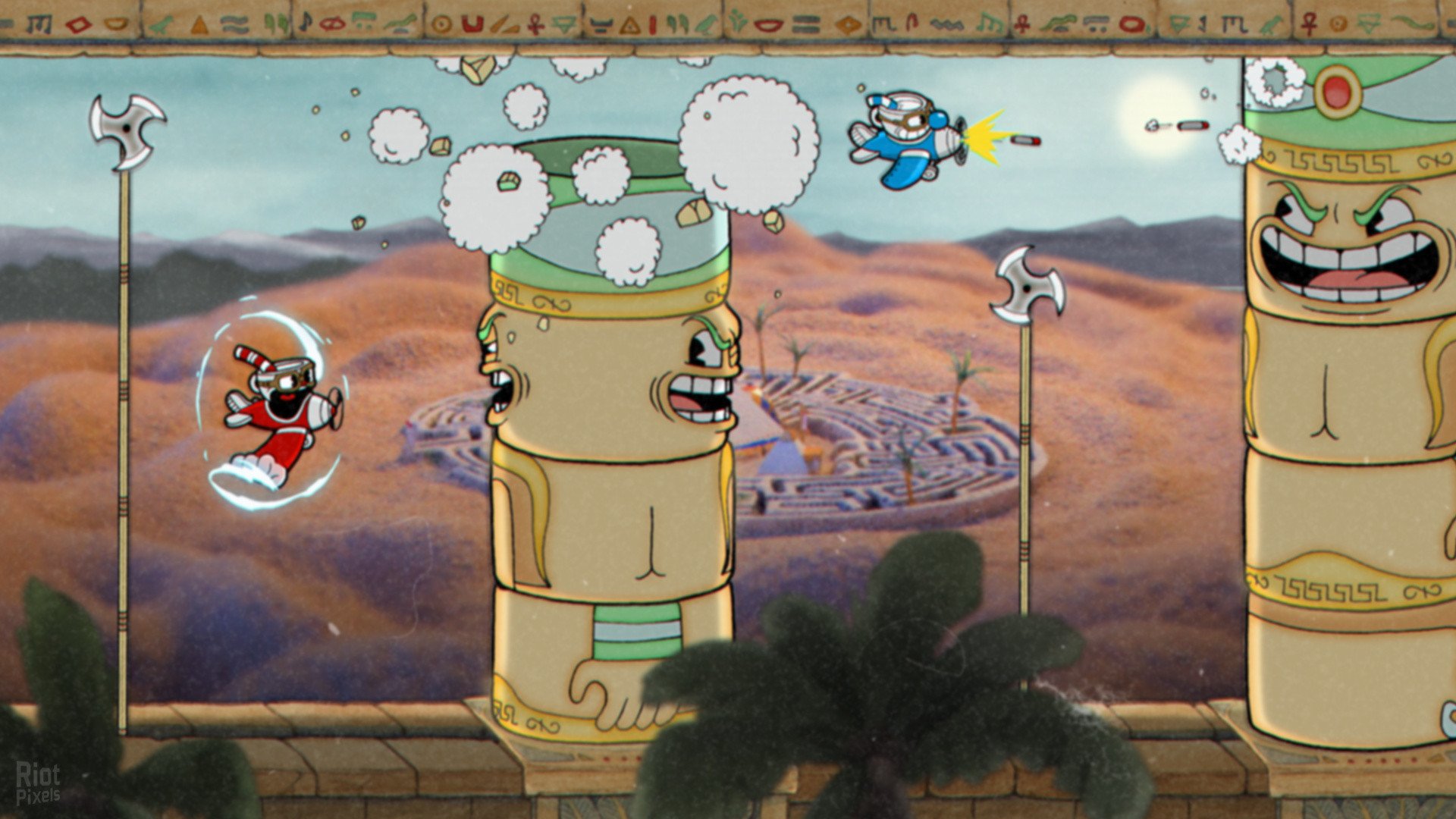
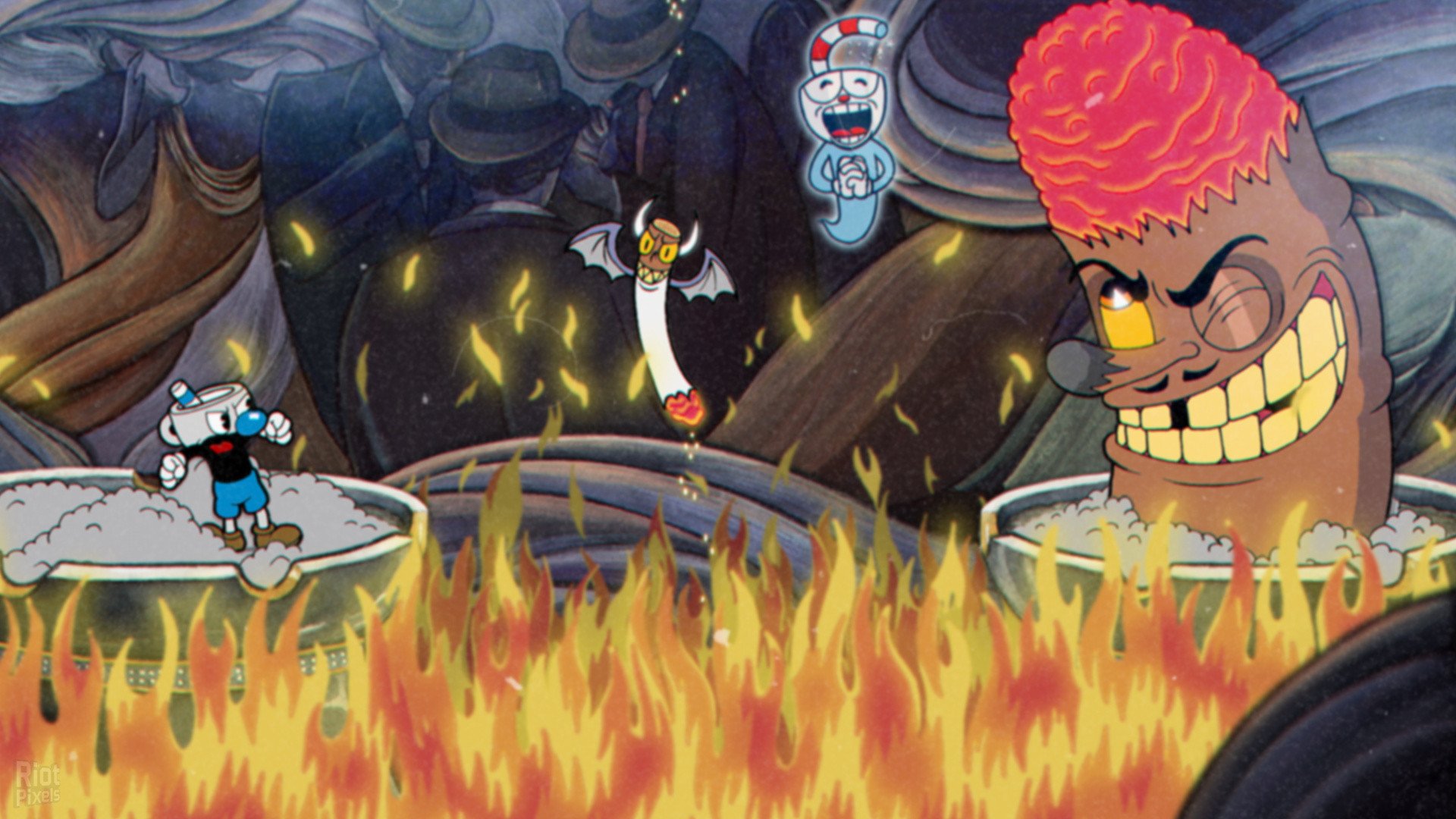
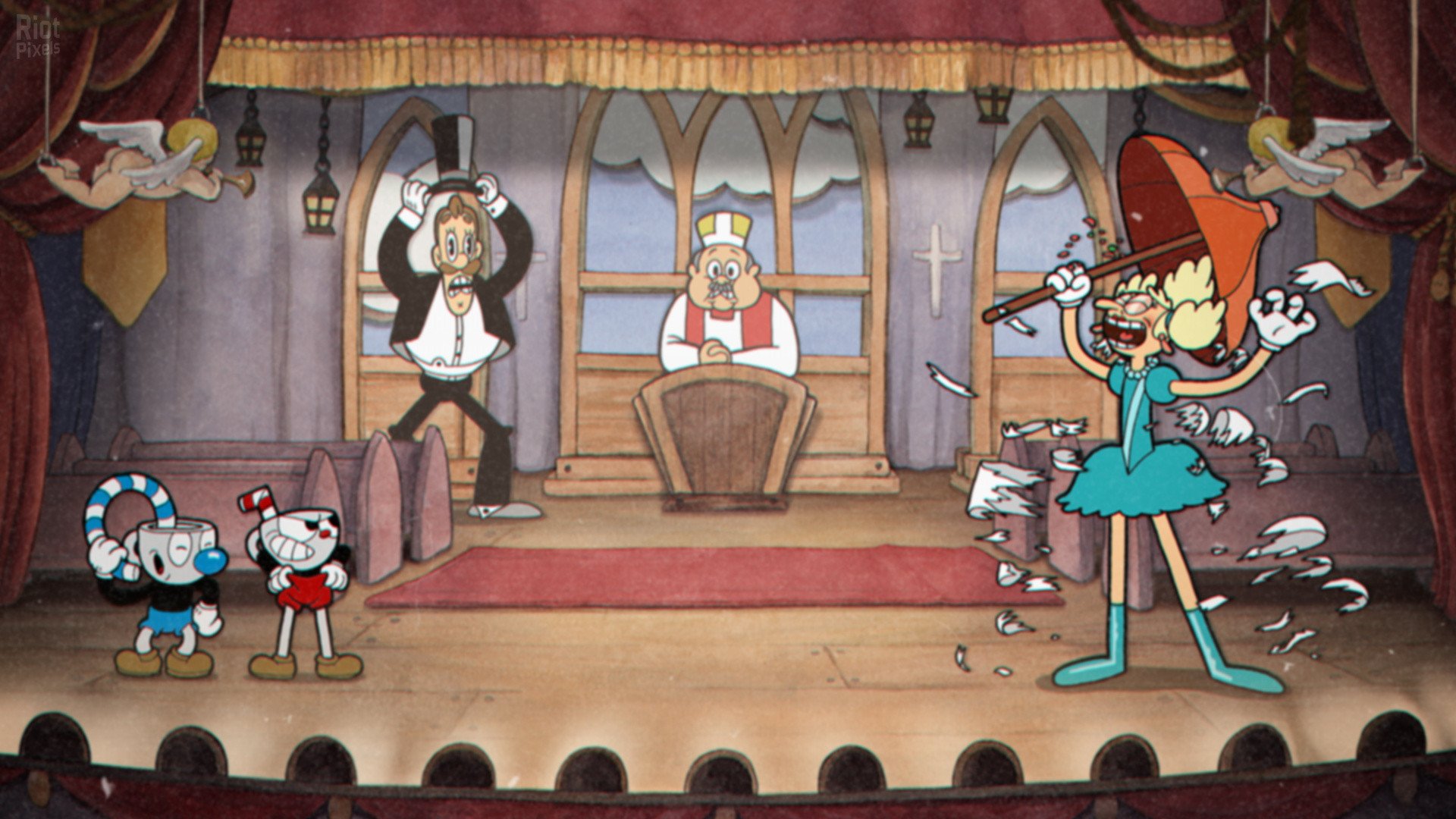
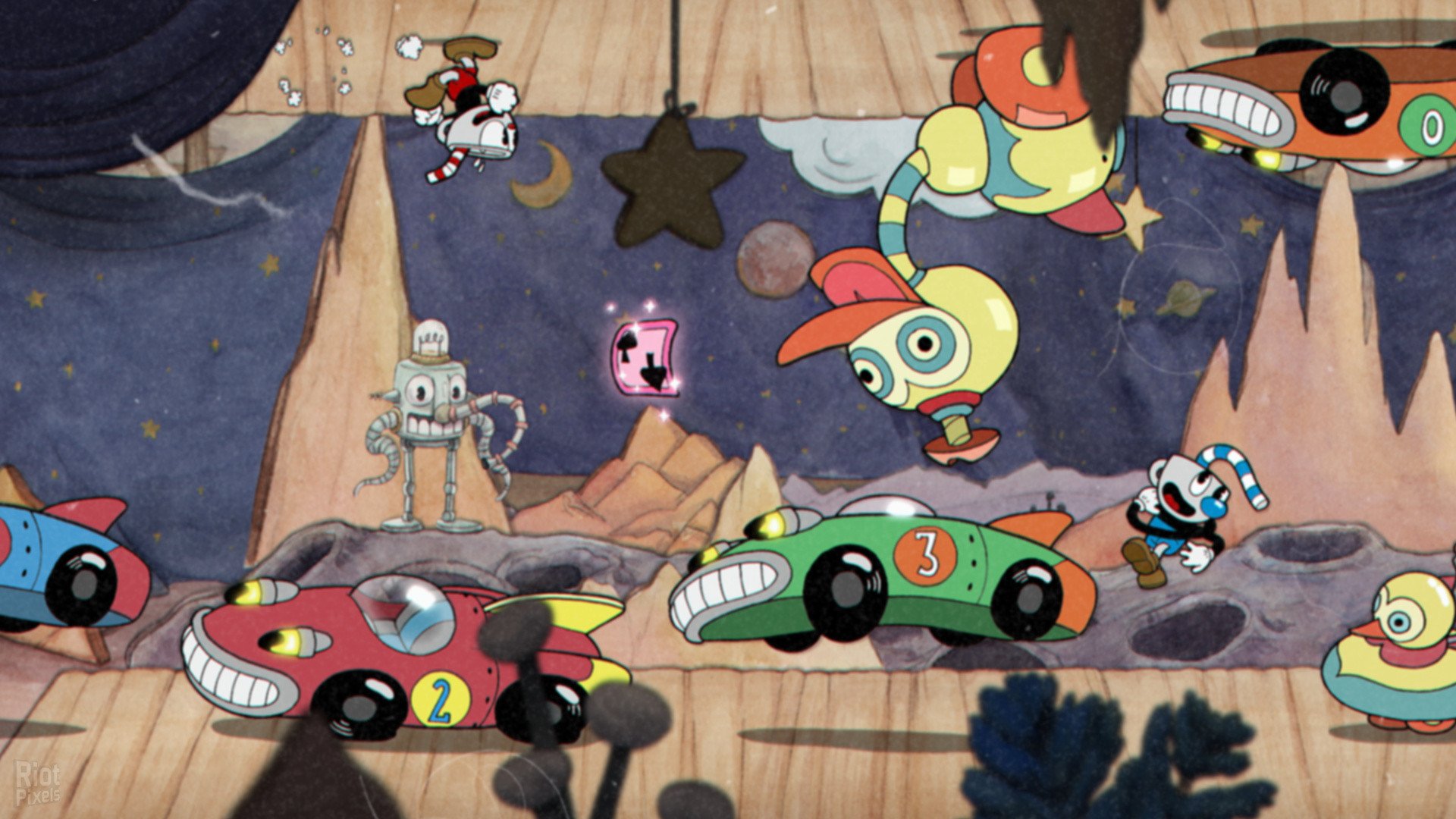
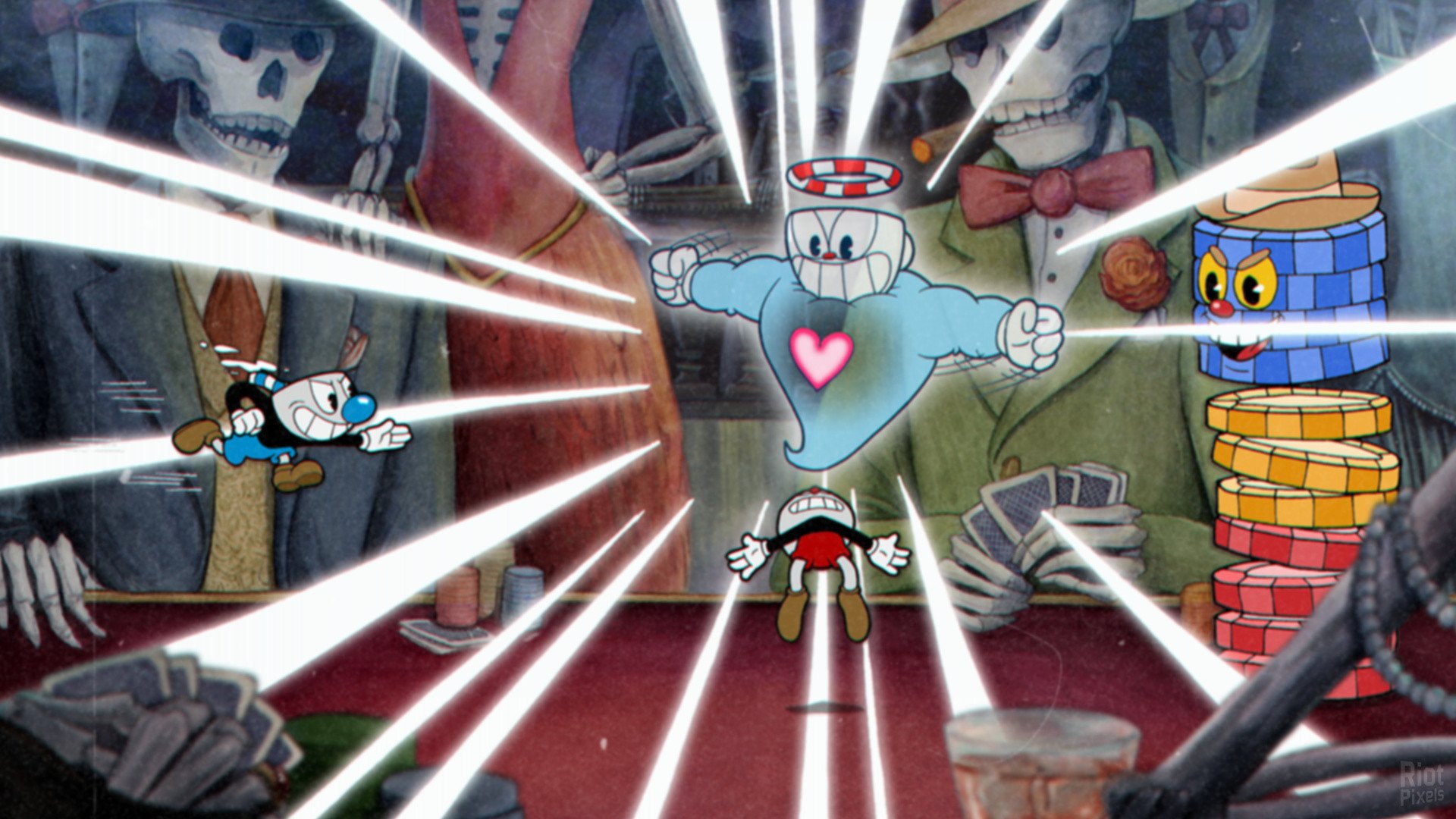
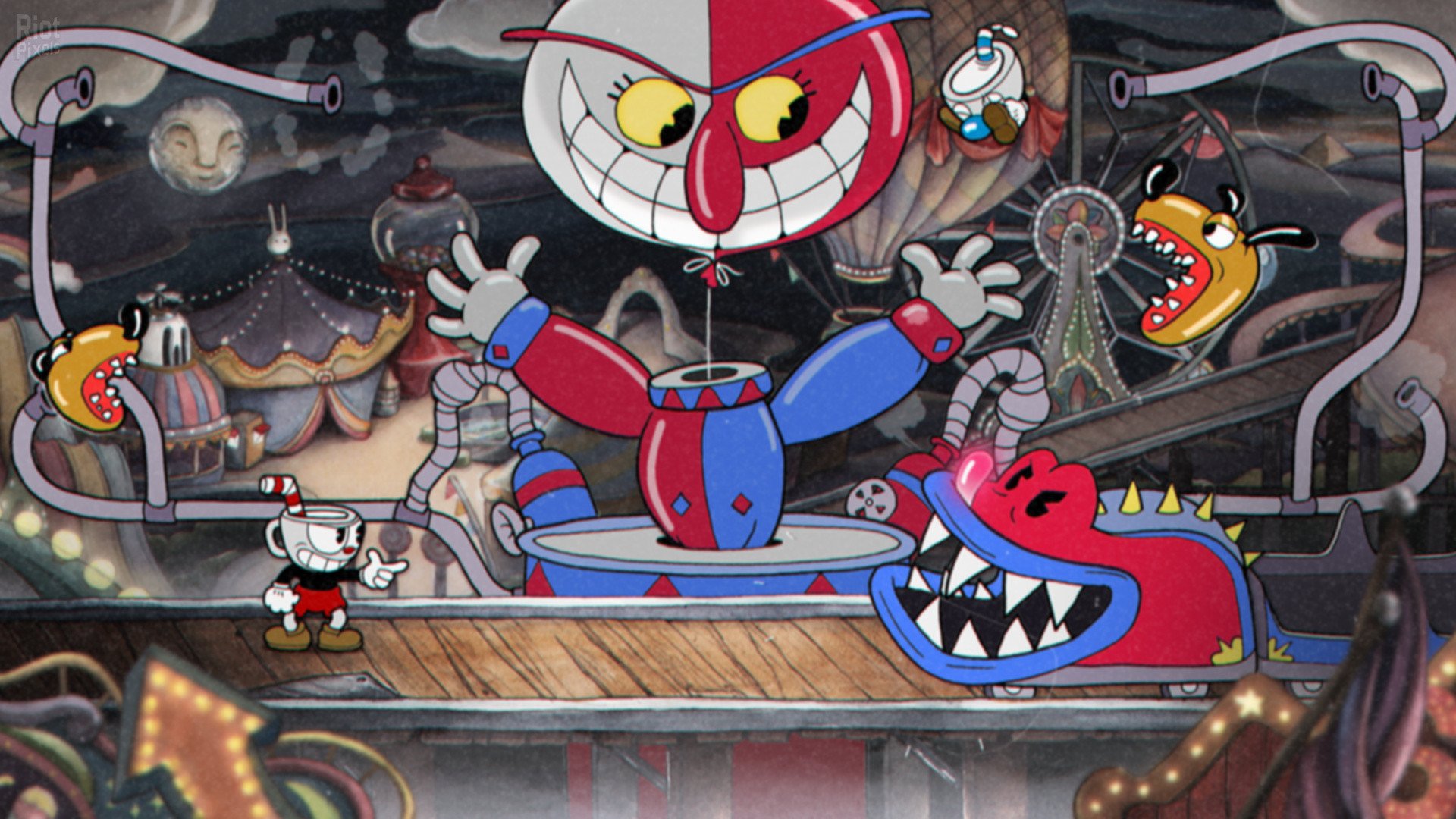
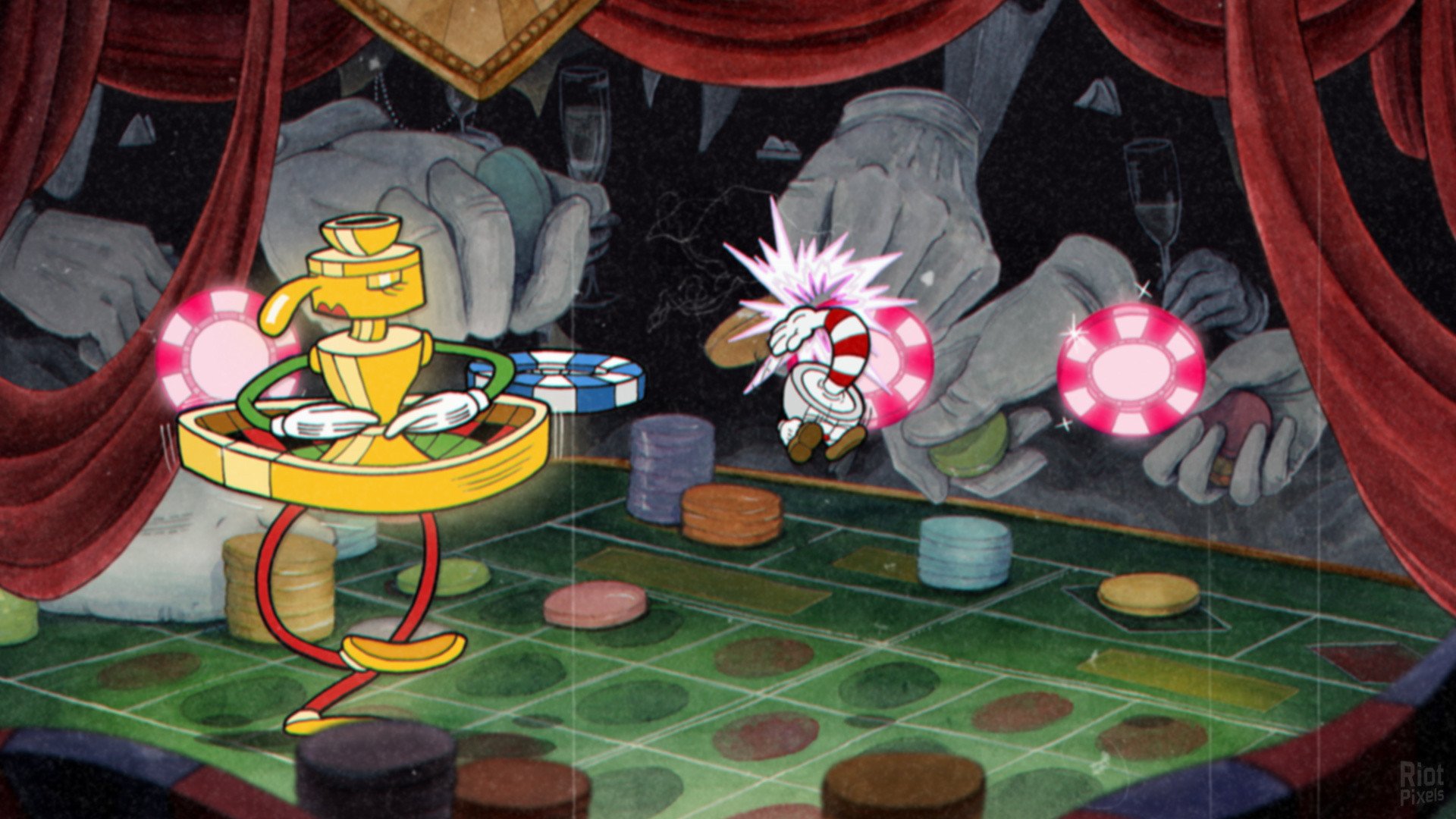
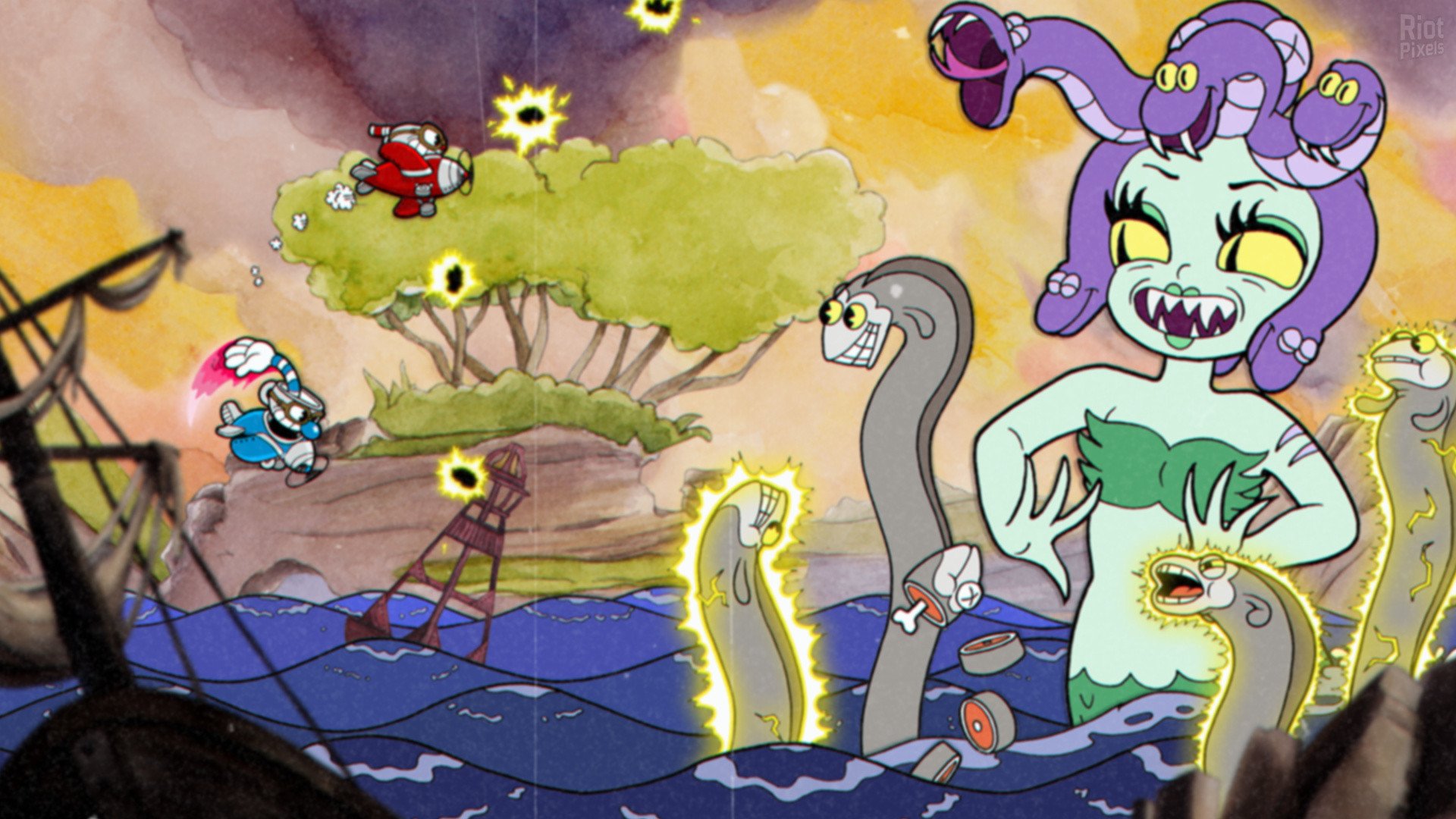
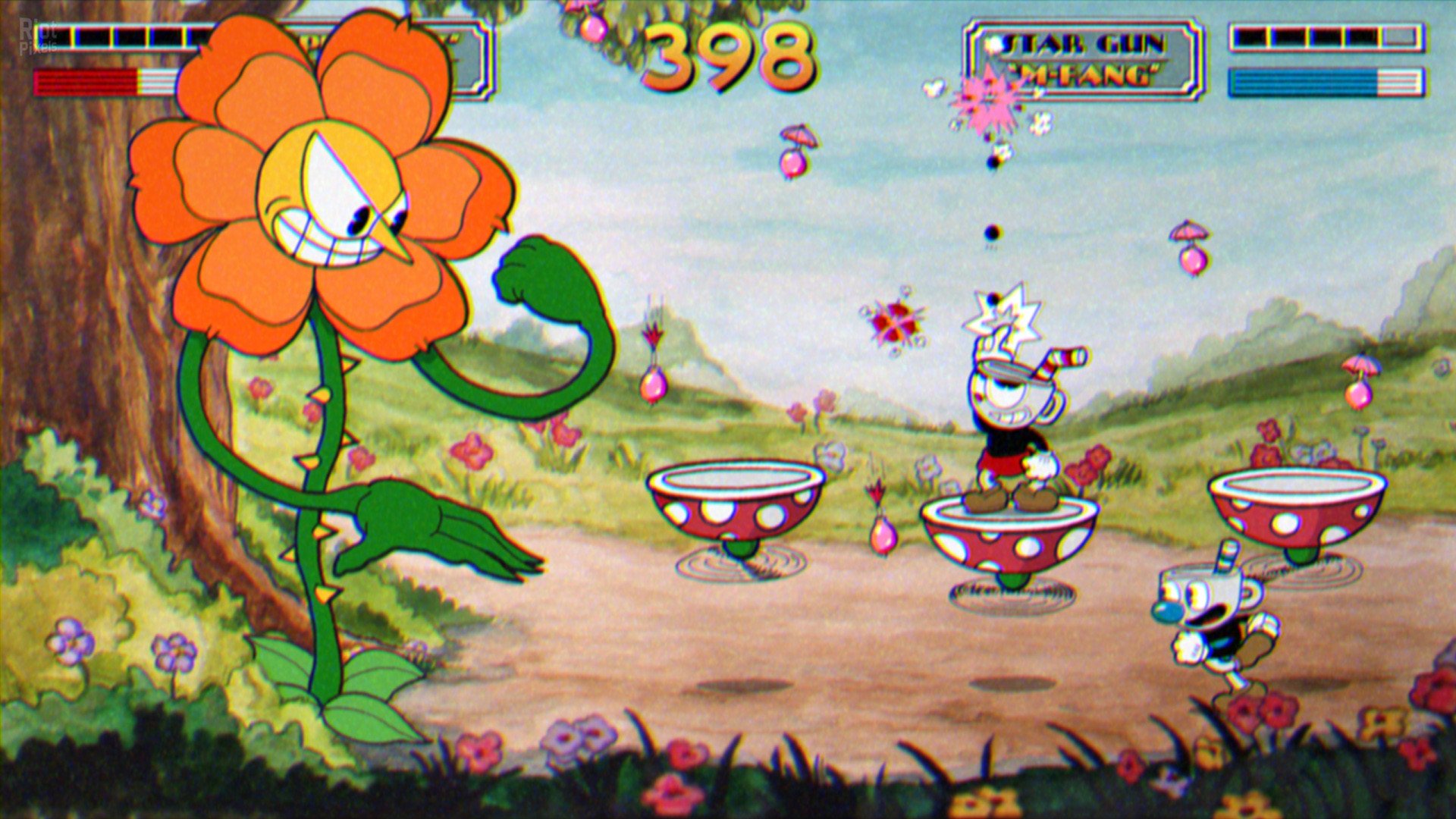
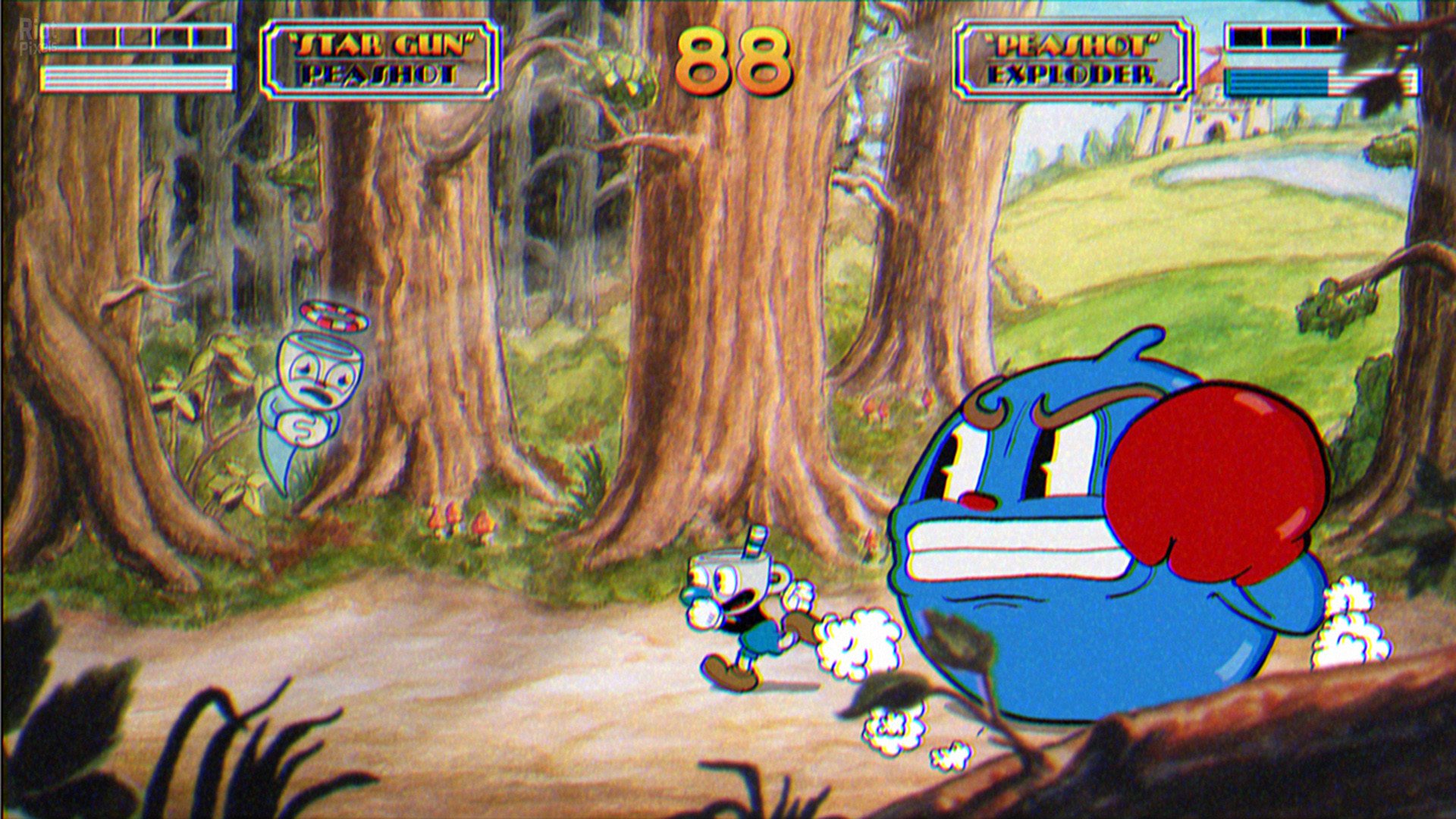
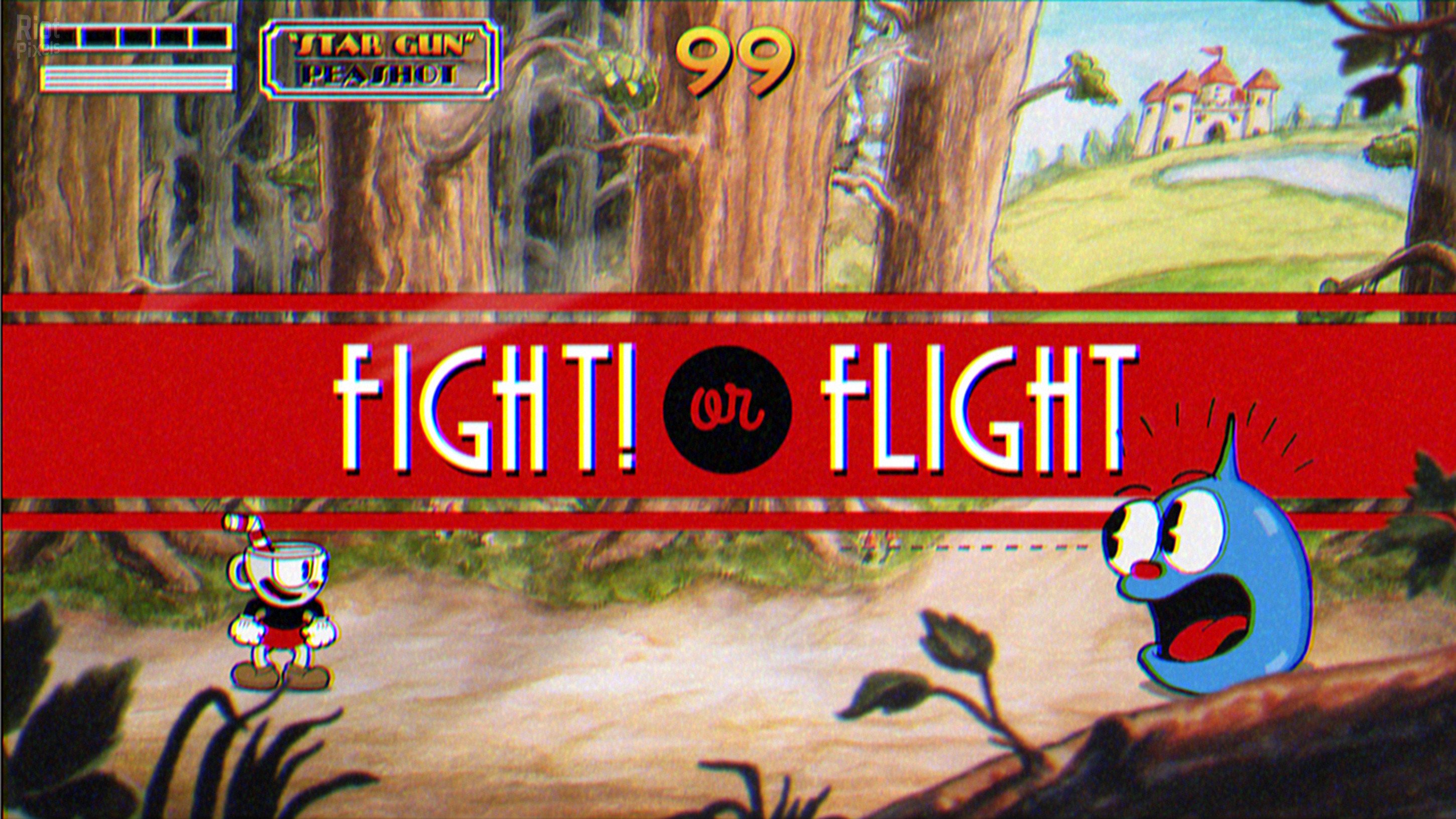
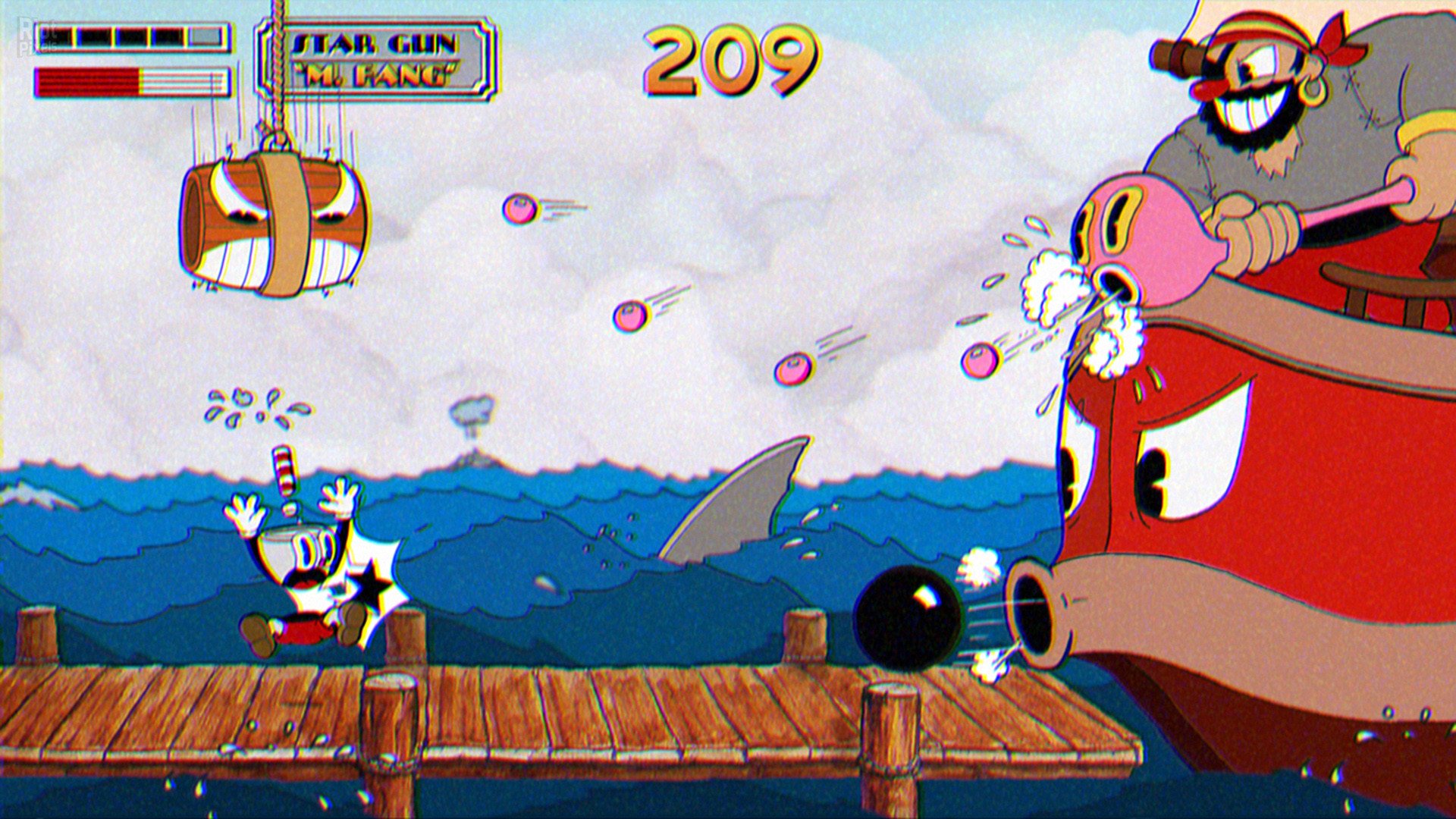
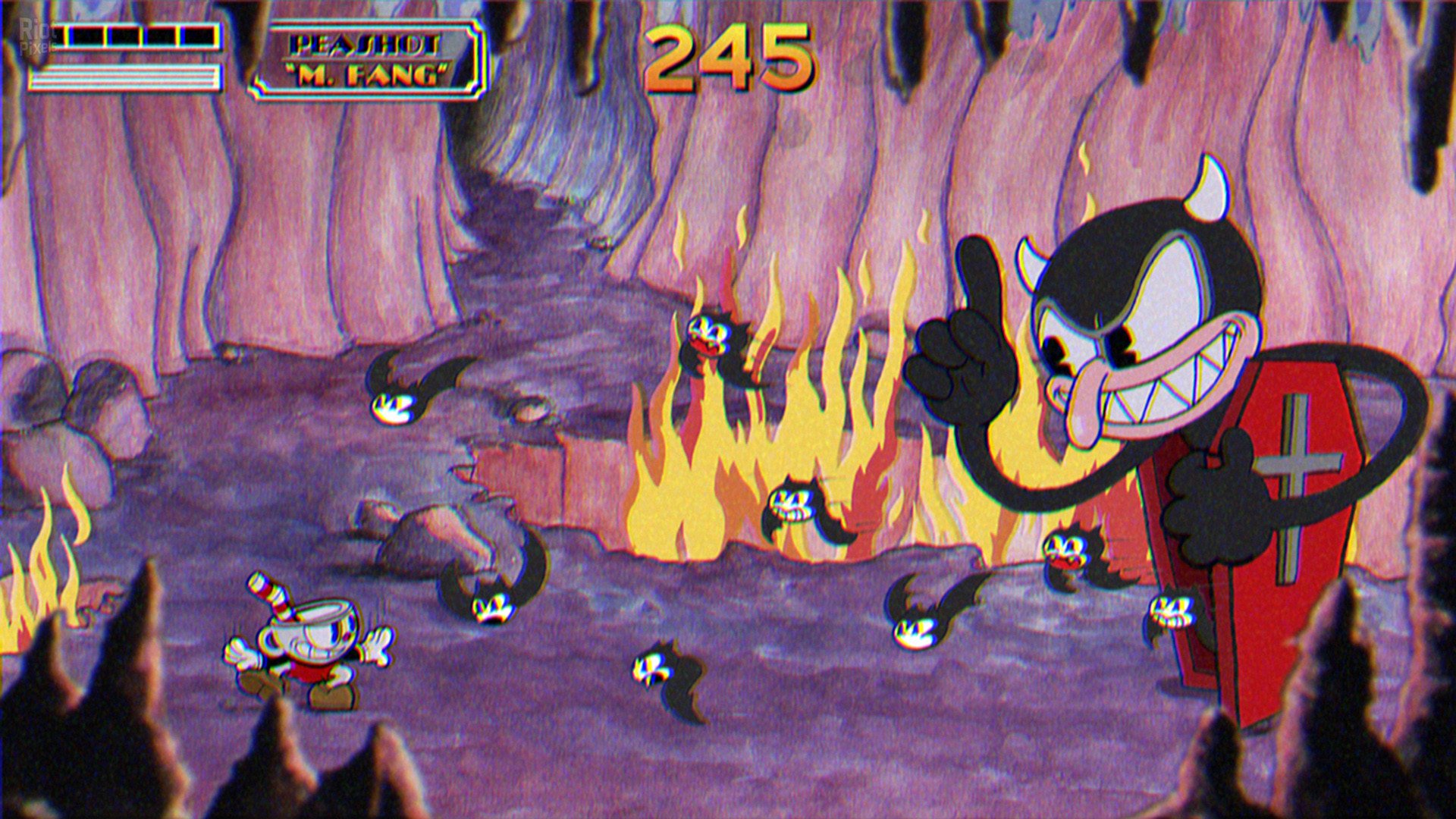
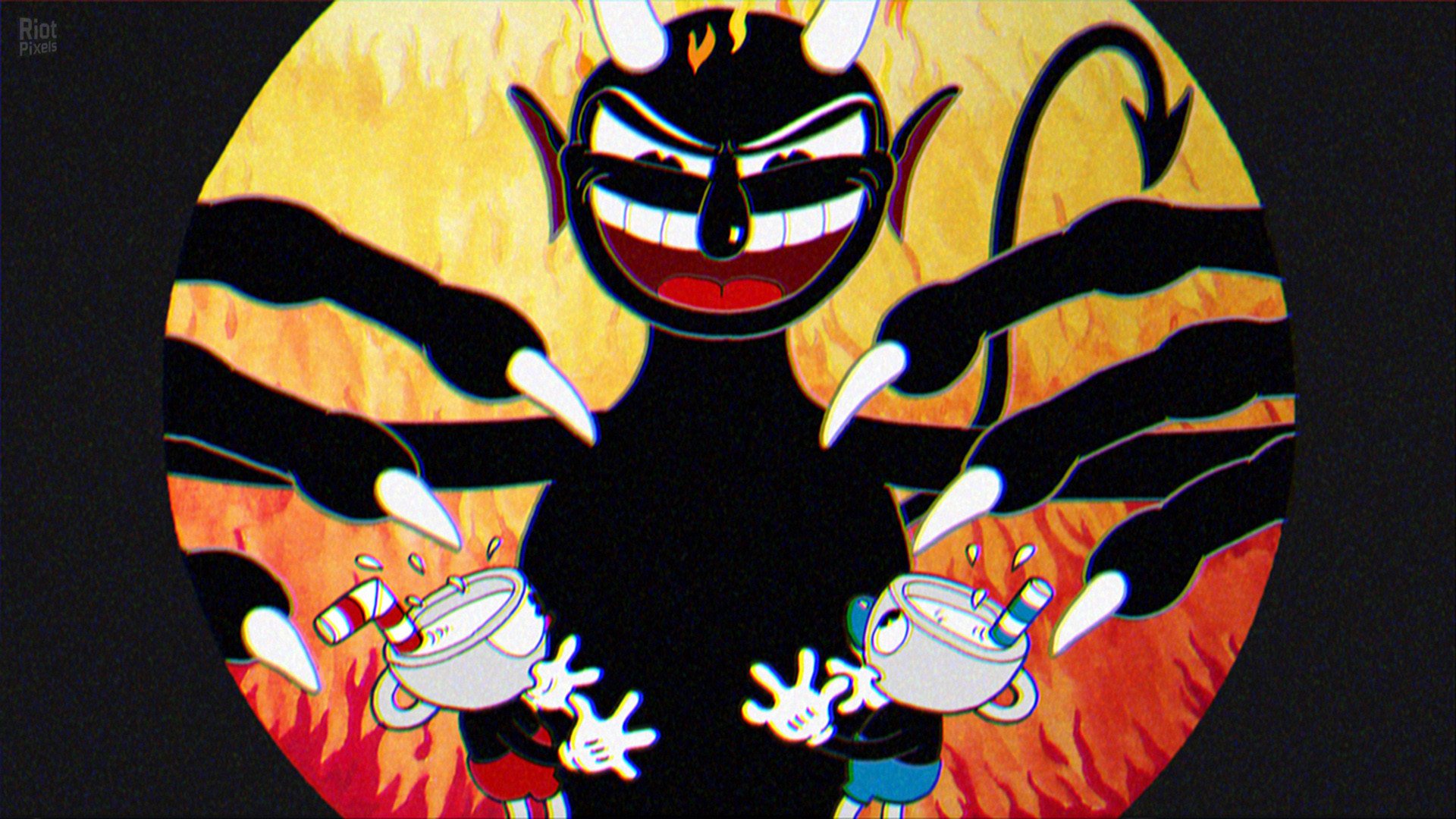
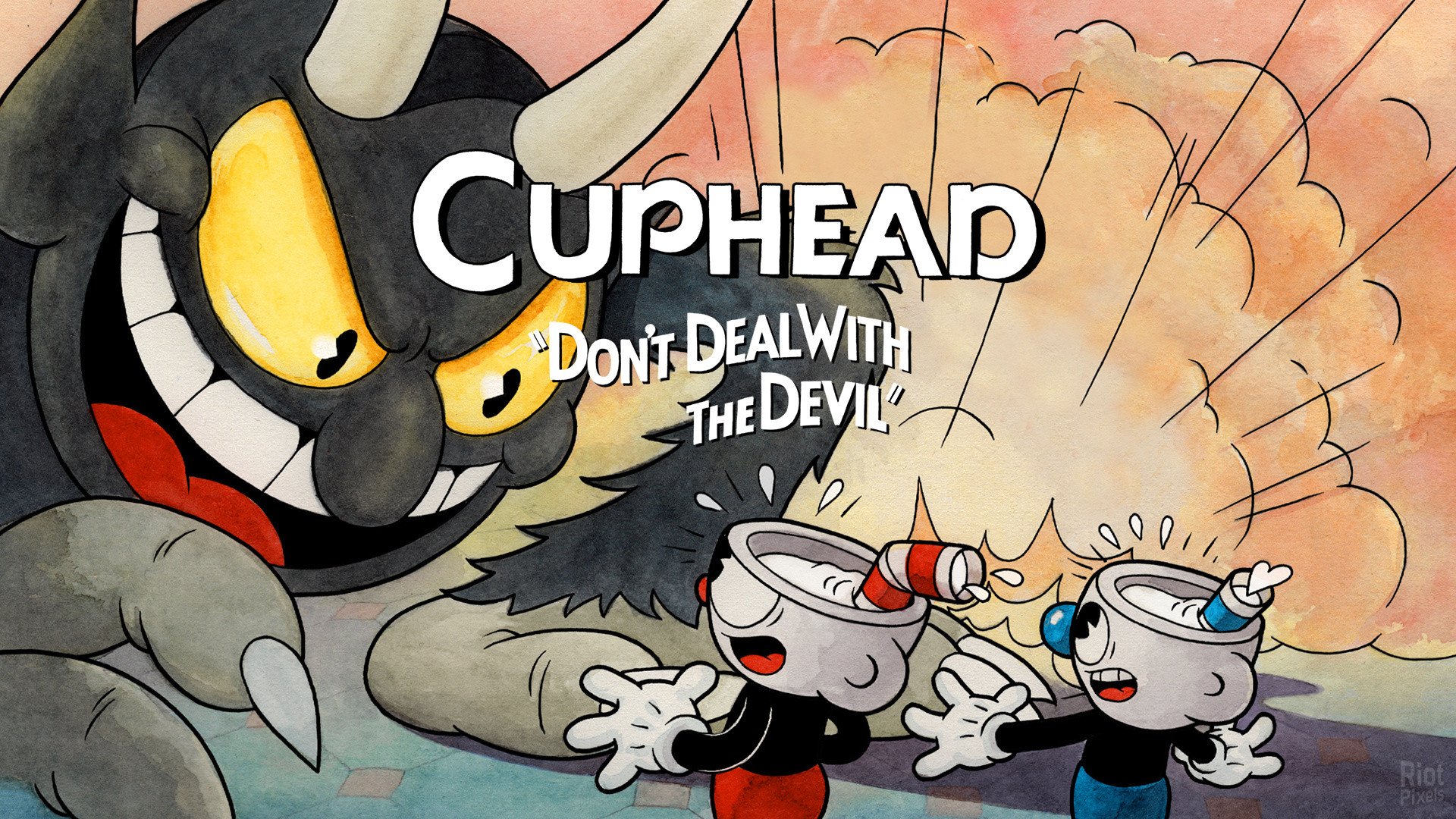
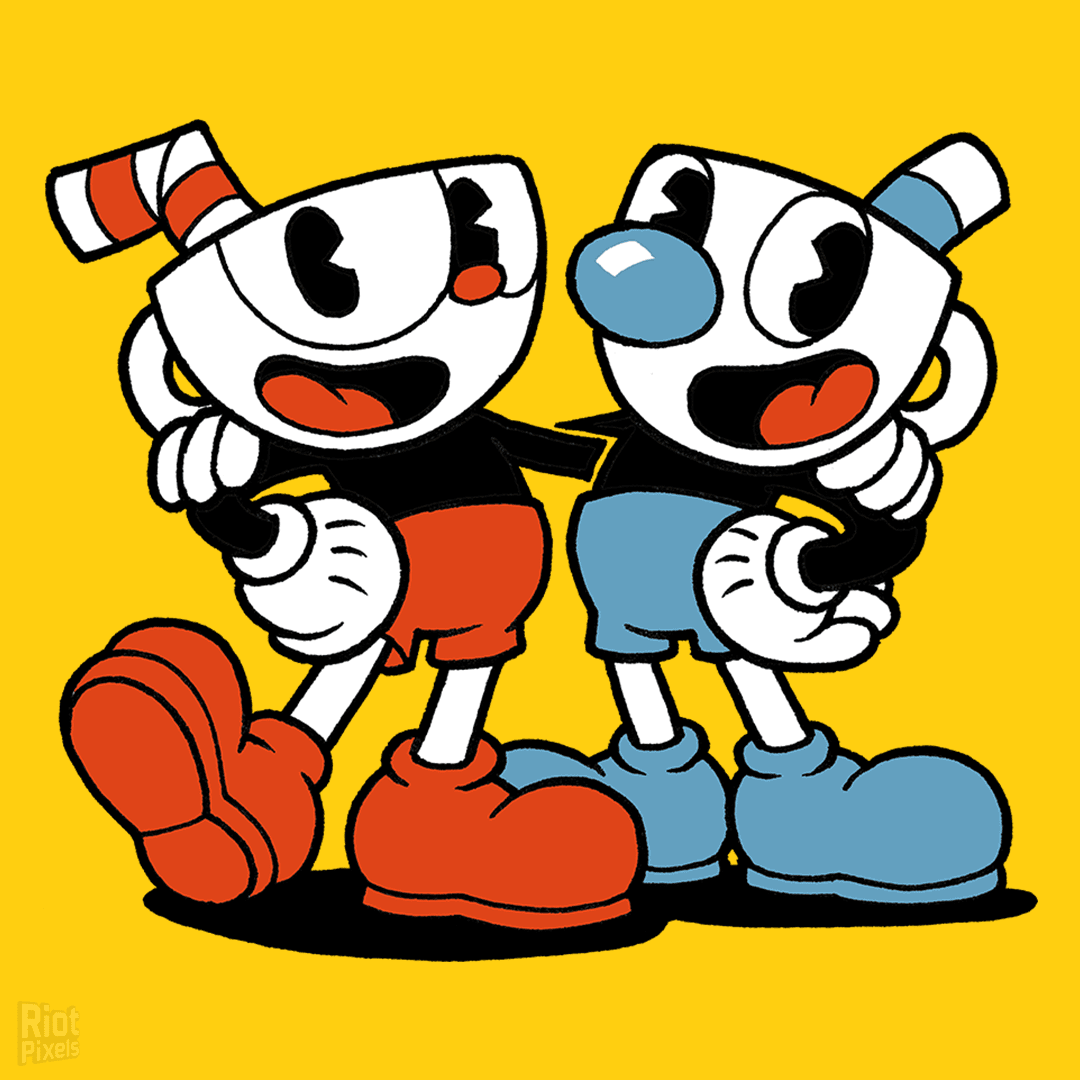



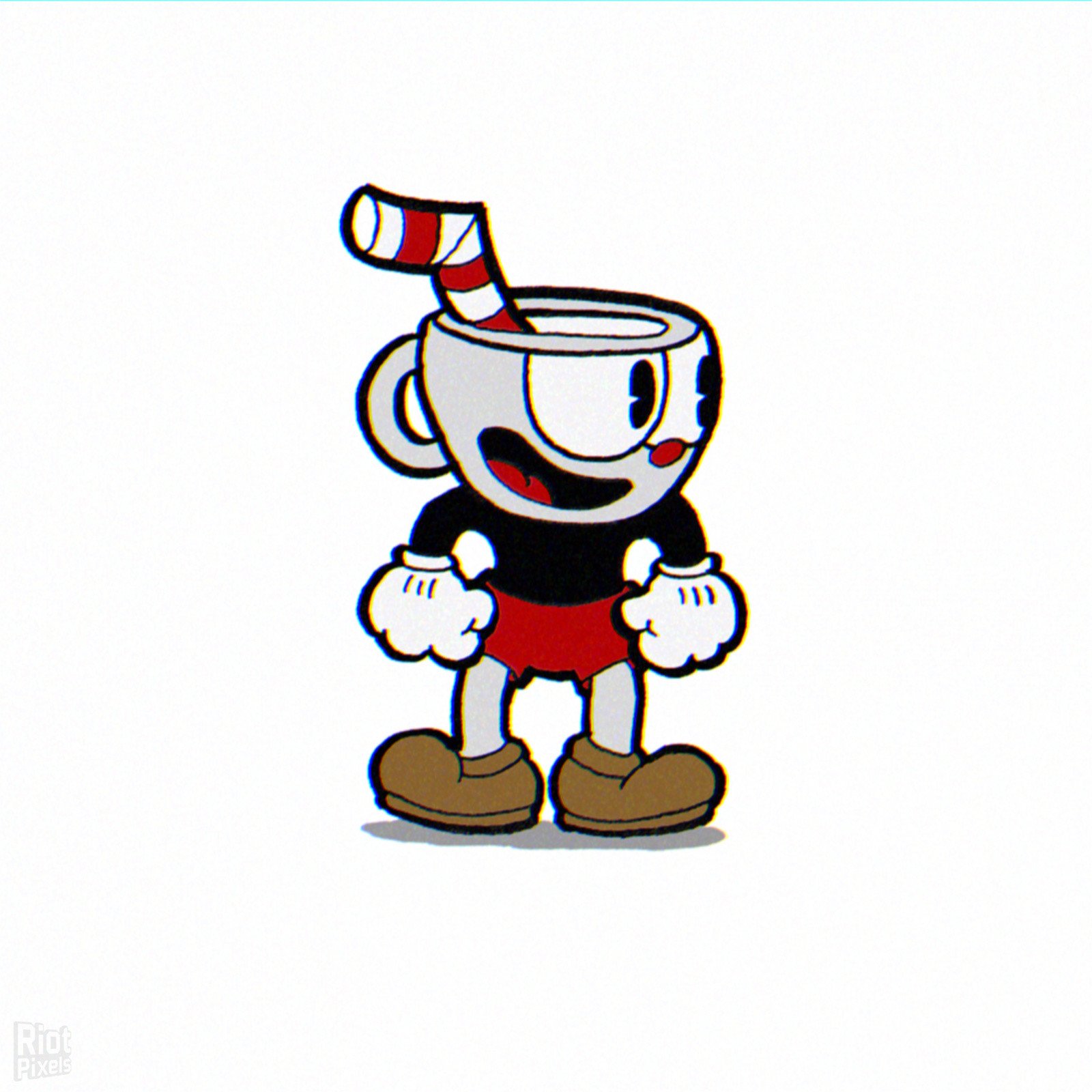

- Cuphead is a classic run and gun action game heavily focused on boss battles. Inspired by cartoons of the 1930s, the visuals and audio are painstakingly created with the same techniques of the era, i.e. traditional hand drawn cel animation, watercolor backgrounds, and original jazz recordings.
- Play as Cuphead or Mugman (in single player or local co-op) as you traverse strange worlds, acquire new weapons, learn powerful super moves, and discover hidden secrets while you try to pay your debt back to the devil!
- The Delicious Last Course DLC:
- Another helping of classic Cuphead action awaits you in Cuphead – The Delicious Last Course! Brothers Cuphead and Mugman are joined by the clever, adventurous Ms. Chalice for a rollicking adventure on a previously undiscovered Inkwell Isle! With the aid of new weapons, magical charms, and Ms. Chalice’s unique abilities, players will take on a new cast of fearsome, larger than life bosses to assist the jolly Chef Saltbaker in Cuphead’s final challenging quest! For all those with an appetite for adventure, be ready to set sail for D.L.C. Isle when The Delicious Last Course launches on June 30, 2022.
- The Delicious Last Course DLC introduces the following new features:
- Featuring Ms. Chalice as a brand new playable character with a modified moveset and new abilities. Once acquired, Ms. Chalice is fully playable through the DLC and the original Cuphead adventure!
- Traverse a brand new Inkwell Isle and wallop the most wacky and monstrous bosses Cuphead has faced yet!
- Find new weapons and charms to aid you in overcoming brand new challenges and setting new records on old bosses!
- Help Chef Saltbaker on a brand new adventure to uncover the mystery of Legendary Chalice’s secret quest!
- Based on Cuphead.The.Delicious.Last.Course.v1.3.9-I_KnoW ISO release: ik-c139w.iso (7,390,560,256 bytes)
- Game version: v1.3.9, The Delicious Last Course DLC is included and activated
- 100% Lossless & MD5 Perfect: all files are identical to originals after installation
- Bonus OSTs in FLAC format ripped, NOTHING re-encoded
- Selective Download feature: you may skip downloading and installing of bonus OSTs in MP3 format
- Significantly smaller archive size (compressed from 6.9 to 3.6/4 GB)
- Installation takes 2-5 minutes (depending on your system and selected components)
- After-install integrity check so you could make sure that everything installed properly
- HDD space after installation: up to 6 GB
- Language can be changed in game settings
- Repack uses XTool library by Razor12911
- At least 2 GB of free RAM (inc. virtual) required for installing this repack
Download Mirrors
It is recommended to always use Magnet for downloads, and we suggest the following open-source clients: Gopeed
discussion && update
https://cs.rin.ru/forum/viewtopic.php?f=10&t=70129
Website links
- http://store.steampowered.com/app/268910/
- https://www.nintendo.ru/-/-Nintendo-Switch/Cuphead-1532319.html
- http://cupheadgame.com/
- Always recommend using magnet links to download games for faster and more stable speeds. Recommend pure, open-source, ad-free download software (such as Gopeed or BitComet).
- Before running the game, evaluate the game’s system hardware requirements. If your computer only has 2G of RAM, you basically cannot expect to run large next-gen games smoothly.
- Extracting high-compression packages consumes a lot of memory. You must enable virtual memory and manually set it to 1 to 1.5 times the physical memory.
- Example: If the computer has 8G RAM, suggest increasing to 12GB – 16GB; if 16G RAM, set to 24GB (both initial and maximum values fill in 24576 MB).
- When extracting the game, the hard drive needs 2-3 times the free space of the game installation package. For example, if the package is 10G, the target drive needs at least 20-30G of free space.
- The hard disk partition format must be NTFS. The outdated FAT32 format cannot write single files larger than 4GB, which will cause the extraction to freeze.
- During game installation, temporarily disable Windows Defender or third-party antivirus software, or add the “game download directory” and “target installation directory” to the antivirus exclusion list.
- If the computer has less than 4G RAM, or high-end computers frequently report extraction errors, be sure to check “Limit installer to 2 GB of RAM usage” on the first interface during installation. This slightly limits extraction speed but greatly improves stability and solves 90% of memory overflow errors.
- When running setup.exe, always right-click the icon and select “Run as administrator” to ensure the installer has full system read/write permissions.
- The absolute path of the game installation cannot contain any Chinese characters, special symbols, or extra spaces.
- Correct example: “D:\Games\Steam”
- Wrong example: “D:\游戏\赛博朋克 2077”
- During the extraction process, the CPU and memory are pushed to the limit. At this time, strictly prohibit playing other large games, background rendering, or opening many browser tabs, otherwise it can easily cause resource contention leading to instant errors (such as Unarc.dll) or even a blue screen.
- At the checkbox interface at the end of installation, be sure to check the installation of DirectX and Visual C++ Redistributable (runtime library suite). Many players successfully extract but cannot open the game (popping up 0xc000007b or missing various .dll files) because of missing these basic runtimes.
- If the installation completes smoothly but double-clicking the game icon has no response, 99% of the time it is because Windows Defender silently quarantined or deleted the “crack patch” (such as steam_api64.dll) in the game directory right after extraction. Go to the “Protection history” in Windows Security and select “Restore and allow” for that file.
- After encountering an Unarc.dll error, never download this DLL file alone from the internet and place it in the system drive. The game compression mechanism uses highly customized dedicated libraries; generic DLLs downloaded online are useless and can easily infect the system.
- If you have strictly followed all the above configurations and requirements and still stubbornly get an Unarc.dll error during installation, you basically can only consider reinstalling a pure version of the system.
- If it still does not work, then consider installing on another machine.
THE END