

Original Size:
Repack Size:
Languages:
Companies:
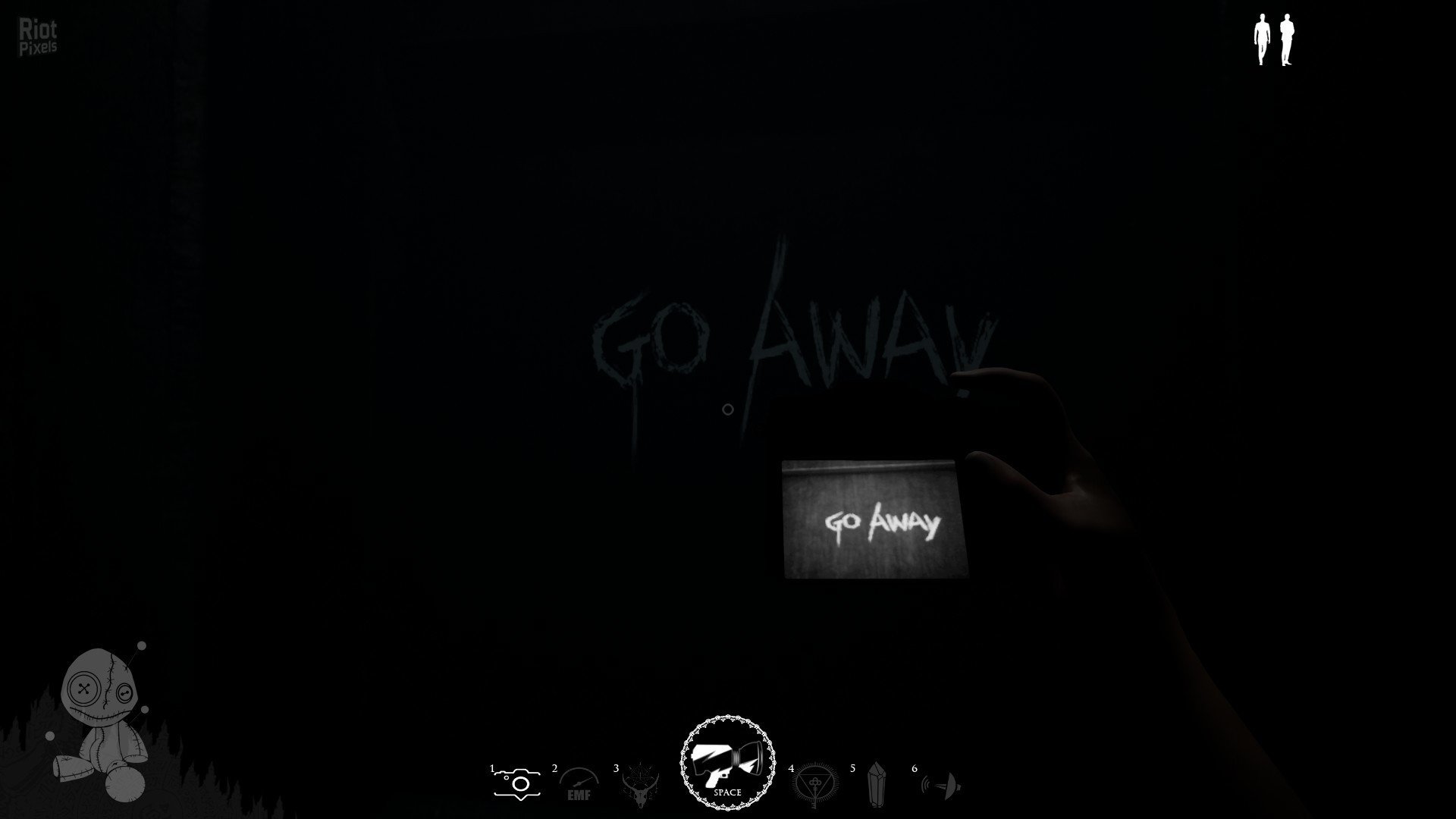
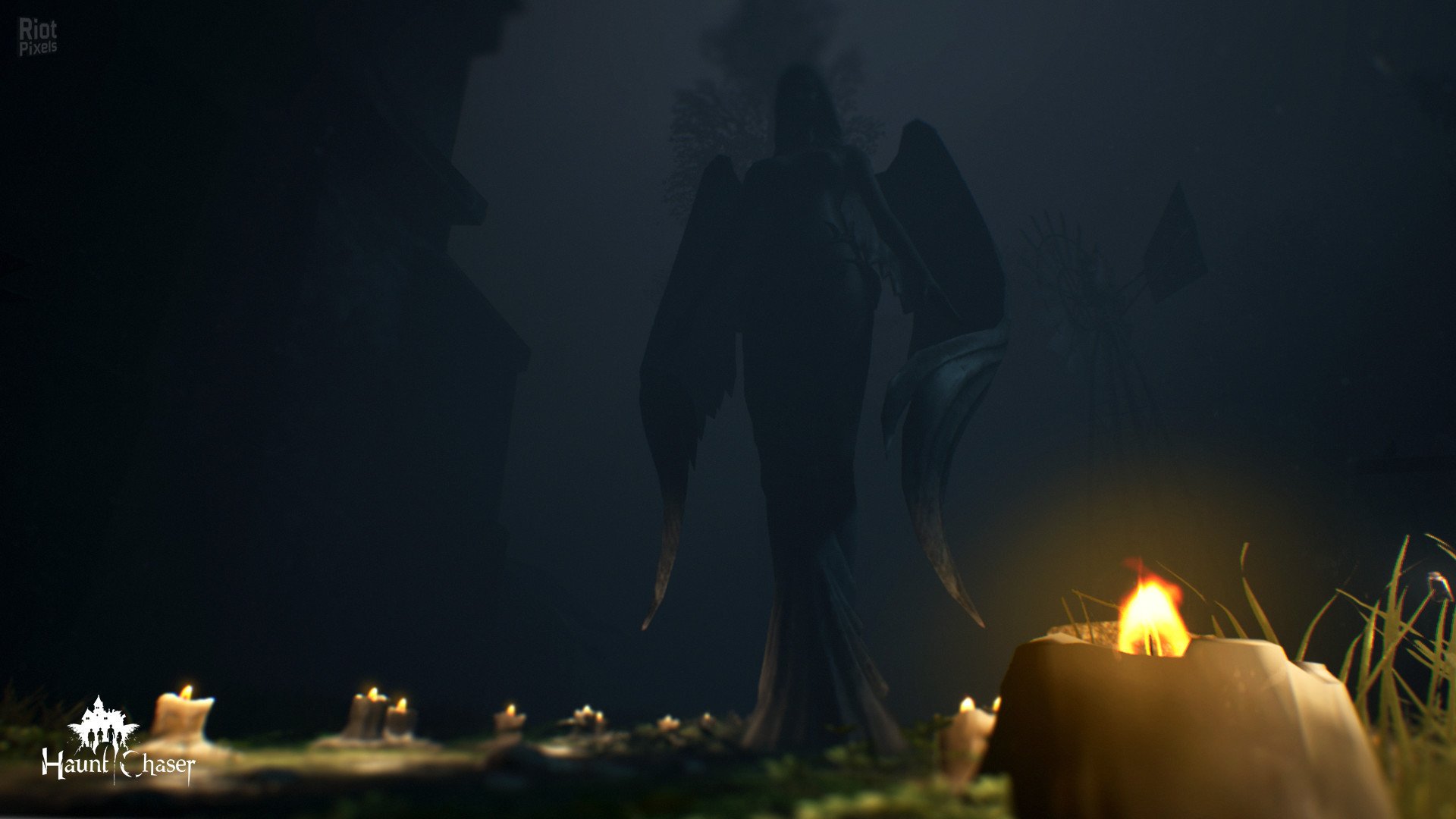

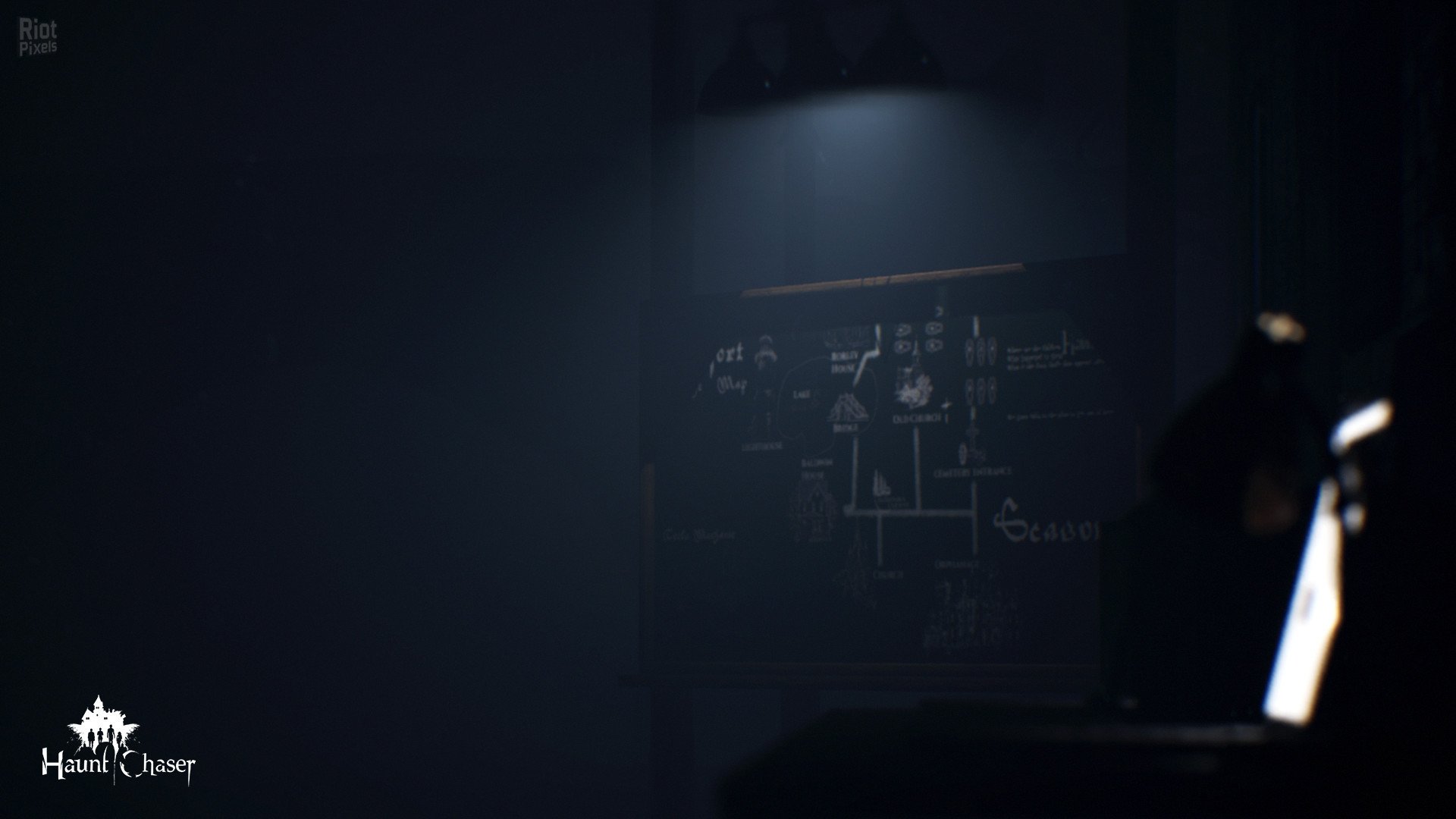
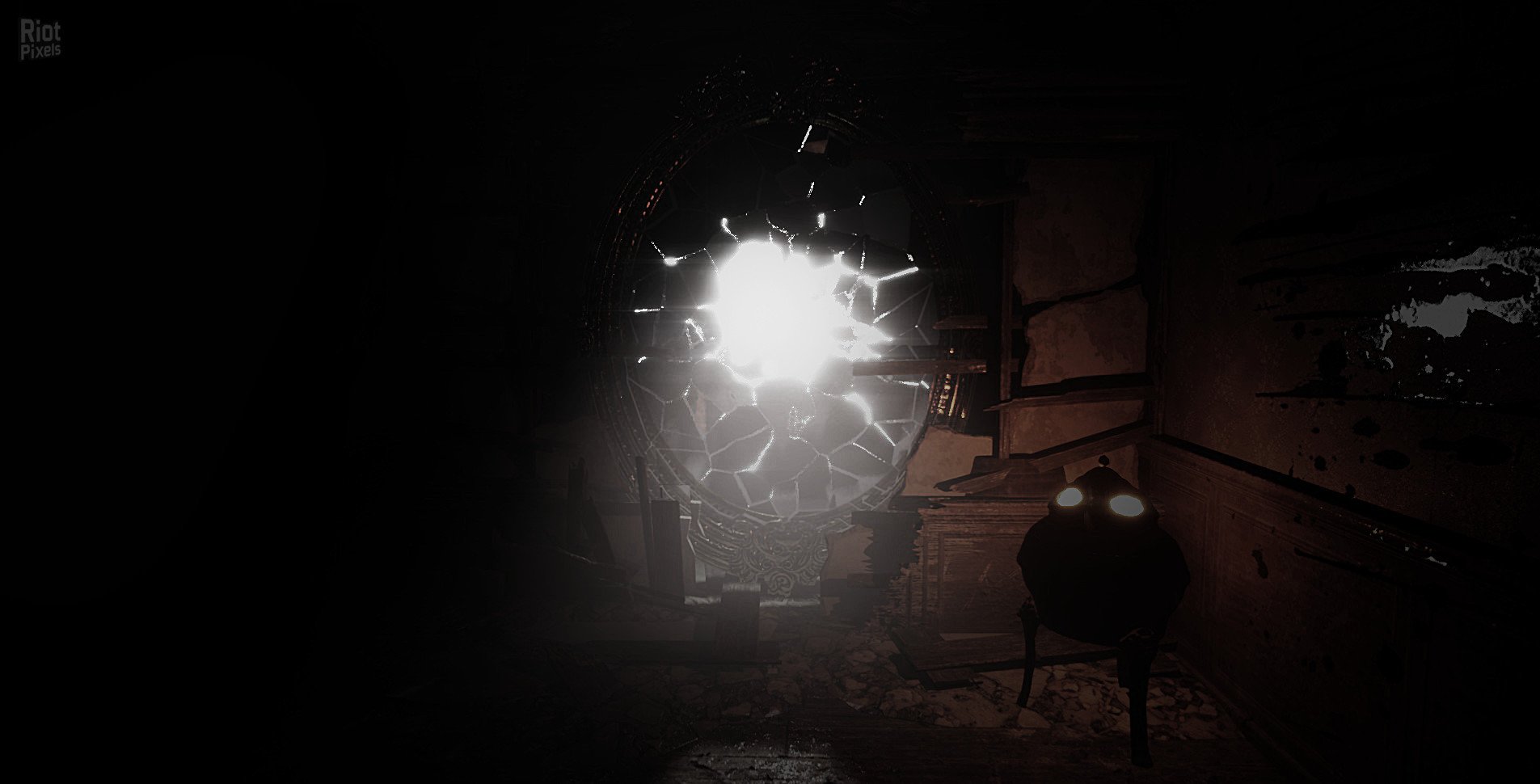
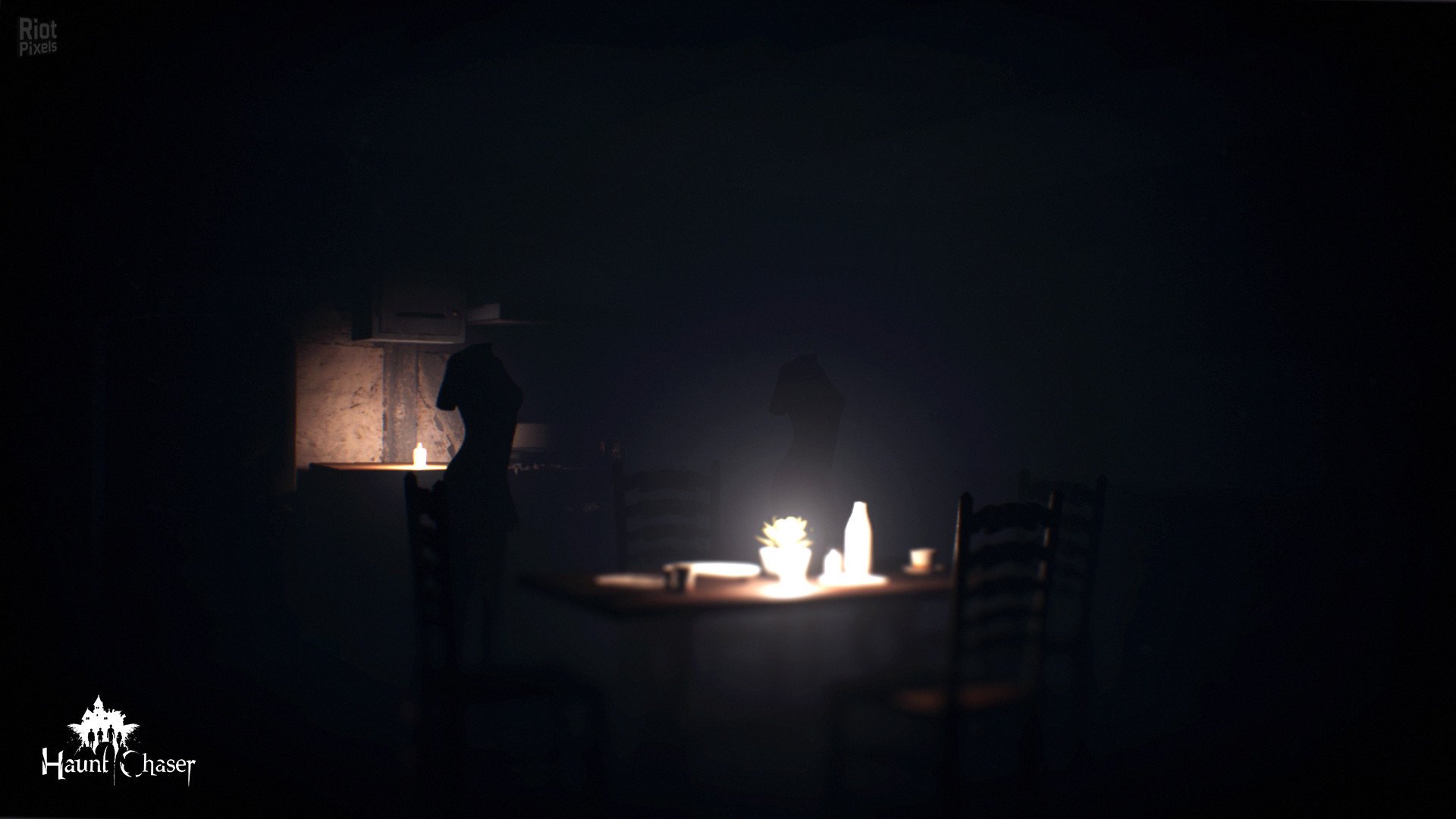
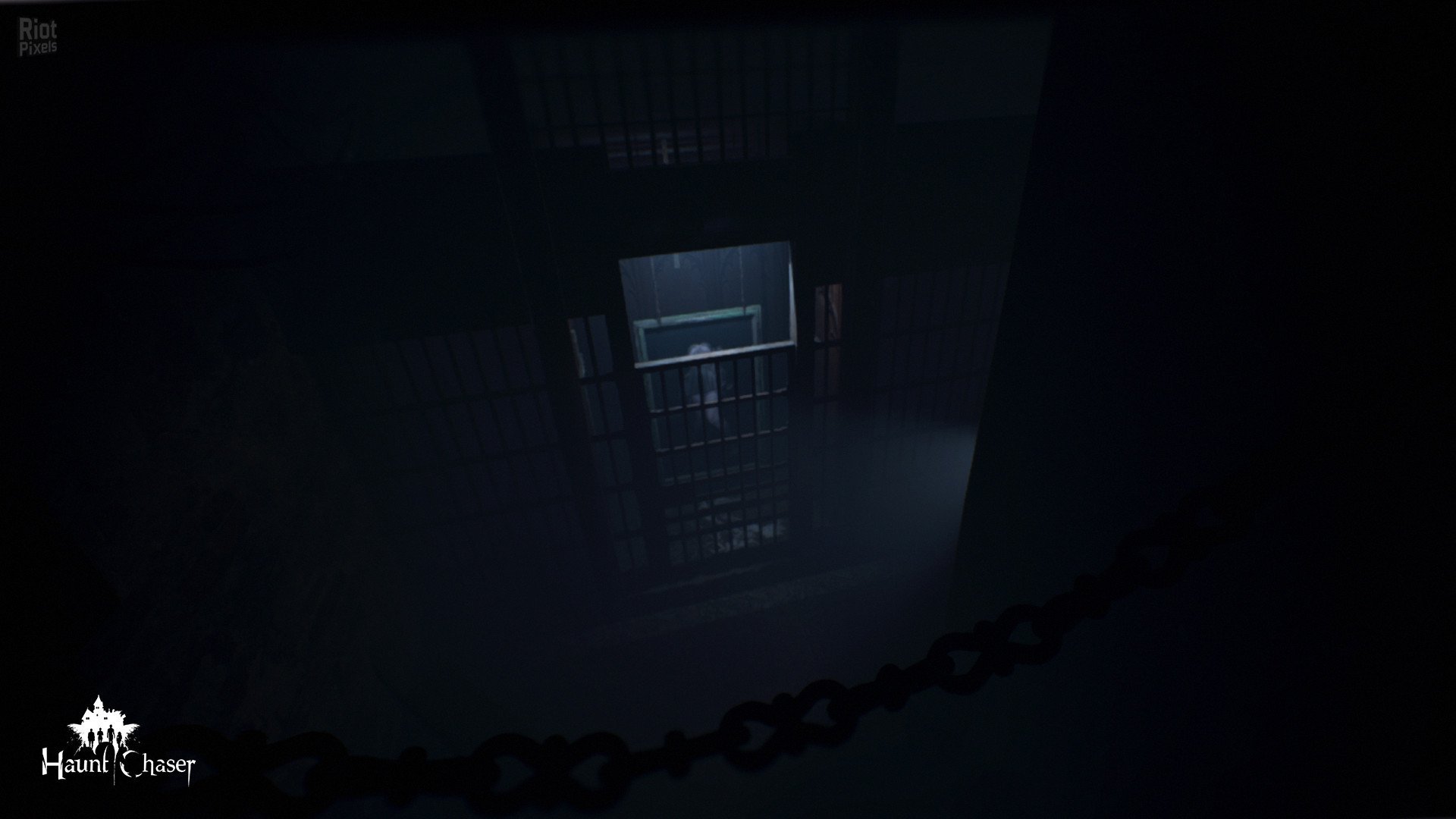
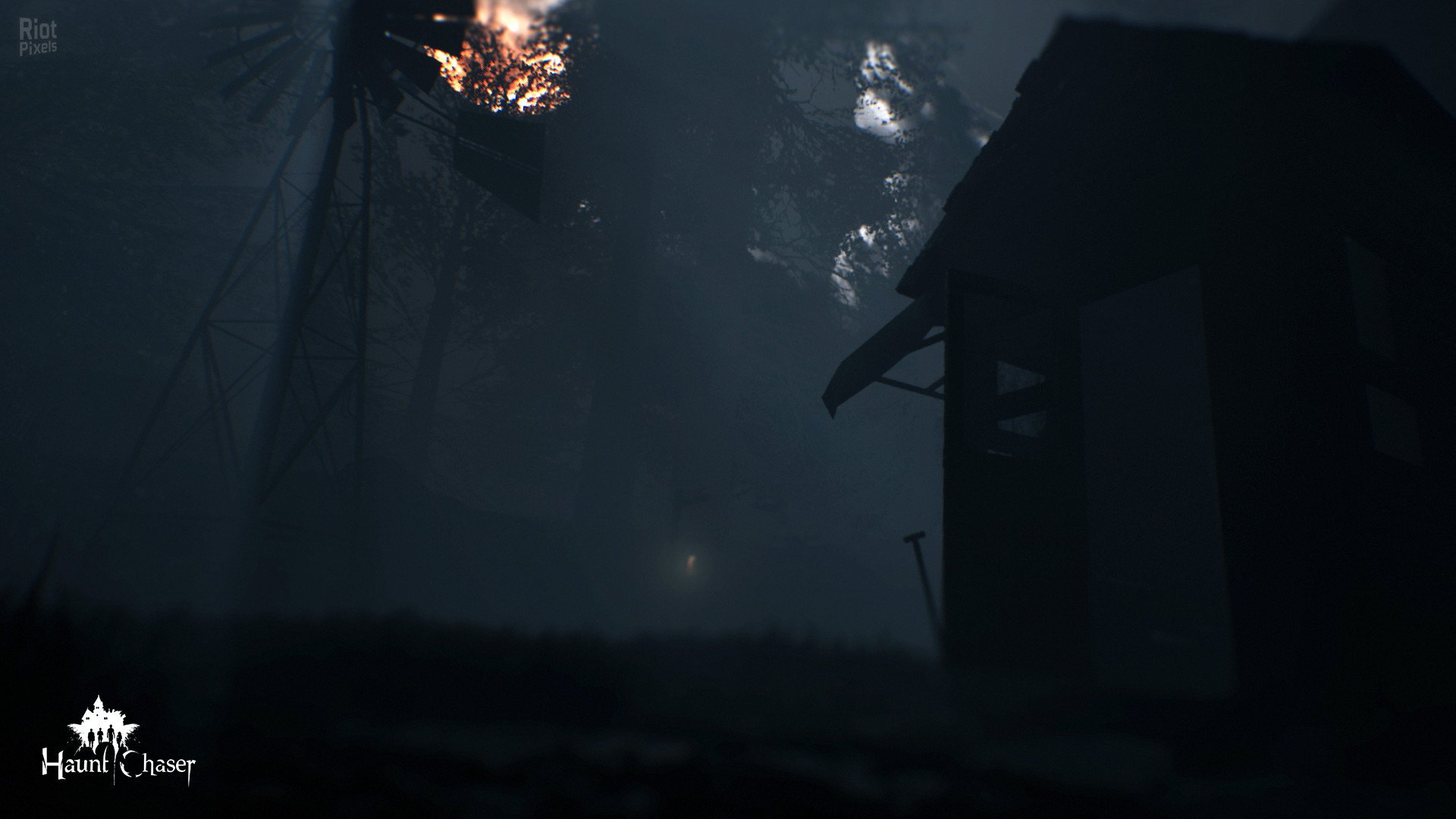
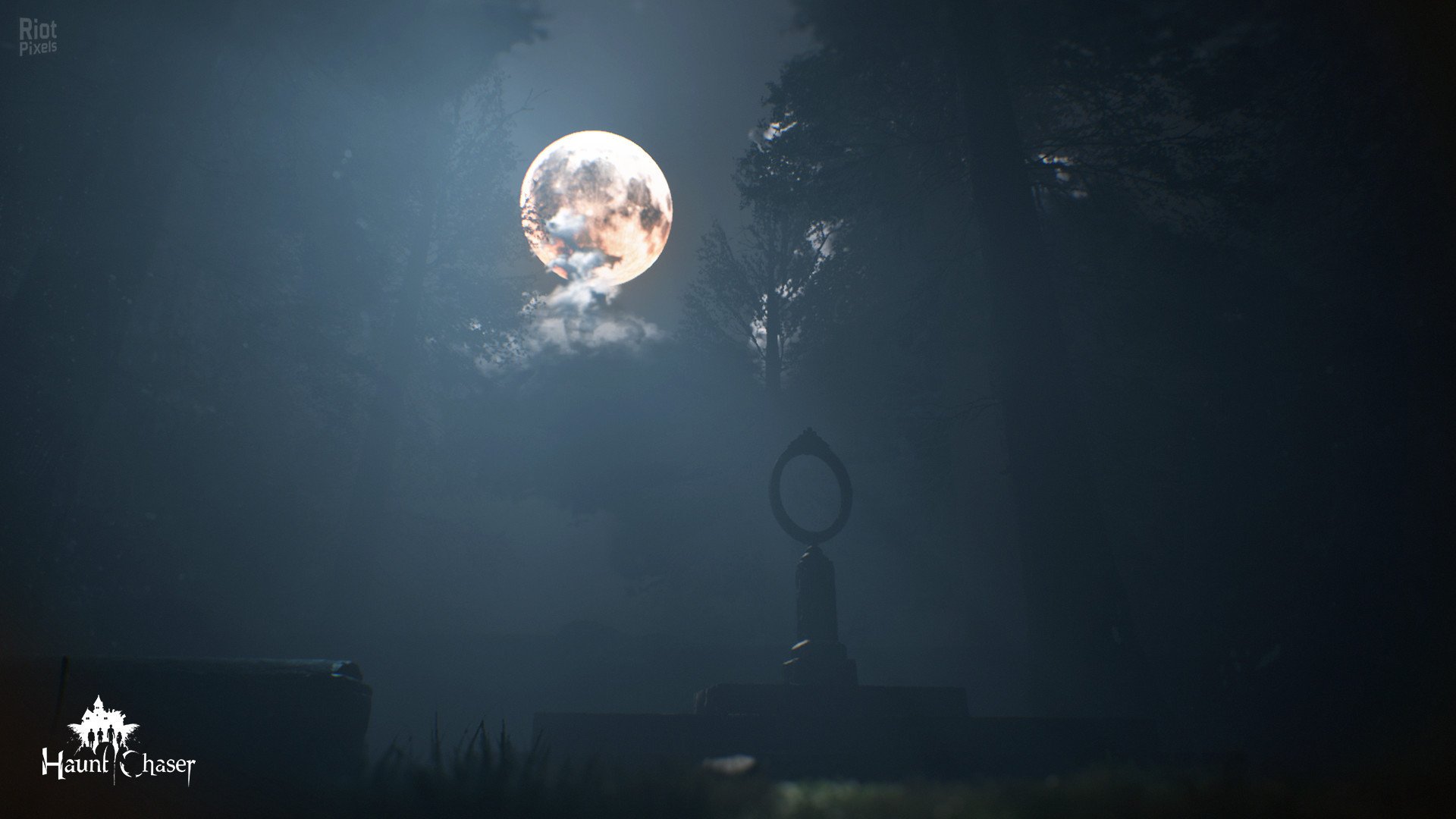
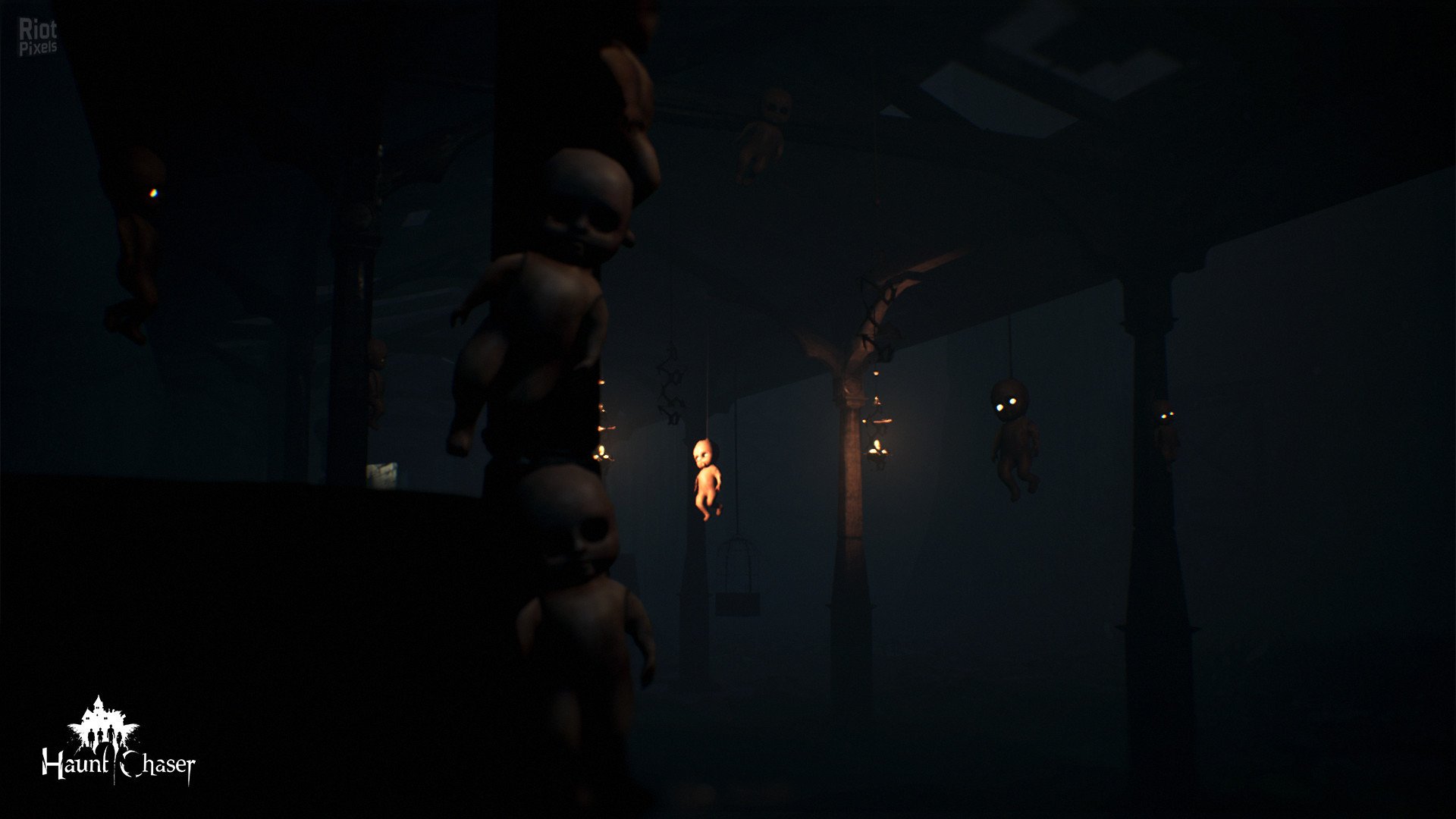
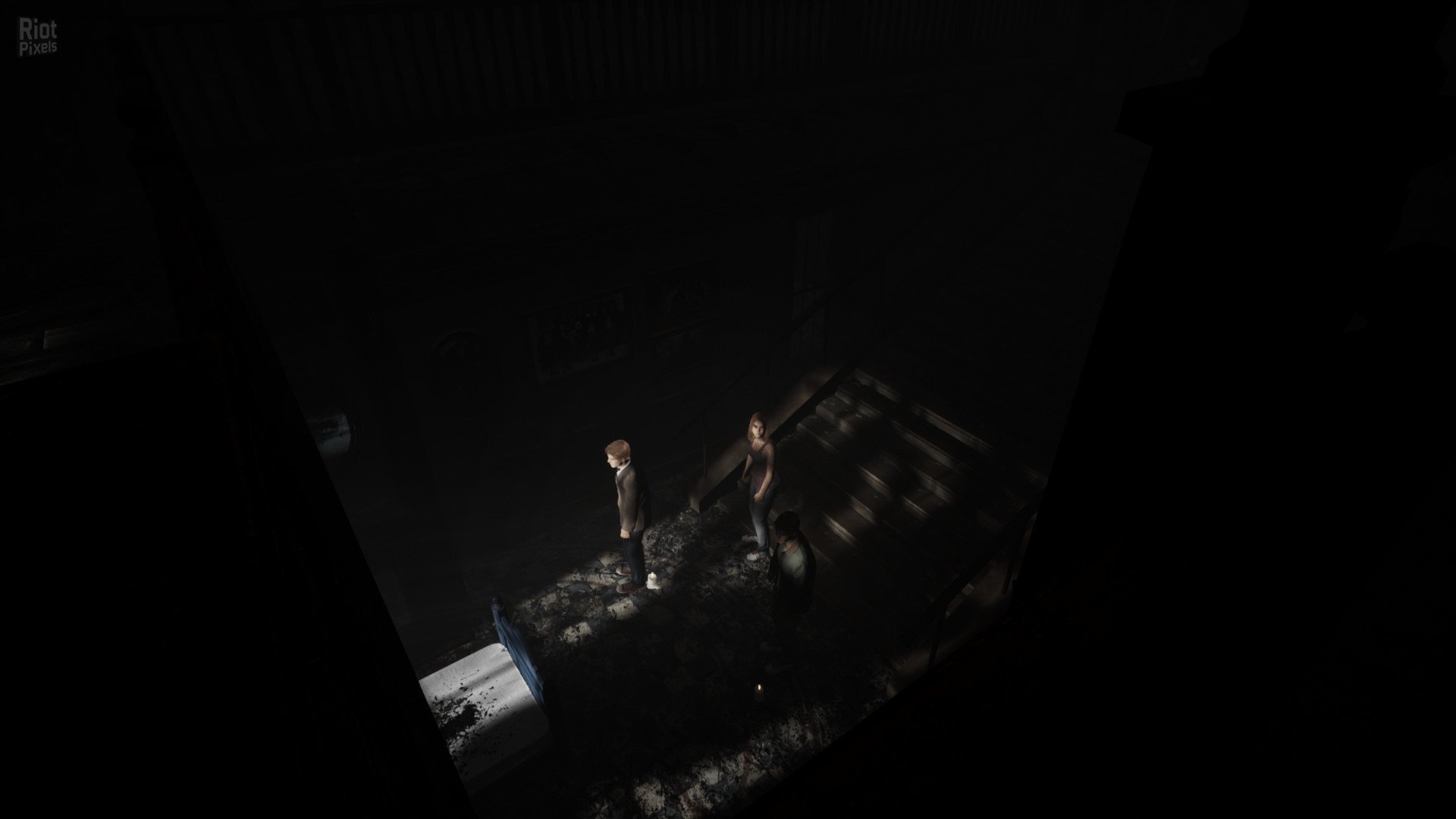
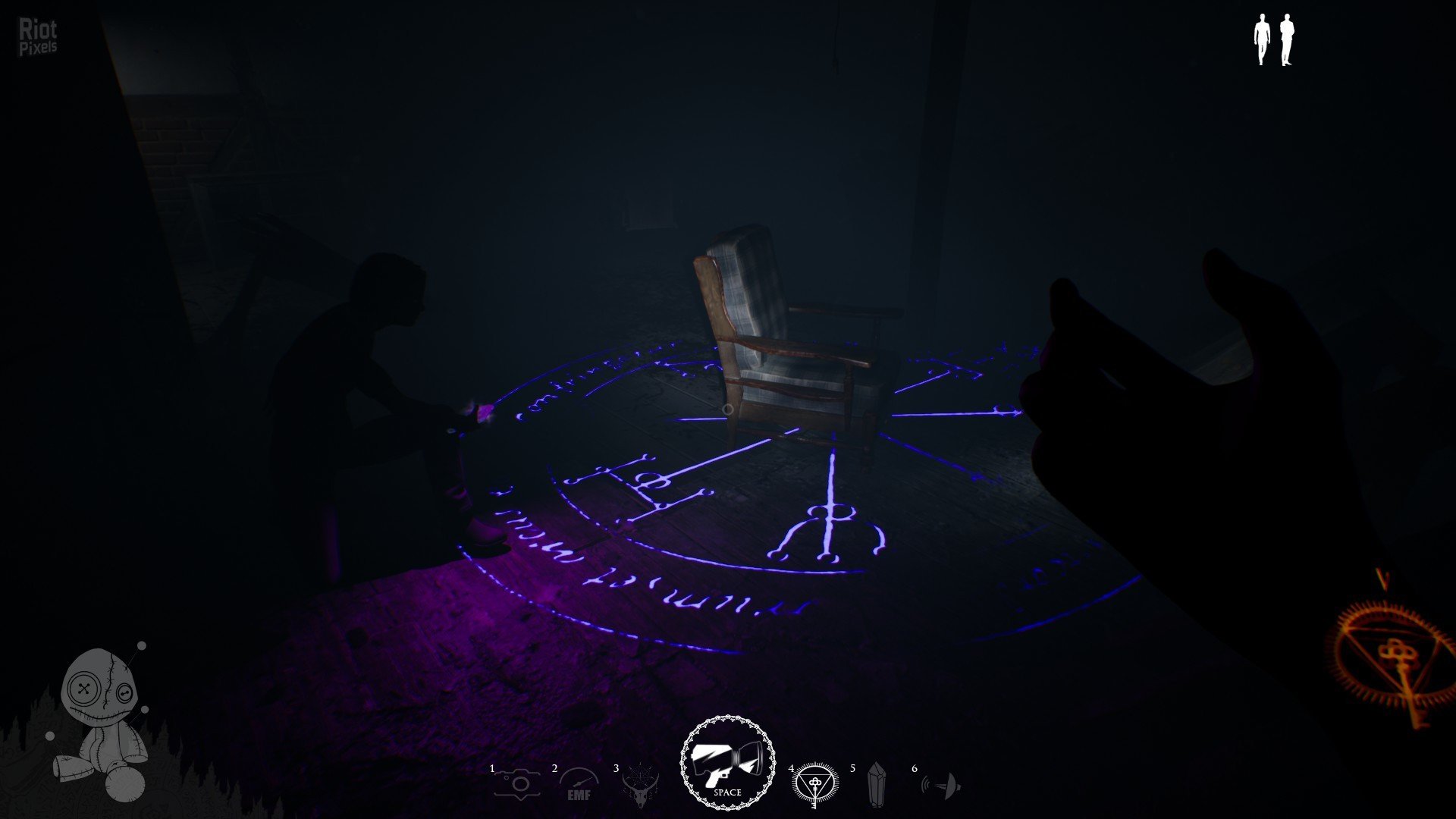
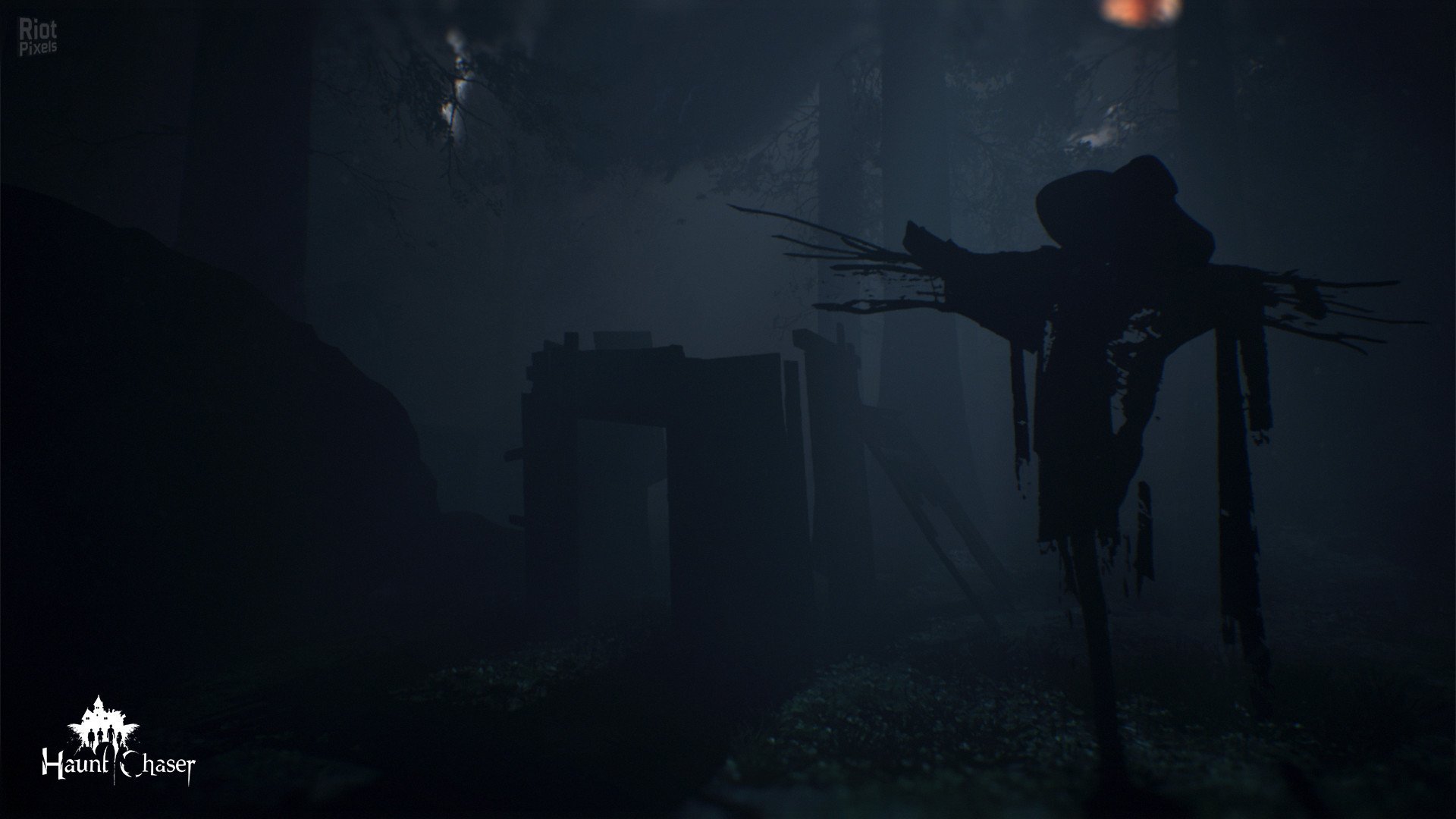
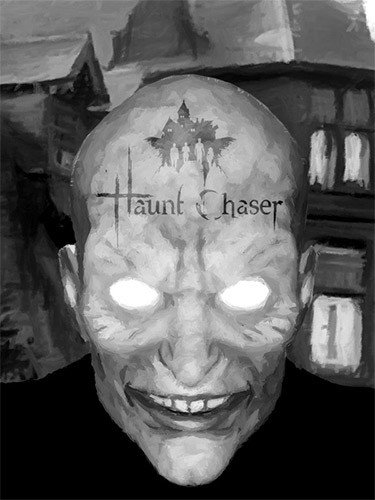
- Haunt Chaser is a 4 Player Co-Op horror game, can be played as a Single-Player too. Chasers need to use all the hunting equipment in order to banish the evil and save the poor souls from torment while uncovering deeply disturbing secrets. Also, there is a 4v1 party game mode, where one player takes control of a paranormal entity and others take control of Chasers.
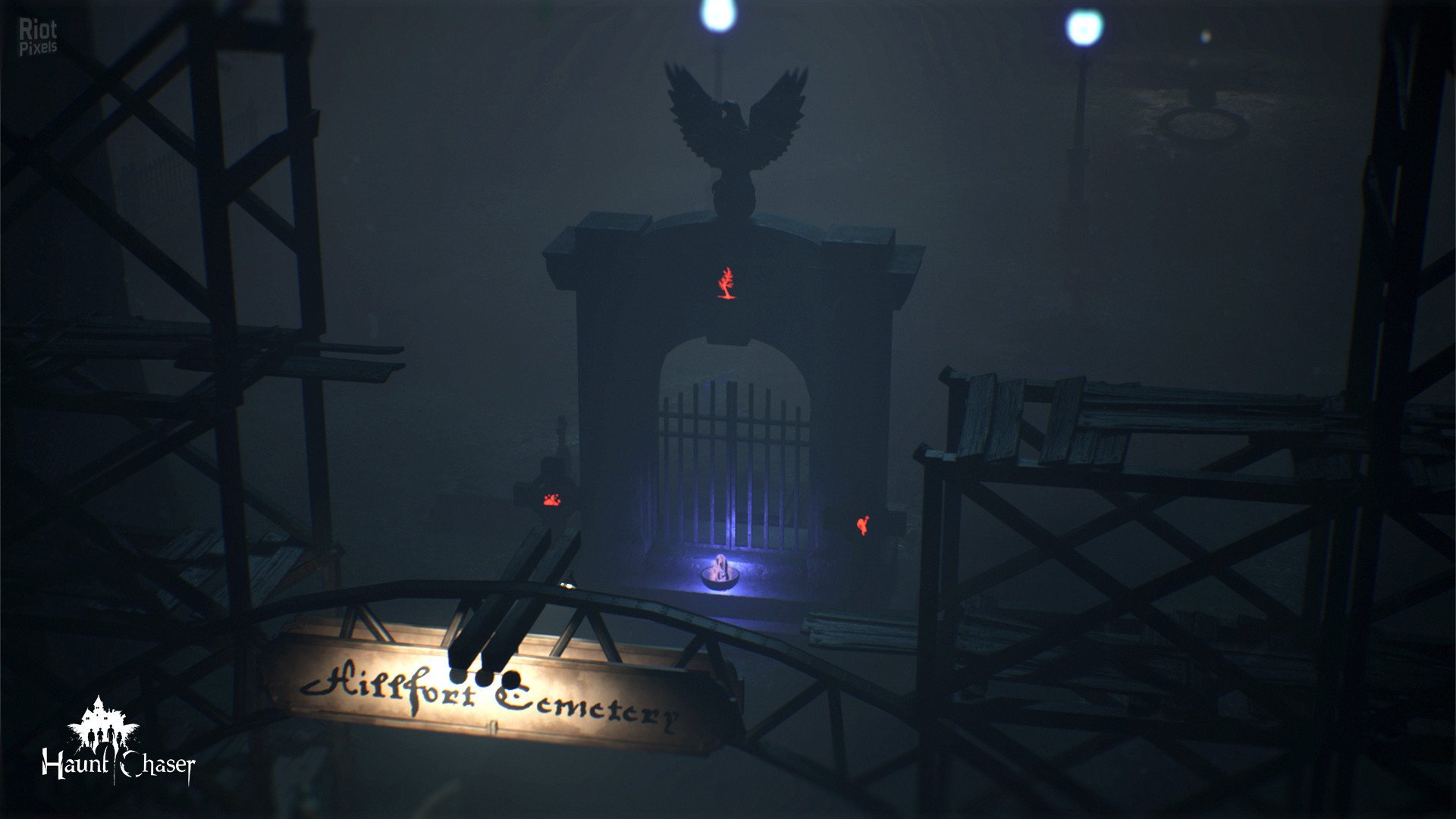
- Haunt Chaser will start with Season One Orphanage. The orphanage is located in an abandoned village, where you will start to experience the terror with other Chasers. The Chaser’s goal is to free the spirits of the tormented children from the Orphanage and banishing the evil that plagued the village from this world once and for all.
- But remember that, she can feel your soul, every step you take will be heard by the darkness itself. The children didn’t know that! At least, Chasers know what is waiting for them there!
- Chasers can either cooperate or be Lonewolf. The difficulty of banishing evil depends on whether they work together as a team or go alone. Remember, there is no escape until the evil gets banished.
- Chasers need to use their hunting equipment for investigating around, revealing truths, and finding the required items for banishing entities. Also, they need these tools for running away from evil or even hiding from it.
- It’s up to you to make the game as difficult and easy as you want for both the Supernatural being player and the Chaser player!
- Game Features
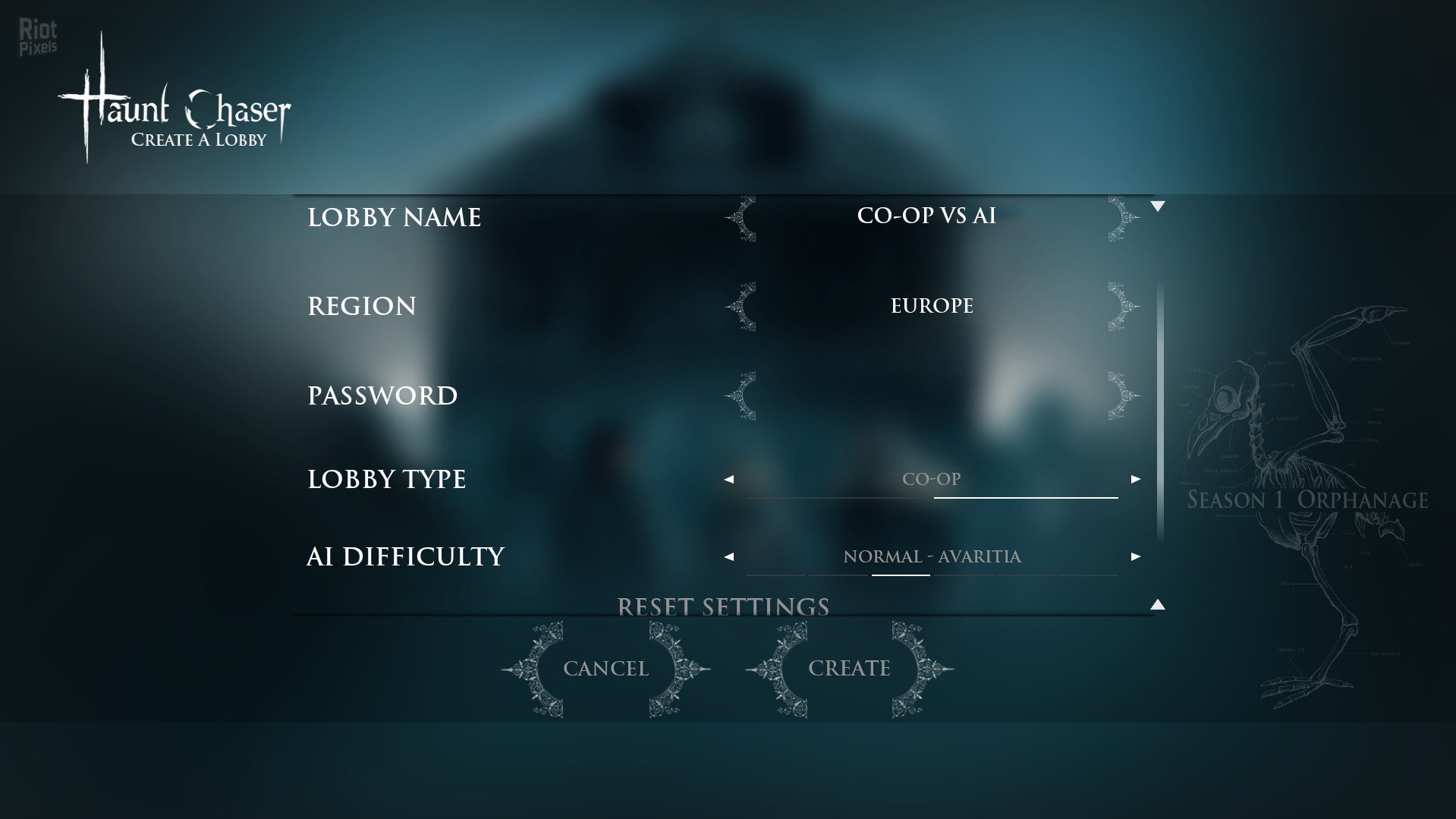
- AI Difficulty: There are a bunch of different difficulty settings for AI. You can select your AI difficulty as you like from Very Easy to Insane!
- Random Events and Random Item Spawn Locations: Random item spawn locations, locations, and real human reactions will lead every session to an unexpected scenario. You never know what will happen next time you play and if you look hard enough, you may even discover what horrifying secrets are hiding in the village.
- Specialist Cameras and Mystic Stone: gives you different spectral visions of truth and also with the Camera Chasers can take pictures of it.
- EMF Readers: will detect the slightest variations in EM fields.
- Parabolic Microphone: Chasers will hear the lamentations of the departed souls.
- Sigil: can be used for preventing the movement of evil through the doors.
- Magical Ward: can be placed to capture and banish evil at least for a while.
- Proton Light: tool creates a focused high-energy light blast. It’s for banishing an entity at least for a while!
- Speed Skill: Entity needs to use speed ability to catch its prey.
- Teleport Skill: The entity can teleport between totems.
- İnvisibility Skill: This ability makes it invisible to the living eye.
- Based on Haunt.Chaser-PLAZA ISO release: plaza-haunt.chaser.iso (7,106,985,984 bytes)
- 100% Lossless & MD5 Perfect: all files are identical to originals after installation
- NOTHING ripped, NOTHING re-encoded
- Significantly smaller archive size (compressed from 6.6 to 4.5 GB)
- Installation takes 2-3 minutes
- After-install integrity check so you could make sure that everything installed properly
- HDD space after installation: 12.5 GB
- Language can be changed in game settings
- Repack uses XTool library by Razor12911
- At least 2 GB of free RAM (inc. virtual) required for installing this repack
Download Mirrors
It is recommended to always use Magnet for downloads, and we suggest the following open-source clients: Gopeed
discussion && update
https://cs.rin.ru/forum/viewtopic.php?f=10&t=109810
Website links
- Always recommend using magnet links to download games for faster and more stable speeds. Recommend pure, open-source, ad-free download software (such as Gopeed or BitComet).
- Before running the game, evaluate the game’s system hardware requirements. If your computer only has 2G of RAM, you basically cannot expect to run large next-gen games smoothly.
- Extracting high-compression packages consumes a lot of memory. You must enable virtual memory and manually set it to 1 to 1.5 times the physical memory.
- Example: If the computer has 8G RAM, suggest increasing to 12GB – 16GB; if 16G RAM, set to 24GB (both initial and maximum values fill in 24576 MB).
- When extracting the game, the hard drive needs 2-3 times the free space of the game installation package. For example, if the package is 10G, the target drive needs at least 20-30G of free space.
- The hard disk partition format must be NTFS. The outdated FAT32 format cannot write single files larger than 4GB, which will cause the extraction to freeze.
- During game installation, temporarily disable Windows Defender or third-party antivirus software, or add the “game download directory” and “target installation directory” to the antivirus exclusion list.
- If the computer has less than 4G RAM, or high-end computers frequently report extraction errors, be sure to check “Limit installer to 2 GB of RAM usage” on the first interface during installation. This slightly limits extraction speed but greatly improves stability and solves 90% of memory overflow errors.
- When running setup.exe, always right-click the icon and select “Run as administrator” to ensure the installer has full system read/write permissions.
- The absolute path of the game installation cannot contain any Chinese characters, special symbols, or extra spaces.
- Correct example: “D:\Games\Steam”
- Wrong example: “D:\游戏\赛博朋克 2077”
- During the extraction process, the CPU and memory are pushed to the limit. At this time, strictly prohibit playing other large games, background rendering, or opening many browser tabs, otherwise it can easily cause resource contention leading to instant errors (such as Unarc.dll) or even a blue screen.
- At the checkbox interface at the end of installation, be sure to check the installation of DirectX and Visual C++ Redistributable (runtime library suite). Many players successfully extract but cannot open the game (popping up 0xc000007b or missing various .dll files) because of missing these basic runtimes.
- If the installation completes smoothly but double-clicking the game icon has no response, 99% of the time it is because Windows Defender silently quarantined or deleted the “crack patch” (such as steam_api64.dll) in the game directory right after extraction. Go to the “Protection history” in Windows Security and select “Restore and allow” for that file.
- After encountering an Unarc.dll error, never download this DLL file alone from the internet and place it in the system drive. The game compression mechanism uses highly customized dedicated libraries; generic DLLs downloaded online are useless and can easily infect the system.
- If you have strictly followed all the above configurations and requirements and still stubbornly get an Unarc.dll error during installation, you basically can only consider reinstalling a pure version of the system.
- If it still does not work, then consider installing on another machine.
THE END